AI Product Photography
The Complete Guide to AI Product Photography for Shopify
AI product photography turns a single product image into professional lifestyle and on-model photos in under 60 seconds. No photographer, no studio, no prompting. This guide breaks down how it works, what it actually costs, which tools are worth using, and how to get your first AI photos published on Shopify.
By LinkedIn: Brian Chen • 14 min read • Updated February 10, 2026

Quick Answer
AI product photography uses machine learning to place your product in professional scenes automatically. Upload one product image, and the AI generates multiple lifestyle, on-model, or product-only shots in about 60 seconds. Traditional photoshoots cost $500-$2,000 and take 2-4 weeks. AI tools like Prodofoto do the same job for roughly $1 per product, pull directly from your Shopify catalog, and publish back to your listing without you touching a file.
What AI Product Photography Is (and Isn't)
AI product photography is software that generates professional product images from a single reference photo. One clean shot of your product goes in. Finished lifestyle photos, catalog shots, and on-model images come out. Ready to publish.
This is not background removal. Background-swap tools cut your product out and paste it onto a template. The result looks edited because it is edited. Lighting doesn't match. Shadows are wrong. The product floats in front of the scene like a sticker.
AI product photography generates an entirely new image. The AI reads your product's shape, material, and color, then builds a complete scene around it. Lighting, reflections, shadows. All generated to match the environment. The result looks like a real photoshoot because the entire image is built as one.
Most shoppers cannot tell the difference between AI-generated and studio-shot product images. For Shopify merchants, that means good photos are no longer a budget question.
How AI Photo Generation Works
- You start with one clean product photo. A white-background image works well. So does any image where the product is clearly visible.
- The AI identifies your product: its shape, color, texture, edges, and surface properties.
- Based on the photo mode you select (lifestyle, product-only, or on-model), the AI generates a complete scene. It places your product naturally in the environment with accurate lighting, shadows, and reflections.
- You get multiple output images. Prodofoto generates 4 options per click so you can pick the strongest shot or use them all.
The whole thing takes under 60 seconds. With Shopify-native tools like Prodofoto, you don't even upload anything. The app pulls your product images straight from your catalog. Pick a product, pick a style, hit generate. Done.
Compare that to the traditional workflow: hire a photographer, book a studio, schedule models, shoot, wait for edits, receive final files 2-4 weeks later. With AI, you can generate test images for a new product before the sample even ships to a photographer.
Three Types of AI Product Photos
There are three kinds of AI product photos, and they do different jobs on your product page.
Lifestyle Photos
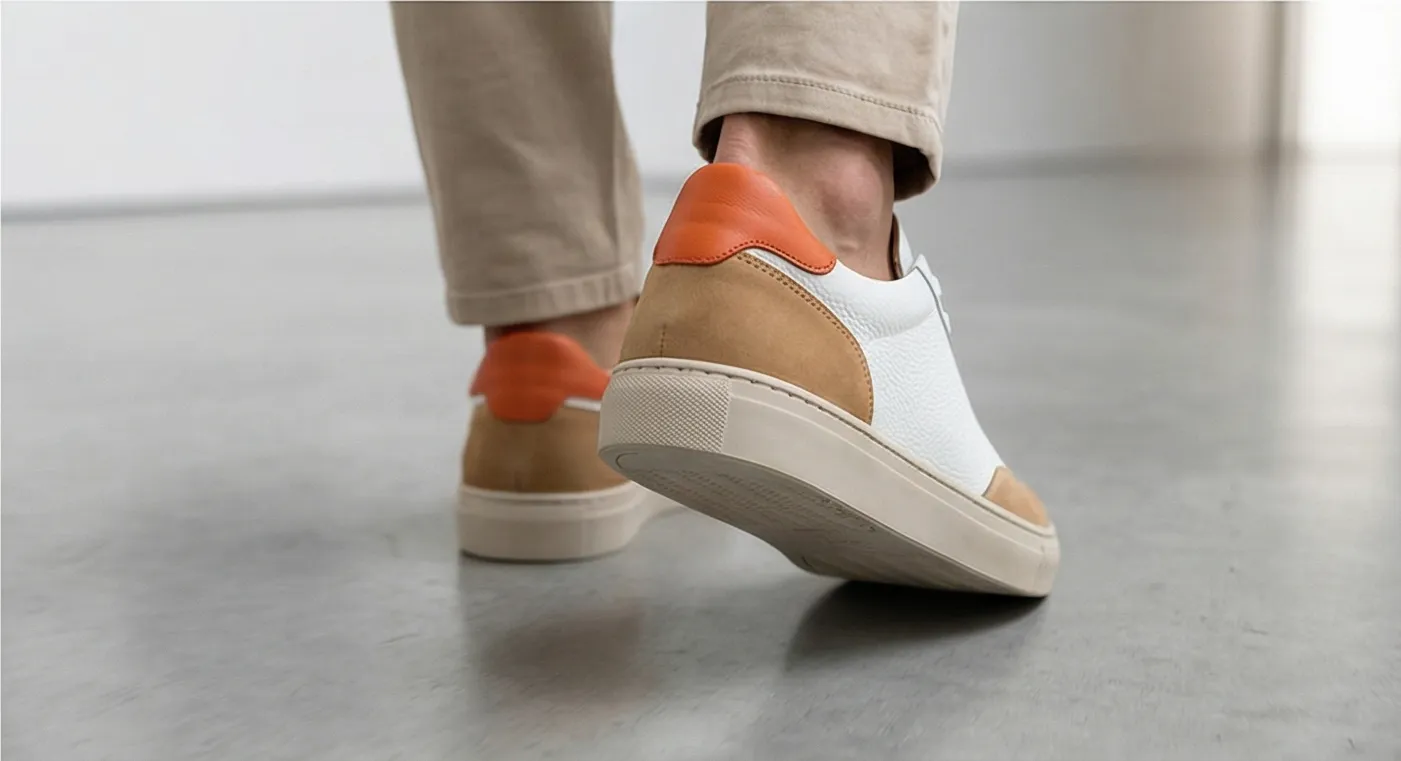
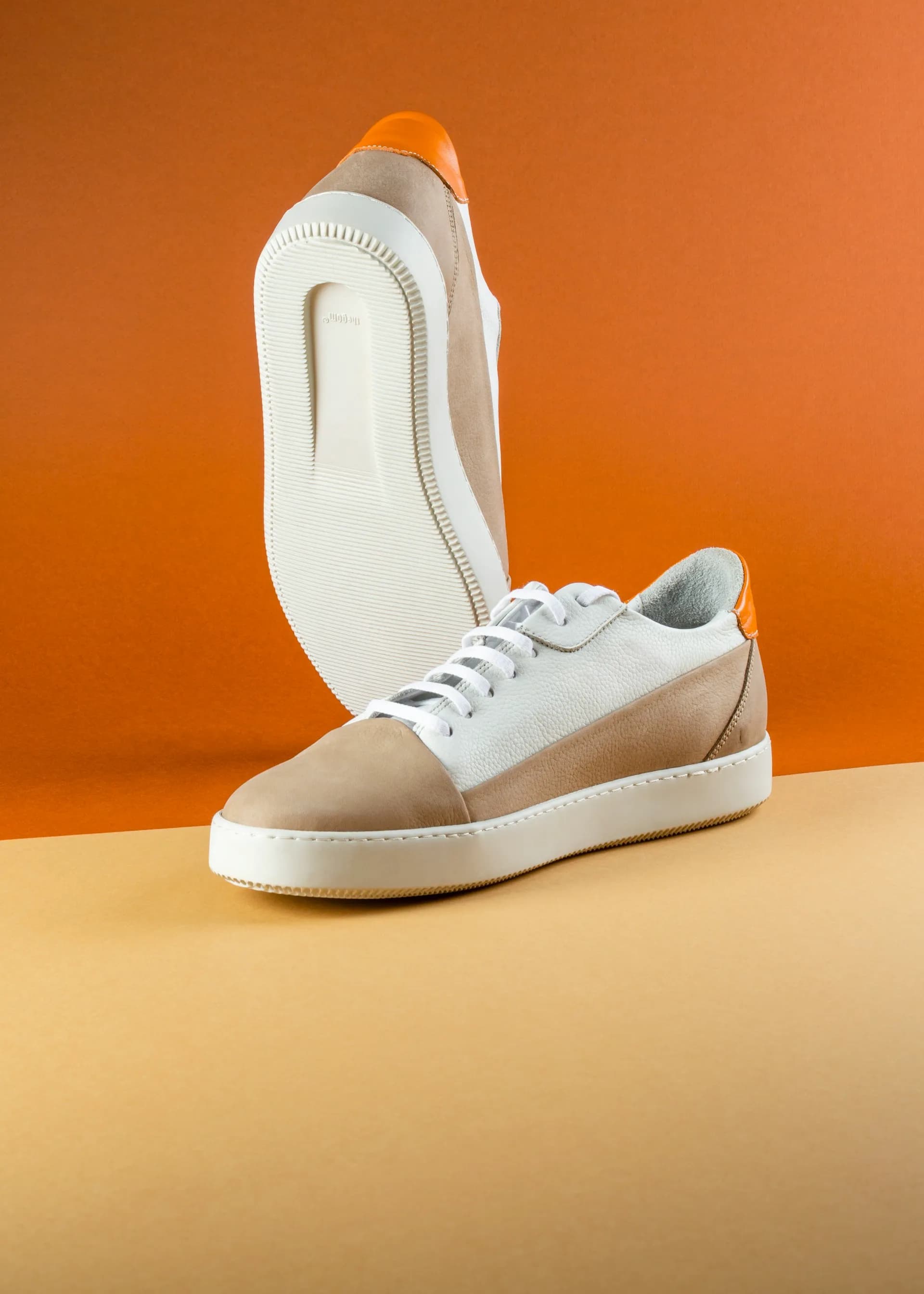
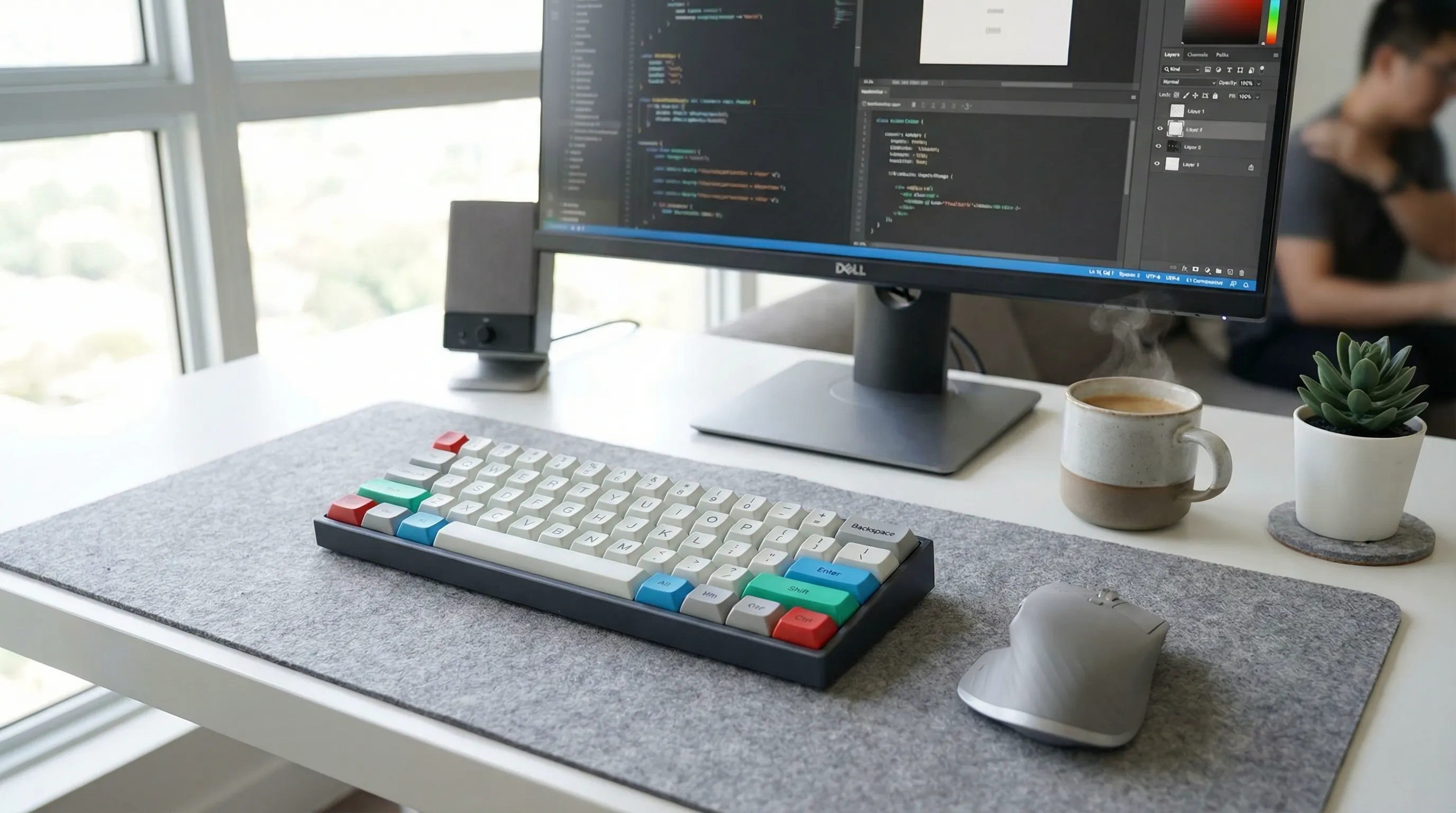
Your product placed in a real-world environment. Sneakers on a city sidewalk. A candle on a living room shelf. A keyboard on a clean desk setup. Lifestyle photos answer the question "how does this fit my life?" and consistently outperform white-background images for conversion. See our breakdown of lifestyle vs white background performance on Shopify.
On-Model Photos
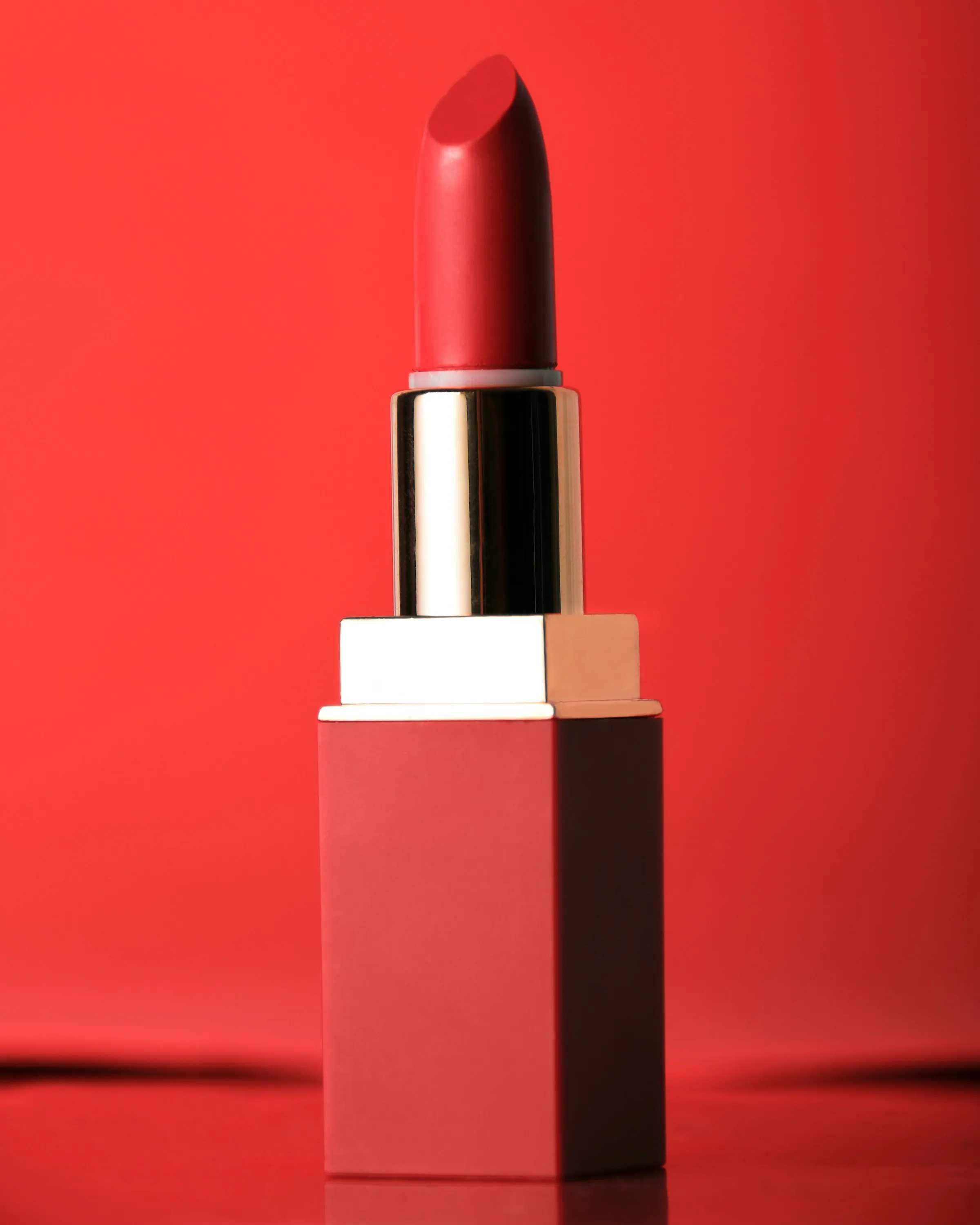
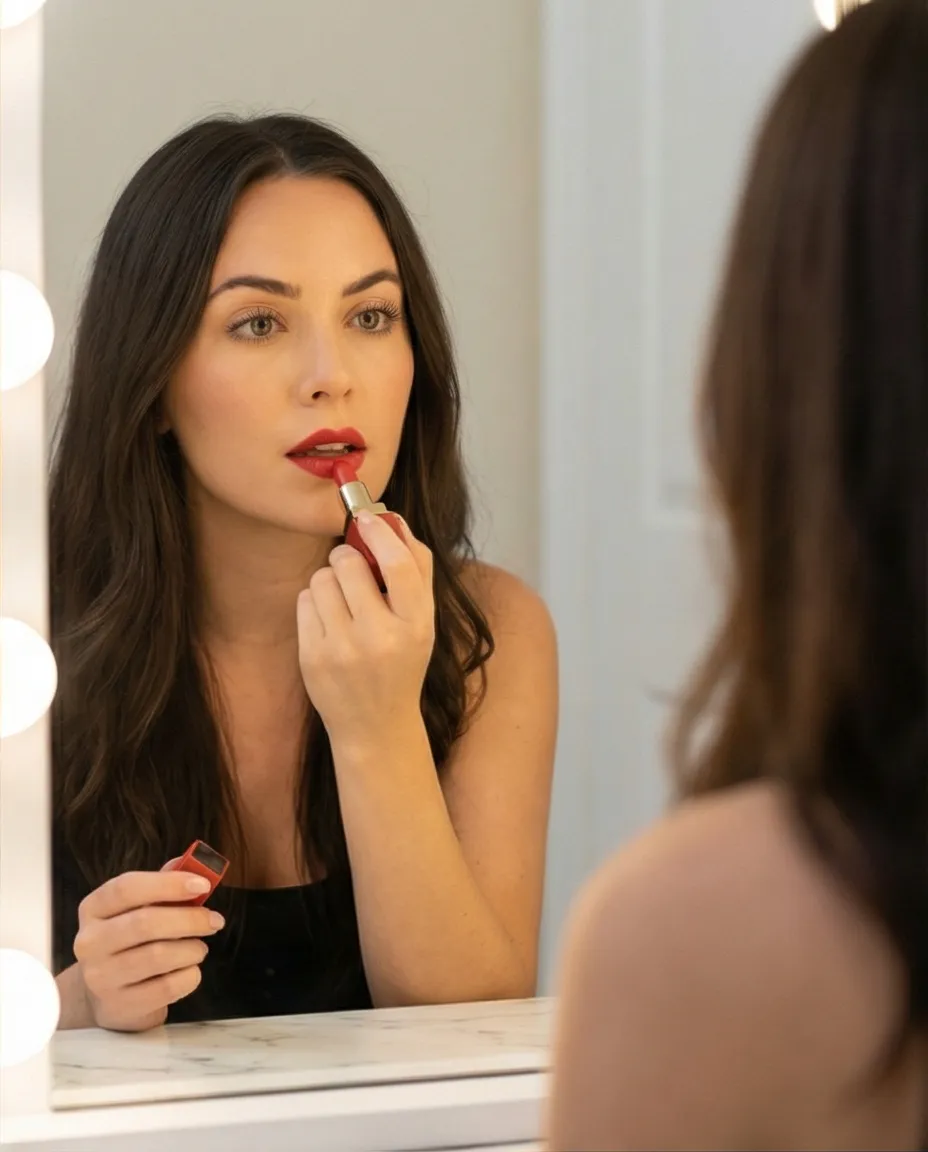
Your product worn, held, or used by AI-generated people. A jacket on a model walking through a park. Lipstick in an editorial beauty setting. For apparel, accessories, and beauty, on-model shots matter more than almost anything else. Shoppers want to see what it looks like on a person before they buy.
Product-Only Photos
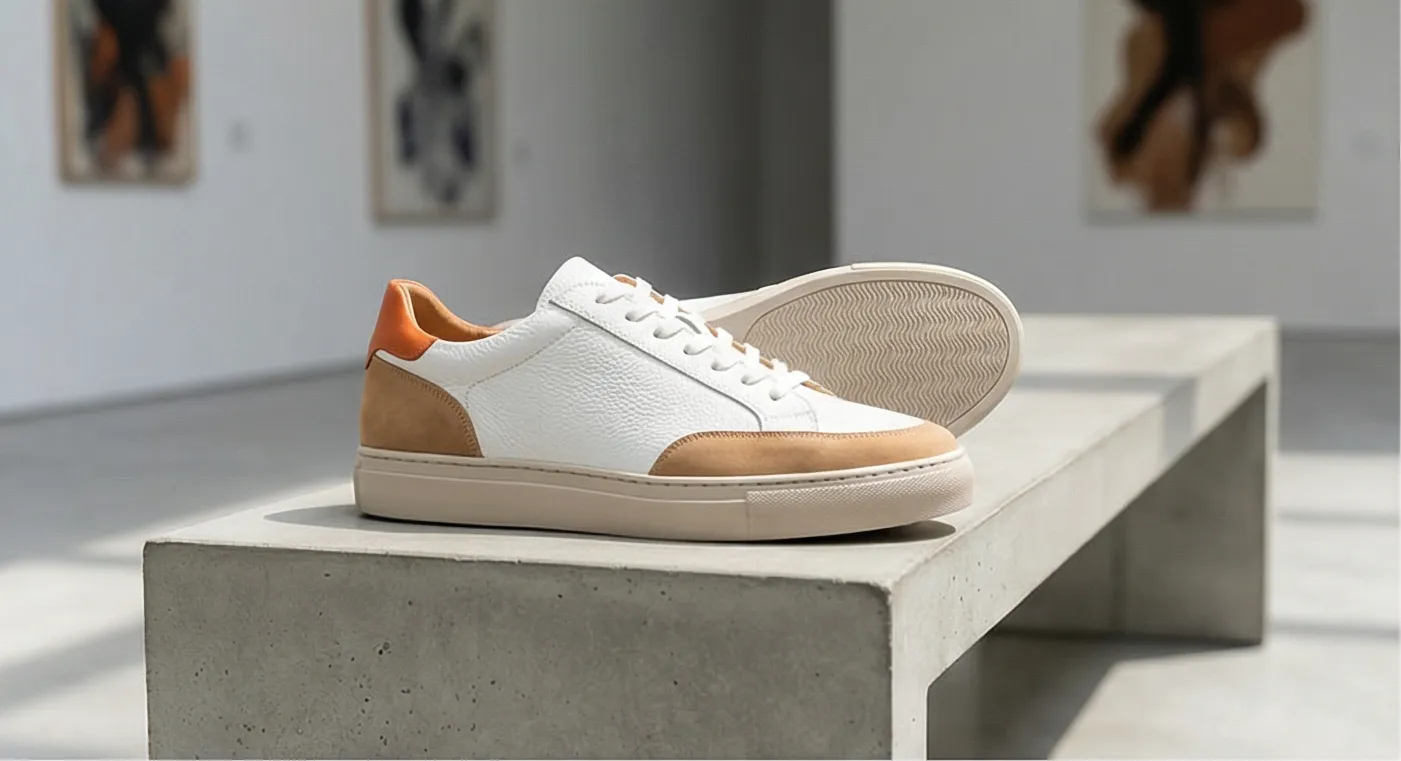
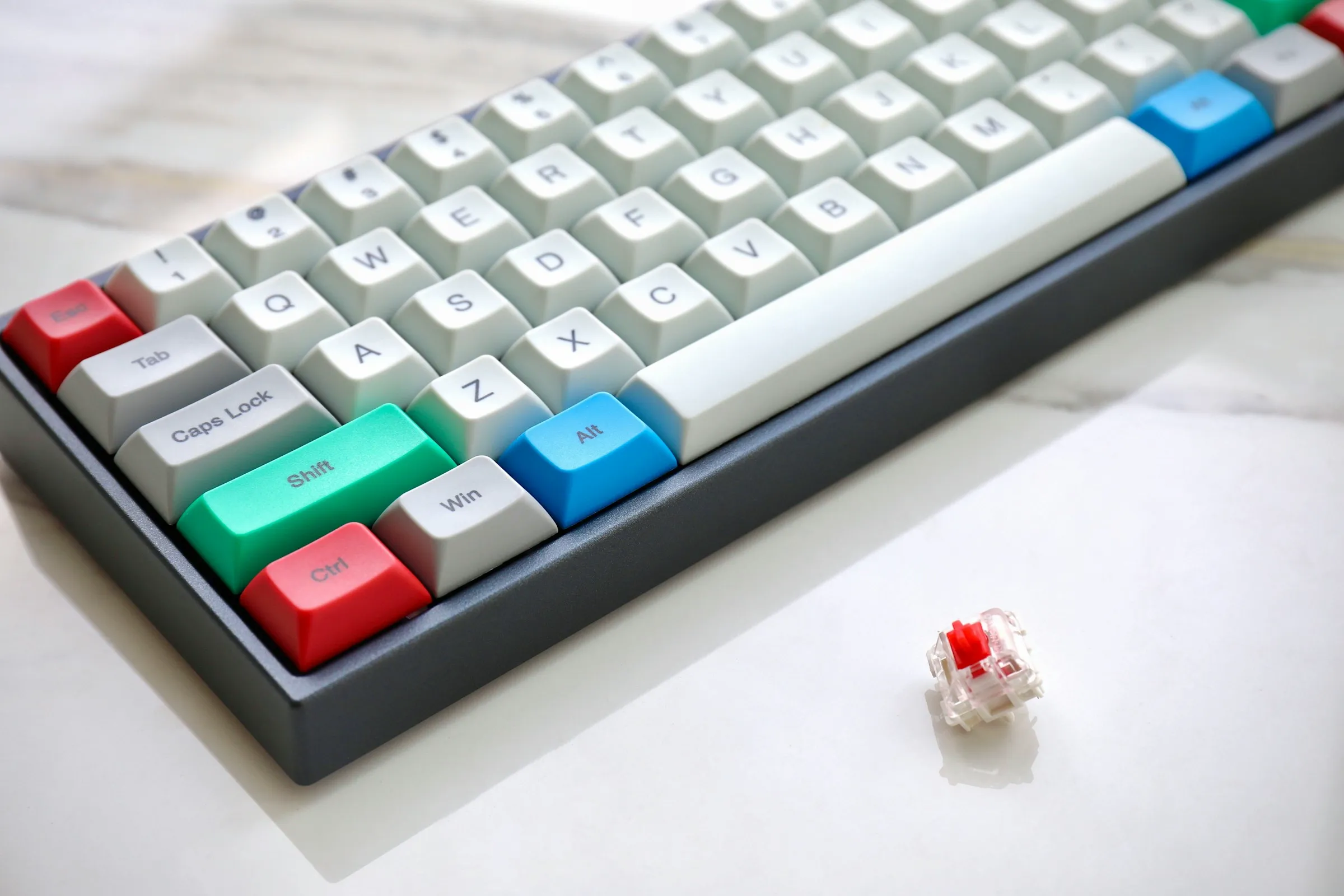
Clean catalog shots on elegant surfaces: marble, wood, fabric, or styled flat-lay arrangements. No people. These work well for hero images, marketplaces like Amazon and Google Shopping, and anywhere you need a professional look without lifestyle context.
The best product galleries use all three. White-background hero first, then lifestyle and on-model shots to show context, then detail close-ups.
AI vs Traditional Product Photography
The numbers tell the story.
| Traditional Photoshoot | AI Product Photography | |
|---|---|---|
| Cost per shoot | $500 - $2,000 | ~$1 per product |
| Turnaround | 2-4 weeks | Under 60 seconds |
| Models | $200-500/day | Included |
| Locations / sets | $300+/day | Infinite scenes |
| Output | 10-20 photos per day | 4 photos per click |
| A/B test variants | Expensive to reshoot | Generate new options instantly |
Traditional photography still wins in some areas. A skilled photographer with a real model in a real location produces images with a level of detail and feel that AI hasn't fully caught up to. For hero brand campaigns and editorial content, real shoots still make sense.
But for the other 95% of your catalog? The products sitting there with one flat image because the shoot budget ran out? That's where AI changes the math.
Most Shopify merchants don't have a photography problem on their top 10 SKUs. They have a photography problem on the other 990. AI solves the long tail.
Which Products Work Best With AI Photography
Short answer: most things work. Some product types nail it on the first try. Others need a few rounds of editing.
Best Results
- Apparel and footwear (jackets, sneakers, hats, bags)
- Beauty and cosmetics (lipstick, skincare, palettes)
- Home decor (candles, lamps, vases, pillows)
- Electronics and accessories (keyboards, headphones, cases)
- Food and beverage packaging (bottles, bags, boxes)
Requires More Iteration
- Jewelry (fine detail, reflective surfaces)
- Transparent products (glass, clear containers)
- Very small items (earbuds, pins, charms)
- Products with fine text or intricate logos
For trickier products, tools with built-in editing let you tweak the result until it looks right. You don't need to nail it on the first try. Generate, review, edit, try again. The whole loop takes minutes, not days.
Choosing the Right AI Photography Tool for Shopify
There are several AI photography tools built for e-commerce. The differences that actually matter: how tight the Shopify integration is, whether you need to write prompts, and how much manual work sits between "generate" and "published."
| Feature | Prodofoto | Photoroom | Pebblely | Claid.ai |
|---|---|---|---|---|
| Shopify integration | Native (pull + publish) | Upload / download | Upload / download | API integration |
| Workflow | One click, no prompting | Template selection | Text prompts | API parameters |
| Lifestyle photos | Yes | Yes (templates) | Yes | Yes |
| On-model photos | Yes | Limited | No | No |
| Edit / iterate | Yes | Yes | Limited | No |
| Publish to Shopify | Direct to listing | Manual | Manual | Via API |
| Output per generation | 4 photos | 1 photo | 1 photo | 1 photo |
For most Shopify merchants, the biggest thing to look at is the workflow. If you have to download the image, rename the file, go to Shopify admin, find the product, and manually upload… multiply that by 200 SKUs. It gets old fast. Native Shopify tools skip all of that.
Photoroom is strong at background editing and has a large template library. Pebblely produces clean product scenes with good customization through prompts. Claid.ai is API-first and built for developers who want programmatic control.
If you process fewer than 10 products per month, any tool works fine. If you're managing a catalog of hundreds or thousands of SKUs, the workflow matters more than the generation speed.
How To Start Using AI Product Photos on Shopify
You can go from nothing to published AI photos in about 5 minutes. Here's the actual workflow.
- Install an AI photography app from the Shopify App Store. Prodofoto has a free plan with no credit card required.
- Select a product from your catalog. The app pulls your existing product images and details automatically.
- Choose your photo mode: lifestyle, product-only, or on-model.
- Click generate. Wait about 60 seconds. You'll get 4 unique photos.
- Review the output. If any image needs refinement, use the edit tools to adjust until you're happy with the result.
- Pick your favorites and publish them directly to your Shopify product listing. No downloading, no re-uploading.
The Smart Way To Roll This Out
Don't overhaul your entire catalog at once. Start with your best-selling product that has weak images. Generate new lifestyle shots. Add them alongside your existing photos. Track add-to-cart rate for 2 weeks.
If the numbers go up (they usually do), expand to 10 more products. Then 50. You're measuring before you commit to the full catalog.
The key is to test, not to overhaul. Add AI photos to a few products. Measure. Expand what works.
Generate Your First AI Product Photos in 60 Seconds
Prodofoto pulls products straight from your Shopify store and turns one image into 4 lifestyle photos. Free to start, no credit card.
Frequently Asked Questions
Is AI product photography good enough for a real Shopify store?
Yes. The quality is there. Most shoppers can't tell the difference between AI and traditional photography, and thousands of Shopify stores already run AI-generated images in production.
Will AI-generated product photos hurt my brand trust?
Only if the images misrepresent your product. If a generated photo makes your product look like something it isn't, don't use it. Review before you publish. That's it.
Do I still need white-background photos if I use AI photography?
Yes. Keep white-background shots for your hero image and marketplace requirements (Amazon, Google Shopping). Use AI lifestyle photos alongside them, not as replacements.
How much does AI product photography cost?
Most tools range from free (limited generations) to $30-100/month for unlimited use. Per-image cost works out to roughly $0.25-$1.00. Traditional photography costs $500-$2,000 per shoot.
Can I use AI-generated product photos on Amazon?
Check each marketplace's image policy. Amazon requires a white-background main image (which AI tools can generate). Secondary images can be lifestyle shots. Most marketplaces accept AI-generated images.
What if the AI gets my product wrong?
It happens. AI occasionally distorts logos, shifts colors, or misreads product shapes. Tools with edit capabilities let you regenerate or refine until the output is accurate.
How many AI product photos should I add per listing?
Aim for 6-8 total images per product page. Start with a white-background hero, then add 2-3 AI lifestyle shots and 1-2 on-model or detail shots.
References
- Baymard Institute: Current State of Ecommerce Product Page UX
- Baymard Institute: In-Scale Product Images
- Google Search Central: Helpful, Reliable, People-First Content
- Shopify: Product Photography Tips
- Think with Google: Mobile Shopping Behavior and Trends
- BigCommerce: Ecommerce Product Photography Guide