Conversion Optimization
Lifestyle Product Photos vs White Background Shots: What Converts Better on Shopify?
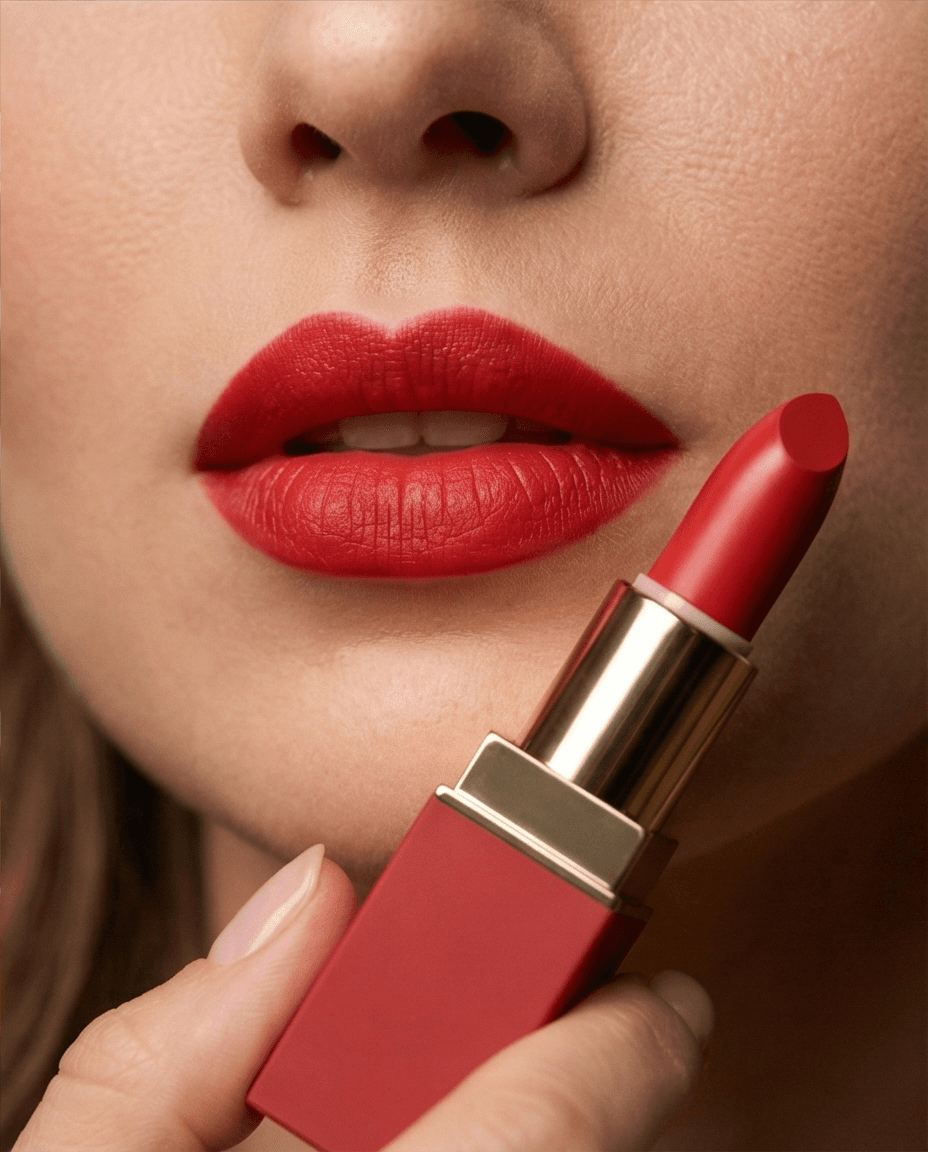
Lifestyle photos drive conversion because they reduce uncertainty. They show context, scale, and use. White-background shots still matter, but top-performing Shopify galleries use both in the right sequence.
By LinkedIn: Brian Chen • 11 min read • Updated February 8, 2026

Quick Answer
If your product page only uses plain white-background photos, you are likely leaving revenue on the table. Keep white-background images for clarity, then layer in lifestyle and in-scale photos to increase confidence and intent.
- Use white-background images as the first anchor shot.
- Add lifestyle images to show real-world use and fit.
- Include at least one clear scale shot per SKU.
- Measure impact with add-to-cart, conversion, and returns.
Why Lifestyle Photos Convert Better
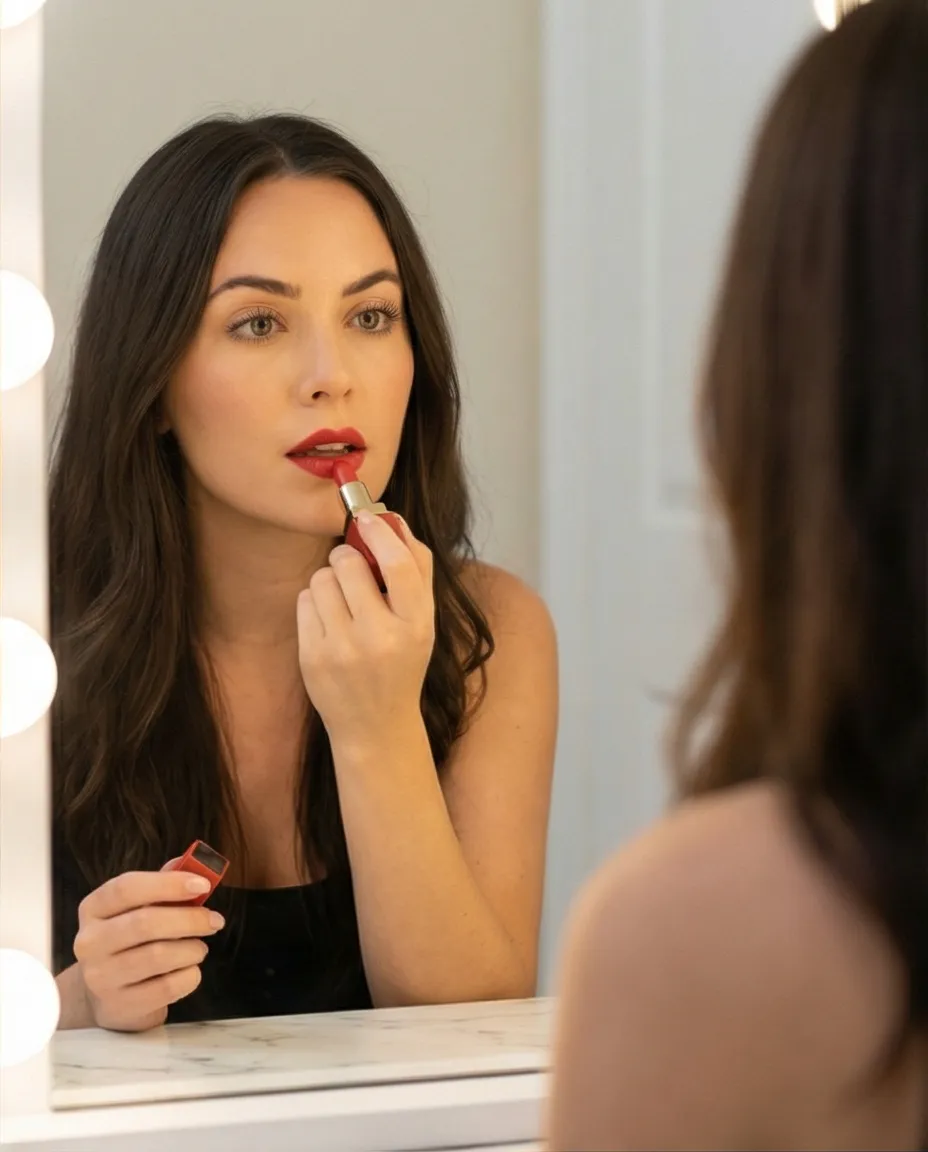
Lifestyle photography closes the imagination gap. Instead of forcing shoppers to picture the product in their life, it shows them. This reduces uncertainty and speeds up decisions.
Context
Demonstrates where and how the product is used, so utility becomes obvious without extra copy.
Scale
Shows proportion on people, desks, or surfaces, reducing size-related hesitation and return risk.
Emotional fit
Helps buyers see themselves using the product, increasing perceived relevance and intent.
Where White-Background Photos Still Win
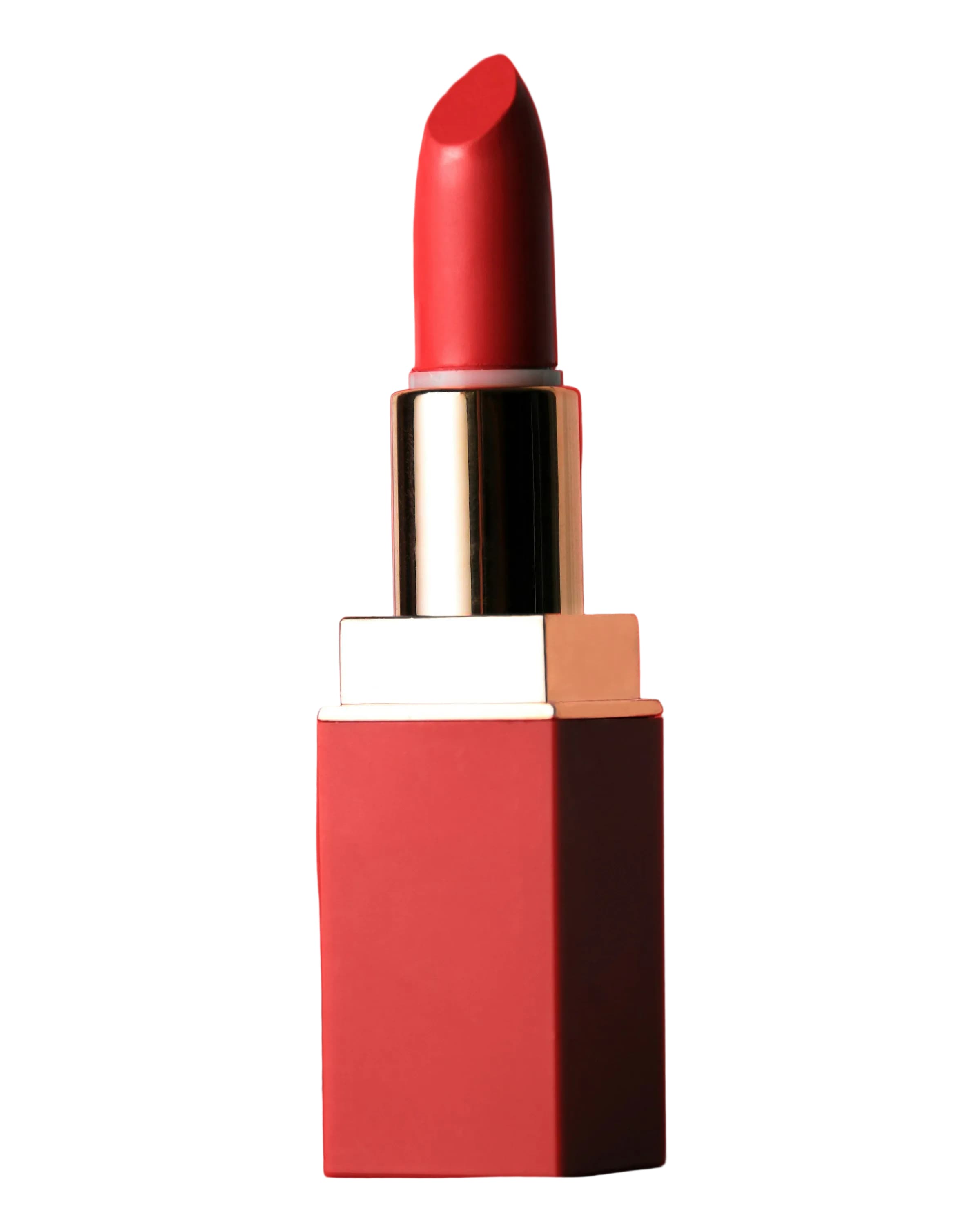
White-background photos are still mandatory for consistency, thumbnail scannability, marketplaces, and detail accuracy. The goal is not to replace them. The goal is to stop relying on them alone.
- Keep your first image clean and accurate.
- Use white backgrounds for detail-focused zoom shots.
- Use lifestyle images to answer fit and usage questions.
The Gallery Sequence That Usually Performs Best
For most Shopify products, this order balances trust and persuasion:
| Position | Image Type | Shopper Question Answered |
|---|---|---|
| 1 | Hero white-background | What is this exactly? |
| 2 | Lifestyle in use | How does this fit my life? |
| 3 | Scale reference shot | How big is it really? |
| 4 | Material/detail close-up | What quality should I expect? |
| 5+ | Alternate lifestyle scenes | Can I picture different use cases? |
How To Execute This Fast With Prodofoto AI Photoshoots
High ROI comes from speed and consistency. Instead of planning a costly full shoot for every SKU, run a repeatable workflow:
- Upload your clean product image (white-background works).
- Select a style that matches your target buyer.
- Generate multiple lifestyle options in under a minute.
- Pick the top 2-3 scenes and pair with your studio hero shot.
- Publish and test against your current gallery.
Measurement Plan (What To Track)
Test the new gallery structure on a meaningful set of SKUs. Focus on revenue impact, not just engagement. If you can run an A/B test, split traffic between the old gallery and the new white-background-plus-lifestyle sequence. If you cannot split traffic, use a before/after rollout on a stable product line and compare the same weekday windows.
Shopify metrics
- Product page conversion rate by tested SKU
- Add-to-cart rate from product detail pages
- Checkout completion rate for tested traffic
- Revenue per product page session
Trust and quality metrics
- Return reasons mentioning size, color, or expectation
- Support tickets asking for scale or use-case details
- Scroll depth or image swipe depth on product pages
- Ad creative save rate if the same lifestyle image runs in paid social
Run tests long enough to cover weekly demand patterns, then roll out winning image sets category by category. For a deeper test plan, use the Shopify product photography conversion checklist and the product gallery sequence guide as your rollout checklist.
Decision Framework: Which Image Type Should Lead?
The right answer depends on what the shopper doubts before buying. Use this framework to decide whether the white-background image, lifestyle image, or a detail image should be emphasized first after the main hero.
Use white first
Lead with white-background accuracy when shoppers need to inspect color, material, packaging, labels, or included accessories. This is common for beauty, supplements, electronics, and regulated product categories.
Use lifestyle early
Move lifestyle into slot two when the product's value depends on aspiration, room styling, outfit pairing, gifting, or a real-world use case. Home decor, apparel, drinkware, and bags usually benefit from this.
Use detail early
Put a close-up before lifestyle when texture, craftsmanship, stitching, finish, or scale is the reason someone pays more. Then use lifestyle images to show the product in context.
If you are building the lifestyle shots with AI, start with the tutorial on generating AI lifestyle product photos or the broader explainer on what AI lifestyle product photos are before changing your full catalog.
Risks to Avoid When Mixing Lifestyle and White Background Shots
- Changing the product shape: lifestyle scenes should add context, not alter the product. Reject AI outputs that distort handles, labels, logos, dimensions, or texture.
- Making scale ambiguous: if the lifestyle image shows a bag, bottle, lamp, or decor item, include a scene cue that makes size obvious.
- Over-styling the gallery: too many lifestyle shots can hide critical buying information. Keep white, lifestyle, scale, and detail images in a balanced sequence.
- Testing too many changes at once: change the gallery mix first, then test copy, price, or offer changes separately so the result is readable.
Turn One Clean Product Photo Into A Full Conversion Gallery
Prodofoto helps Shopify teams generate on-brand lifestyle photoshoots in minutes so you can test faster, ship better PDPs, and improve conversion without traditional production overhead.
FAQ
Should I replace all white-background images with lifestyle shots?
No. Keep white-background images for hero clarity and detail accuracy. Add lifestyle images to improve context and persuasion.
How many images should a product page include?
Most products perform well with 6-8 images if each image answers a specific buyer question (what, fit, size, quality, use case).
Can AI-generated lifestyle photos hurt trust?
They can if visuals misrepresent materials, fit, or scale. Keep outputs realistic and always preserve key product details.