Conversion Optimization
10 Things Top-Converting Shopify Stores Do Differently
The average Shopify store converts at 1.4%. Top stores hit 3.2%+. Here are the 10 specific things they do differently, from photography to checkout.


Quick Answer
The average Shopify store converts at 1.4%. The top 20% convert at 3.2%or higher. The gap isn't luck or ad budget — it's a handful of specific decisions around photography, speed, checkout, and trust. This article breaks down all 10 of them.
The average Shopify store converts at 1.4%. That means 98 out of every 100 visitors leave without buying.
The top 20% of Shopify stores convert at 3.2% or higher. Elite stores hit 4.7%+. Same Shopify platform, same apps, same ad channels. The difference is what they do with all of it.
Here's the honest part: most merchants work hard on their stores. They tweak themes, run ads, and obsess over their product lineup. But conversion rate optimization isn't about working harder. It's about knowing which levers actually move the needle.
This article gives you the 10 specific things top-converting stores do that average stores skip or underestimate. We'll go through each one with data, real examples, and exactly what to do about it.
1. They Show Products in Context, Not Just on White Backgrounds
White-background photos are clean. They're also conversion killers when used alone.
67% of shoppers say visuals are the most important factor in a purchase decision. And 75% of shoppers rely on product photos to decide whether to buy. But a product floating on white tells shoppers almost nothing about scale, feel, or how it fits into their life.
Lifestyle photos — ones that show the product in real-world settings — increase conversions 15 to 30% compared to white-background-only galleries. High-quality photos overall show 94% higher conversion ratesthan low-quality alternatives. That's not a rounding error. That's the single highest-ROI change most stores can make.
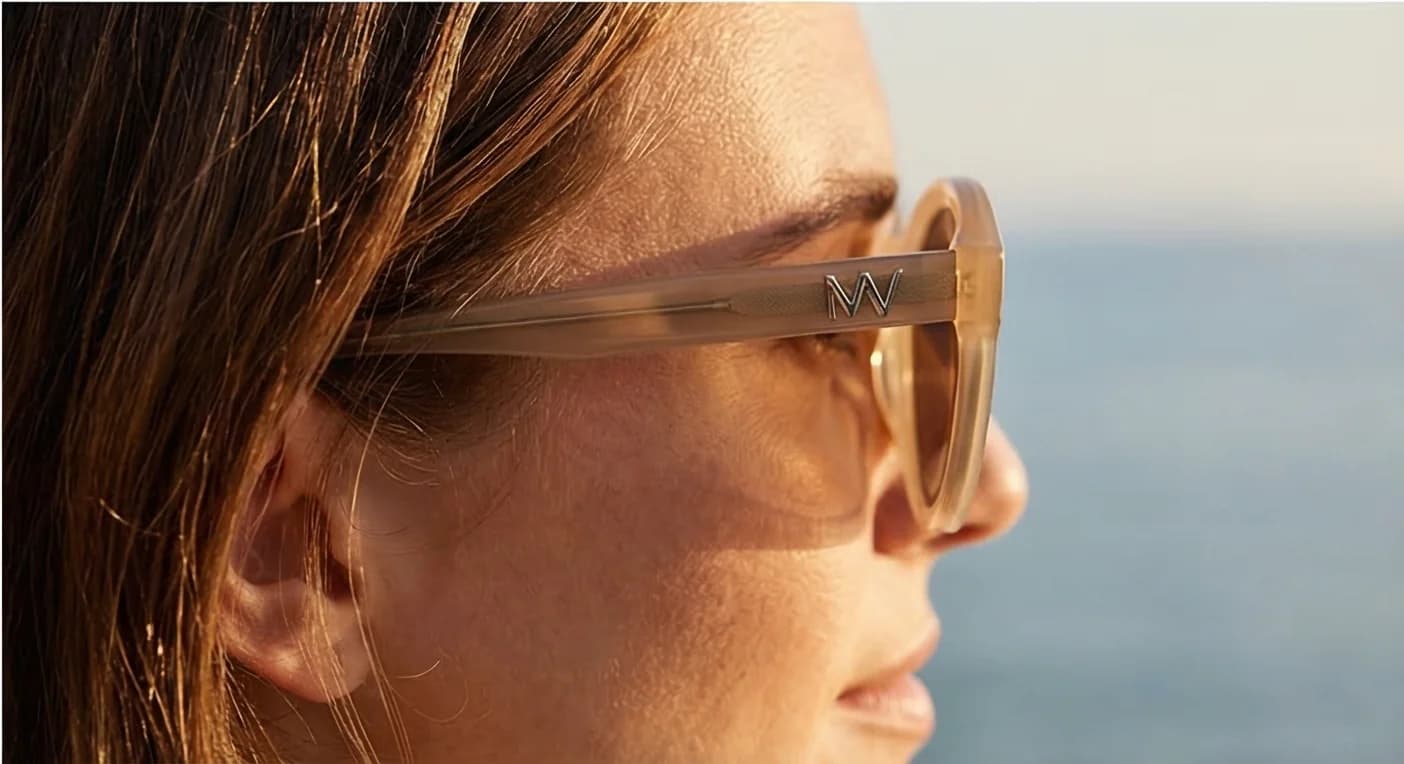
Shoppers can't touch or try your product. Lifestyle photos bridge that gap. A throw blanket on a couch tells a different story than a throw blanket on a white table. A skincare serum on a bathroom shelf next to a coffee mug and a towel reads as real, not clinical.
The historic barrier was cost. A product lifestyle shoot ran $500 to $2,000+ per session, with 1 to 2 week turnarounds. That's no longer the only option. Prodofoto is a Shopify app that turns a standard white-background product photo into 4 professional lifestyle photos in under 2 minutes.
If you're not sure where to start, read our full comparison of lifestyle photos vs white background shots and their impact on Shopify conversions.
2. They Use Multiple Images, Not Just One
Top-converting stores know that 1 product photo isn't enough. Products with 3 to 5 images convert significantly better than those with just 1.
| Position | Image Type | Purpose |
|---|---|---|
| 1 | Lifestyle hero shot | Emotional connection, first impression |
| 2 | White background (clean) | Detail and accuracy |
| 3 | Lifestyle variation | Different use case or setting |
| 4 | Detail/texture close-up | Answer “what's it made of?” |
| 5 | Scale reference | Answer “how big is it?” |
| 6+ | In-use or demo shot | Show it working |
Each photo in your gallery answers a different objection. For a full breakdown of what to include and in what order, see our guide on how many product photos your Shopify store actually needs.
3. They Load Fast, Especially on Mobile
A 1-second delay in page load time reduces conversions by 7%. A 3-second delay can cut your conversion rate in half.
85% of mobile shoppers abandon without converting. Mobile is now the majority of e-commerce traffic. If your store loads slowly on a phone, you're losing most of your potential customers before they even see your product.
- Compress images. Convert all product photos to WebP format. A 2MB JPEG becomes a 400KB WebP with no visible quality loss.
- Limit third-party apps. Every installed Shopify app adds JavaScript. Audit your app list annually.
- Use Shopify's CDN correctly.Make sure image URLs go through Shopify's servers, not hotlinked from external sources.
- Pick a fast theme. Dawn and other OS2 themes are optimized for Core Web Vitals.
Test your store at Google PageSpeed Insights and aim for a mobile score above 70. Anything below 50 is actively hurting your conversions.
4. They Make Checkout Frictionless
18% of online shoppers abandon their cart specifically because of a complicated checkout process, according to the Baymard Institute.
- Enable Shop Pay and accelerated checkout. Shop Pay users convert at nearly 2x the rate of guest checkouts.
- Remove mandatory account creation. Forcing account creation at checkout is a top abandonment trigger.
- Show total cost early. Hidden shipping costs are the number-one abandonment reason.
- Reduce form fields. Every field is an opportunity to lose a customer.
- One-page checkout.Shopify's one-page checkout reduces steps between cart and confirmation.

5. They Stack Social Proof Everywhere
72% of shoppers read reviews before buying. Top-converting stores don't hide their social proof on a single reviews tab. They put it everywhere a shopper might hesitate.
- Product pages: Star rating and review count directly below the product title
- Below the add-to-cart button: A single pull-quote from a verified buyer
- Homepage:A review carousel or “as seen in” press mentions
- Cart page:“Join 4,200 happy customers” or similar count
- Checkout: Return policy and trust badges visible at every step
Apps like Okendo, Judge.me, and Loox make it easy to collect and display photo reviews. Photo reviews from real customers are especially effective because they double as social proof and lifestyle imagery.
6. They Recover Abandoned Carts
The average cart abandonment rate is around 70%. Most merchants accept this as a given. Top stores treat it as a recovery opportunity.
A 3-email abandoned cart sequence is the baseline:
- 1 hour after abandonment:Reminder, no discount. Just “you left something behind.”
- 24 hours after abandonment: Address objections. Include a review, a size guide link, or your return policy.
- 72 hours after abandonment: Offer an incentive if it makes sense for your margins. 10% off or free shipping.
Don't ignore SMS. Abandoned cart SMS messages have significantly higher open rates than email. A single text sent 30 minutes after abandonment can recover 5 to 10% of abandoned orders on its own.
7. They Use Urgency That Feels Real
Fake urgency destroys trust. “Only 3 left!” when you have 300 in stock is something shoppers recognize and dismiss.
- Inventory scarcity:“Only 4 left” displayed when the actual inventory count is 4 or fewer.
- Time-based shipping:“Order in the next 2 hours for delivery by Friday.”
- Sale end dates:Show a countdown timer with a real end date. Don't reset it when it expires.
- Seasonal relevance:“This sells out every holiday season” is honest urgency if it's true.
The test for real urgency: is the statement still accurate in 48 hours? If not, don't use it.
8. They Write Product Descriptions That Sell, Not Just Describe
Most product descriptions answer “what is this?” Top-converting stores answer “why do I need this, and why from you?”
- Lead with the outcome, not the feature. “Sleep through the night” beats “memory foam construction.”
- Use bullet points for specs, prose for benefits. The emotional case goes in the opening paragraph.
- Answer the top objections in the description. If “will this fit?” is a common question, address it.
- Include keywords naturally. Your primary keyword should appear in the first 100 words.
9. They Invest in Live Chat (or Smart Self-Service)
Live chat increases conversions by 40%.The reason is simple: questions that don't get answered in real time become reasons to leave.
For stores that can staff live chat during business hours, it's worth it. Shopify Inbox is free and handles the basics well. For stores that can't, a strong self-service FAQ on product pages covers most of the same ground.
AI chat tools like Tidio have improved enough that a well-trained chatbot handles a meaningful percentage of pre-purchase questions without any human involvement. The setup takes a few hours. The payoff is 24/7 coverage.
10. They Test Continuously, Not Once
Every store on this list made their improvements through iteration, not a single redesign.
- One change at a time.If you change your photos, your headline, and your CTA button all in the same week, you won't know which one moved the needle.
- Minimum 2 weeks per test.Conversion data has natural variance. A week isn't long enough.
- Focus on high-traffic pages first. Test on your best-selling product pages before rolling changes site-wide.
- Track the right metrics. Add-to-cart rate, checkout initiation rate, and conversion rate are the 3 metrics that matter most.
The stores converting at 4.7%+ didn't get there with a single good idea. They ran 20 tests, kept 8, and compounded the wins over 12 months.
Quick win before you move on:If you're only going to do one thing from this list, add lifestyle photography to your top 3 product pages. It's the highest-ROI change most Shopify merchants can make without touching their theme or ad account. See our guide to how product photo quality directly affects your Shopify conversion rate to understand the full scope of the opportunity.

FAQ
What is a good Shopify conversion rate?
The average Shopify store converts at 1.4%. A good conversion rate is 2.5% to 3.5%, which puts you in the top 20% to 30% of stores. Elite stores, typically those selling consumables, beauty products, or impulse-buy items, reach 4% to 5%+. Your category matters: apparel and accessories tend to convert lower than consumables. Benchmark against your niche, not the platform average.
What's the fastest way to improve a Shopify store's conversion rate?
The fastest, highest-ROI change for most stores is improving product photography, specifically adding lifestyle images that show the product in context. After photography, the next fastest wins are enabling accelerated checkout (Shop Pay, Apple Pay), adding a star rating above the fold on product pages, and setting up an abandoned cart email sequence. Most merchants see measurable results from photography and checkout changes within 2 to 4 weeks.
How do product photos affect Shopify conversions?
Product photos are often the single biggest conversion lever on a Shopify store. 75% of shoppers rely on product photos when deciding whether to buy. High-quality photos produce 94% higher conversion rates than low-quality ones. Lifestyle photos that show the product in real-world settings convert 15 to 30% better than white-background-only galleries.
Do I need to redesign my store to improve conversions?
No. A redesign is rarely the answer. The changes that move conversion rates the most — better photos, faster load times, more social proof, frictionless checkout — are all achievable without touching your theme. Start with your top 3 product pages and make incremental changes. Most merchants who think they need a redesign actually need better photography and a fixed checkout flow.
Start With What Shoppers Actually See
Top-converting stores aren't running on a different version of Shopify. They've just made specific decisions that average stores haven't made yet.
You don't need to tackle all 10 at once. Start with the change that has the highest potential impact for your current traffic and product type. For most stores, that's photography.
If you've been relying on white-background photos, Prodofoto is worth trying. Upload a product photo, get 4 professional lifestyle images in under 2 minutes. It's the fastest way to close the photo gap without a studio budget.
For a complete checklist, see the Shopify product photography conversion checklist. And to see what's holding your photos back right now, read 10 product photo mistakes that hurt Shopify conversions.
The gap between 1.4% and 3.2% is real. And it's closeable.