Photography Tips
The Perfect Shopify Product Gallery Sequence (How Many Photos and What Order)
A Shopify product listing needs 6 to 8 images in a specific order: white-background cutout first, lifestyle shot second, detail close-up third, then scale reference, alternate angle, and packaging. This is the definitive how-many-and-what-order guide, including category-specific sequences for fashion, beauty, electronics, food, home, and toys, plus a gallery checklist you can run through before publishing any product page.
By LinkedIn: Brian Chen • 9 min read• Published February 19, 2026

Quick Answer
The optimal Shopify product gallery sequence is: (1) white-background cutout, (2) lifestyle/context shot, (3) detail close-up, (4) scale reference, (5) alternate angle, (6) packaging or group shot. Shoppers who interact with lifestyle images in positions 2-3 are 3.4x more likely to purchase (Shopify). Products with 6-8 images in this order outperform galleries with randomly ordered or insufficient images.
The 6-Image Gallery Sequence That Converts
This sequence comes from analyzing top-performing Shopify stores and aligning with Baymard Institute's product page UX research. Each position serves a specific purpose in the shopper's decision process.
| Position | Image Type | What It Does | Shopper Question Answered |
|---|---|---|---|
| 1 | White-background cutout | Identifies the product instantly | "What is this product?" |
| 2 | Lifestyle / context shot | Shows the product in real life | "How would this look in my life?" |
| 3 | Detail / close-up | Reveals texture, quality, craftsmanship | "Is the quality worth the price?" |
| 4 | Scale reference | Shows actual size relative to something familiar | "How big is this thing?" |
| 5 | Alternate angle | Shows sides, back, or bottom view | "What does the rest of it look like?" |
| 6 | Packaging / group shot | Sets expectations for what arrives | "What will I actually receive?" |
This is not a guess. 56% of shoppers interact with product images as their first action on a product page (Baymard Institute). They swipe through your gallery before reading a single word of your description. The sequence you give them determines whether they stay or bounce.
Why the Order of Your Images Matters
Shoppers do not view all your images equally. The first image gets the most views. Each subsequent image gets fewer. By position 5 or 6, only the most engaged shoppers are still looking.
This means your most important selling images need to be early in the sequence. A white-background cutout in position 1 anchors the product in the shopper's mind. A lifestyle shot in position 2 creates desire. A detail shot in position 3 builds trust. By the time they reach position 4, they are already leaning toward a purchase decision.
Think of your gallery like a sales pitch. You would not start with the packaging. You would start with what the product is, then why they should want it, then why it is worth the money. Your image sequence should follow the same logic.
Baymard Institute found that 42% of users actively try to evaluate product details through images. If those detail images are buried at position 7 or 8, most shoppers never see them. Put them at position 3 where engaged shoppers are still paying attention.
Which Image Positions Drive the Most Conversions
Position 1 gets 100% of views. Every shopper who lands on your product page sees it. From there, engagement drops. But the shoppers who do swipe past position 1 are your highest-intent buyers.
| Position | Engagement Level | What to Put Here | Why |
|---|---|---|---|
| 1 | Highest (100% view rate) | Clean cutout | Used in search, collections, Google Shopping |
| 2 | Very high (most swipe to 2) | Best lifestyle shot | Creates desire; 3.4x more likely to purchase (Shopify) |
| 3 | High (engaged shoppers) | Detail close-up | 42% of users evaluate quality through images (Baymard) |
| 4-6 | Moderate (serious buyers) | Scale, angle, packaging | Reduces returns; 22% of returns are "looks different" (Rocket Returns) |
The data is clear: high-resolution product images drive 94% higher conversion than low-resolution alternatives (Spyne). Going from 1 image to 2 can double your conversion rate (Pixelz). And products with 6-8 images significantly outperform those with 1-3.
But image count alone does not tell the whole story. Six identical white-background shots from slightly different angles will not convert like a properly sequenced gallery with variety. The sequence creates a narrative. Each image answers the next question in the shopper's head.
Mobile vs Desktop Gallery Behavior
Mobile accounts for over 70% of Shopify traffic. And mobile shoppers interact with product galleries differently than desktop shoppers.
On desktop, shoppers see thumbnail strips or grids alongside the main image. They can jump to any image in any order. On mobile, the gallery is a horizontal swipe. Shoppers move through images sequentially, one at a time. If your best image is in position 5, a mobile shopper has to swipe past 4 others to find it.
This makes the first 2-3 images even more important on mobile. Most mobile shoppers will see images 1-3. Fewer will reach images 4-6. Your hero cutout and your strongest lifestyle shot must be in the first two positions. No exceptions.
Shopify's default product page theme renders images in the exact order you upload them. There is no automatic reordering for mobile. Whatever sequence you set is what mobile shoppers see. Get it right the first time.
For more on how ignoring mobile is one of the top product photo mistakes, see our full breakdown.
Recommended Sequences by Category and SKU Type
Keep the same logic—identify, desire, prove quality, answer objections—but adjust the middle images for what shoppers need to believe before they buy.
| Category | Recommended order | Why it works |
|---|---|---|
| Fashion / apparel | Cutout, on-model front, on-model side/back, fabric close-up, fit/scale, packaging or variants | Fit and drape are the biggest objections, so show the product on a body early. |
| Beauty / skincare | Cutout, texture swipe, bathroom/vanity lifestyle, ingredient/detail close-up, scale-in-hand, routine bundle | Shoppers need texture, size, and routine context before trusting a beauty product. |
| Electronics / accessories | Cutout, in-use lifestyle, ports/details, scale next to device, compatibility/context, box contents | Compatibility and included parts matter more than pure aesthetics. |
| Food / beverage | Cutout, appetizing lifestyle, serving suggestion, package detail, scale/quantity, ingredients or bundle | The gallery needs appetite appeal plus clear expectations about size and quantity. |
| Home decor / furniture | Cutout, room lifestyle, scale in space, material close-up, alternate angle, styling variants | Room context and scale prevent mismatched-expectation returns. |
| Toys / gifts | Cutout, play/use scene, scale with hand/child-safe prop, detail, packaging, giftable bundle | Gift buyers need age/use context and a clear idea of what arrives. |
The 6-8 Image Gallery Checklist
Use six images for simple SKUs and eight for products with fit, compatibility, ingredients, bundles, or premium materials.
Alt Text Best Practices for Each Gallery Position
Alt text does two things: it makes your images accessible to screen readers, and it helps search engines understand what each image shows. Both matter for conversions and SEO.
Every image in your gallery needs unique, descriptive alt text. Repeating the same product name six times does nothing. Each alt tag should describe what that specific image shows.
Position 1 (cutout):
"[Product name] on white background" or "[Product name] front view"
Position 2 (lifestyle):
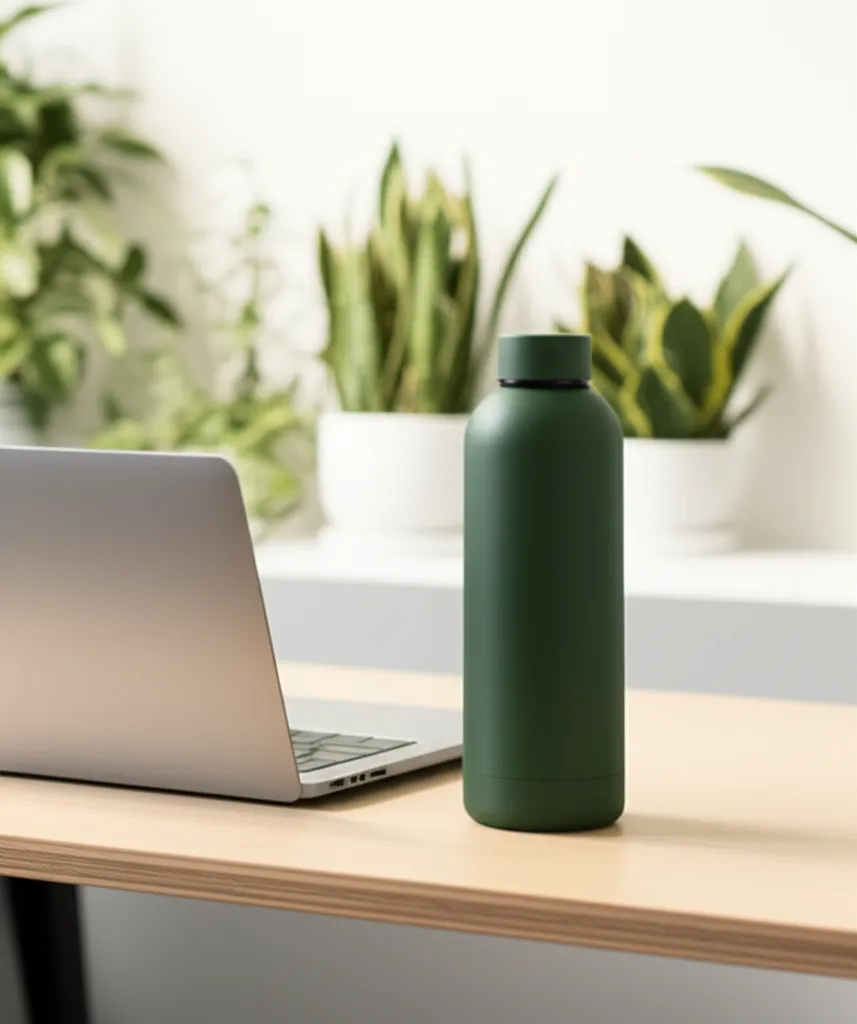
"[Product name] on [specific setting]" like "Stainless steel water bottle on office desk next to laptop"
Position 3 (detail):
"Close-up of [specific detail]" like "Close-up of water bottle cap seal and matte finish"
Positions 4-6:
Describe the specific view, scale reference, or what is included. "[Product name] held in hand showing size" or "[Product name] with packaging box and accessories"
Google Merchant Center requires at least one image with the product clearly visible. Using descriptive alt text helps your images appear in Google Image Search, which drives additional traffic to your product pages. Shopify Help Center recommends keeping alt text under 125 characters.
1 product photo
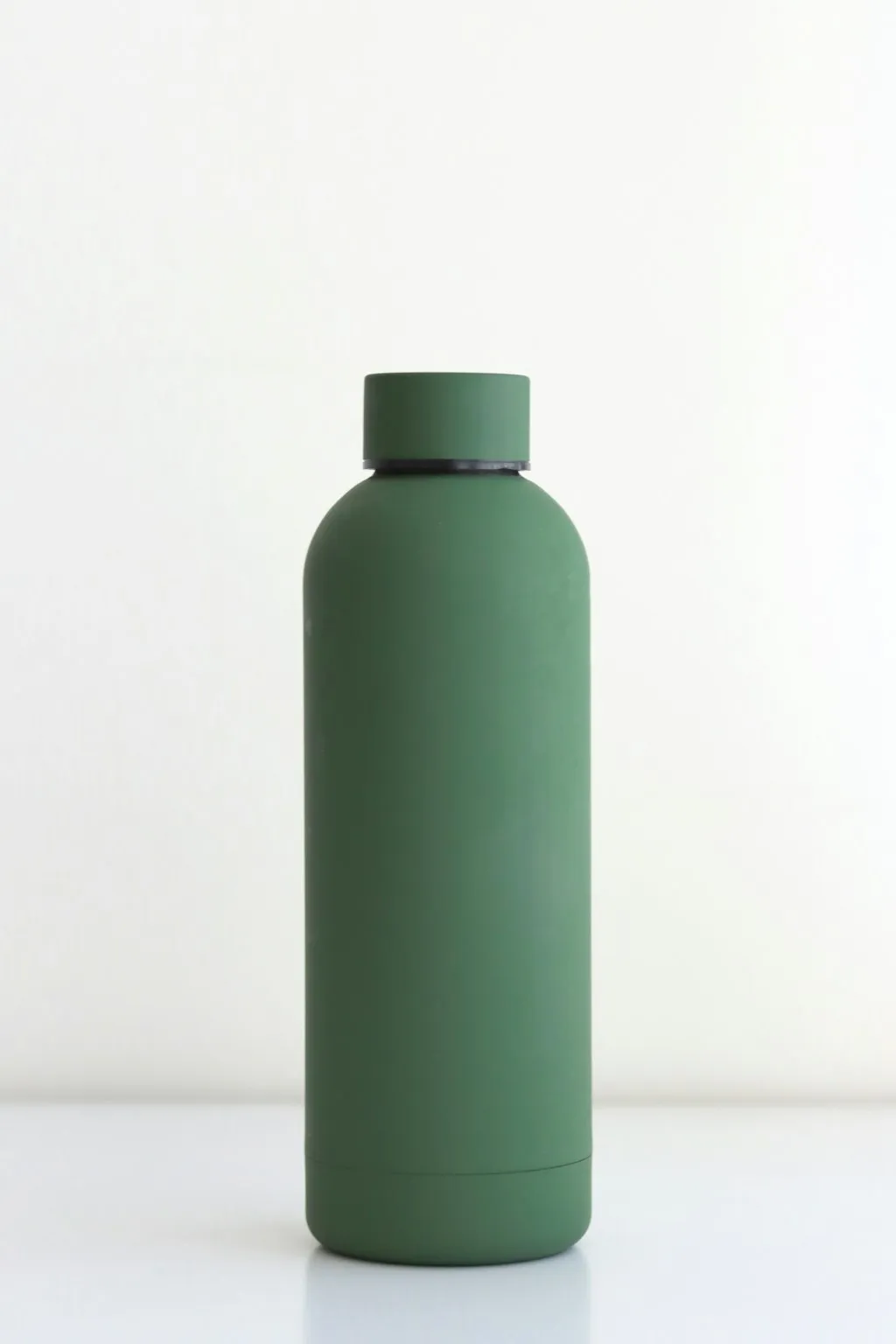
4 lifestyle photos in ~60 seconds
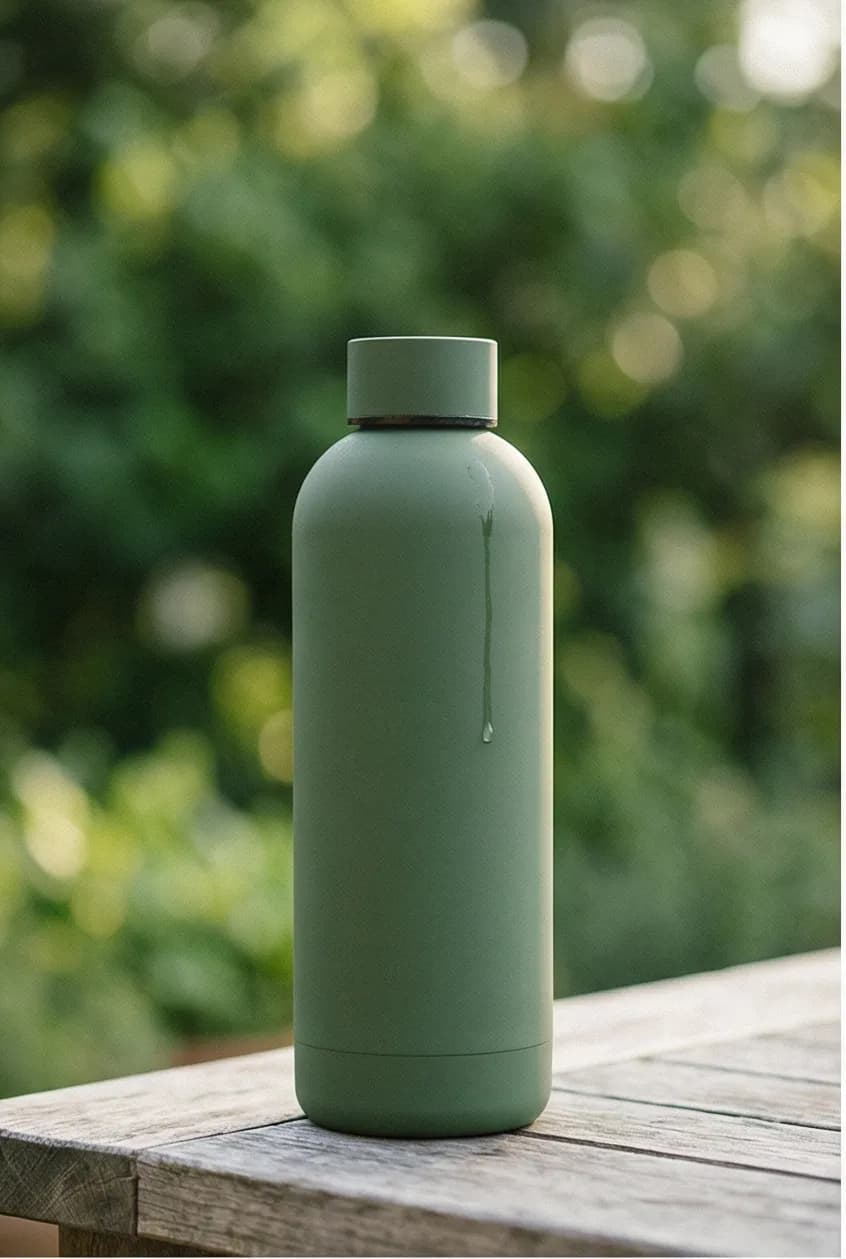
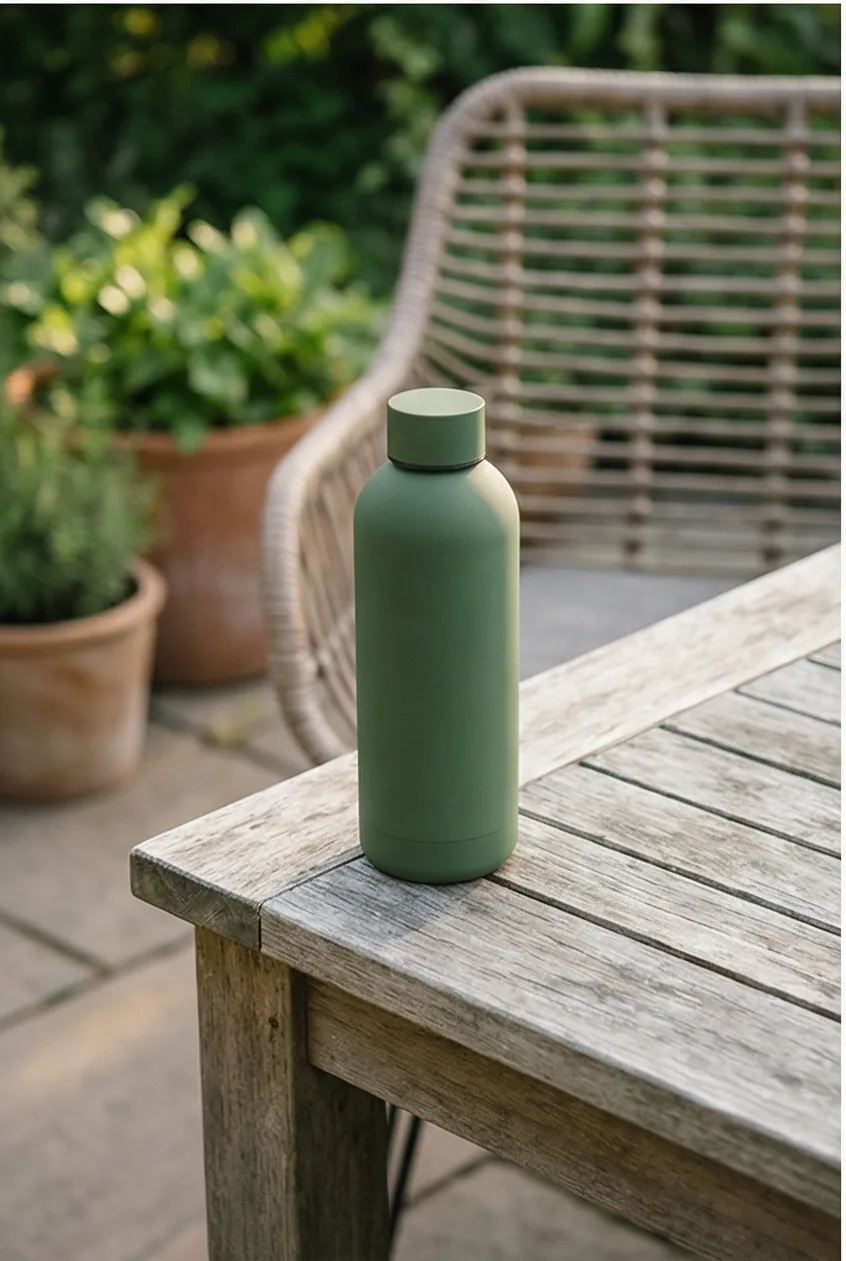
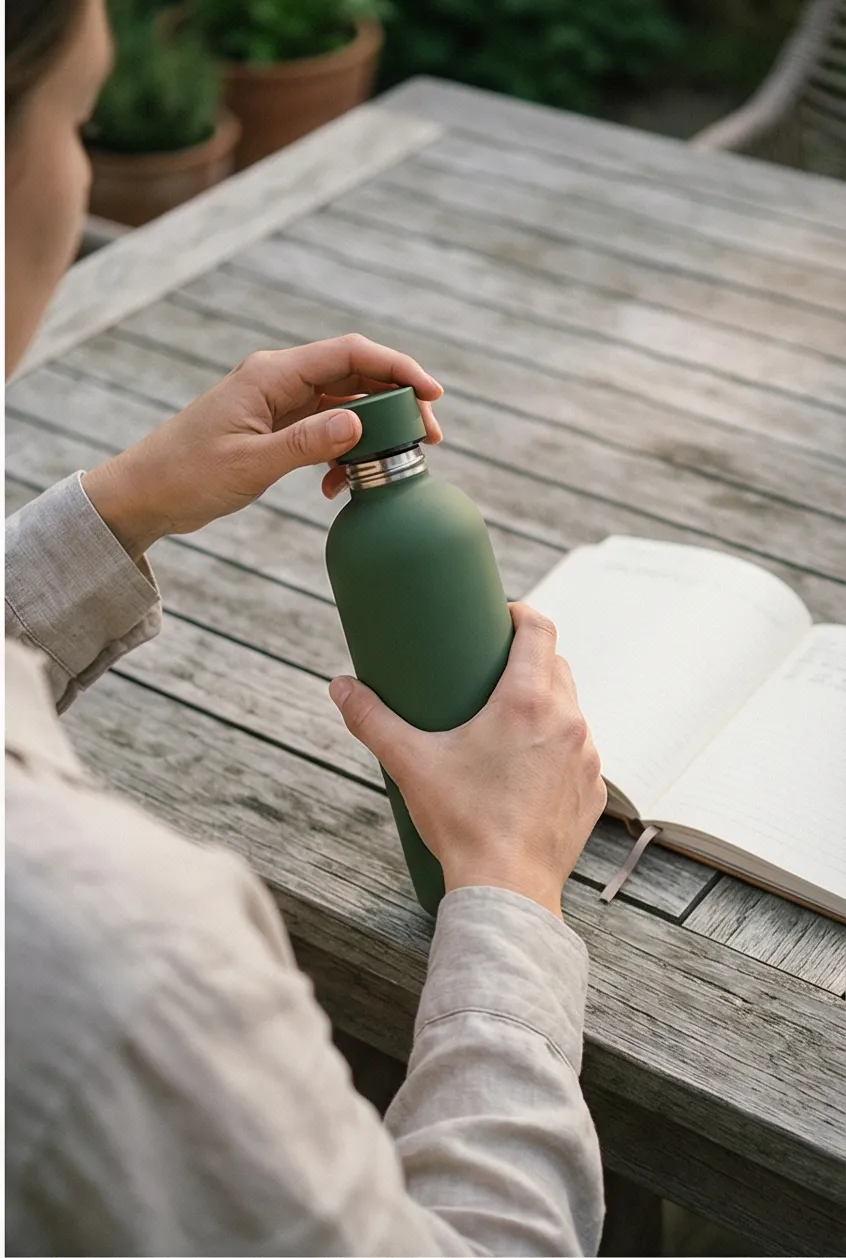
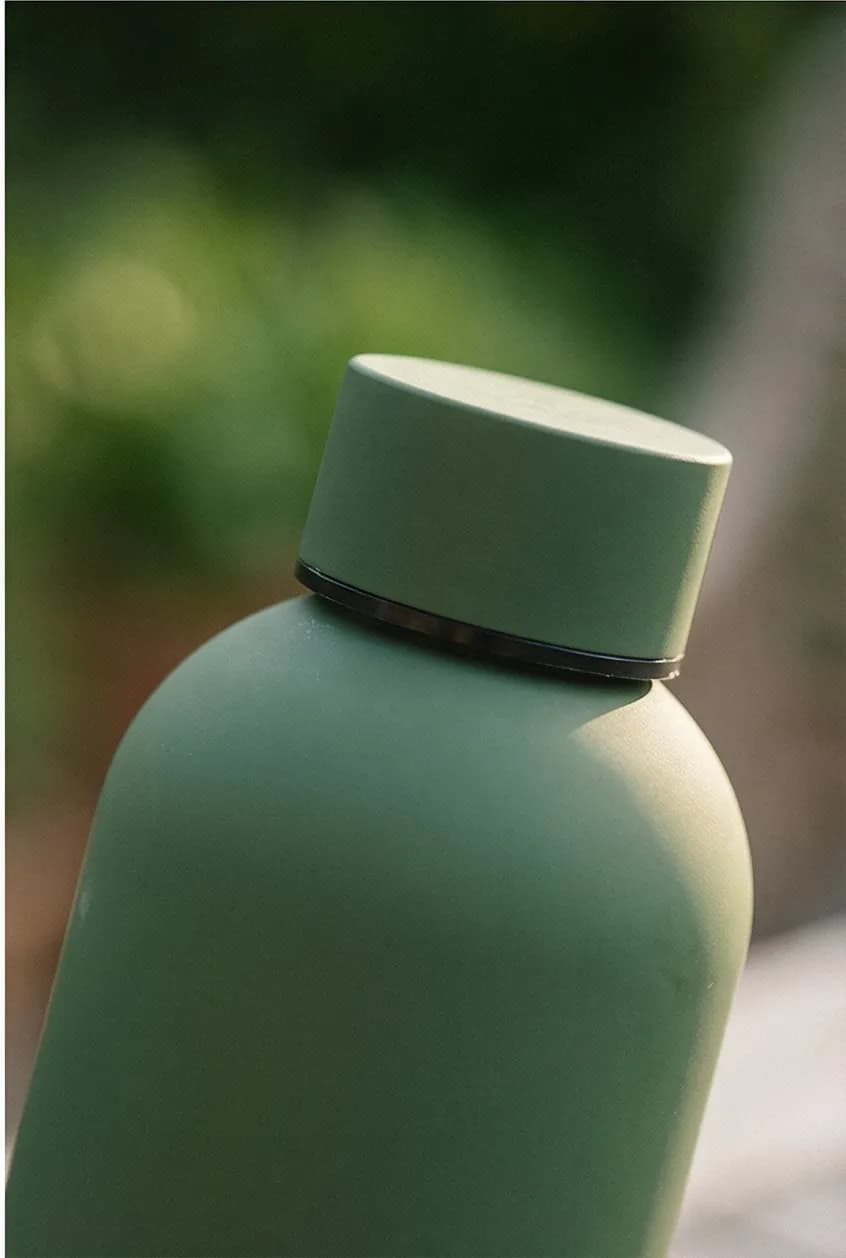
One white-background cutout goes in. Four gallery-ready lifestyle shots come out.
Generate Positions 2-4 in 60 Seconds
Most Shopify stores already have the position 1 cutout. What they are missing is everything after it: the lifestyle shots, the context images, the variety that fills out a converting gallery. Shooting those images traditionally costs $500-$2,000 per session. For a catalog of 100+ products, that adds up fast.
AI photography tools fill this gap. Prodofoto takes your existing white-background product image and generates lifestyle variants for positions 2-4 in your gallery.
- Pick a product from your Shopify catalog. Prodofoto pulls your existing images automatically.
- Choose lifestyle, product-only, or on-model mode.
- Get 4 photos in about 60 seconds.
- Edit until you are satisfied, then publish straight to the listing.
One product photo becomes a full gallery. Your cutout stays in position 1. The AI-generated lifestyle shots fill positions 2-4. You add your own detail shots, scale references, or packaging photos for positions 5-6. Done.
For the full walkthrough, see our step-by-step tutorial on generating AI lifestyle photos.
Turn One Product Photo Into a Full Conversion Gallery
Prodofoto generates 4 AI lifestyle photos from your existing Shopify product images. Fill positions 2-4 of every gallery in 60 seconds per product.
Frequently Asked Questions
What image should be first in a Shopify product gallery?
A clean white-background cutout of the full product. This is the image that appears in search results, collection pages, and Google Shopping. It needs to communicate what the product is instantly at any size.
How many images should a Shopify product gallery have?
6-8 images is the sweet spot. Baymard Institute research shows this range gives shoppers enough visual information without overwhelming or slowing the page. Products with fewer than 3 images underperform significantly.
Do lifestyle photos really increase conversion?
Yes. Shoppers who interact with lifestyle images are 3.4x more likely to purchase than those who only view white-background shots (Shopify). Lifestyle photos help shoppers imagine the product in their life, which directly drives buying decisions.
Should I use the same gallery order for mobile and desktop?
Yes. Keep the same sequence. Mobile shoppers swipe through images linearly, so the first 2-3 images matter even more. Make sure your hero cutout and best lifestyle shot are positions 1 and 2.
Does the order of product images affect Google Shopping performance?
Yes. Google uses your first product image for Shopping listings and image search. A clean white-background image in position 1 performs best for click-through rates in Shopping results.
Can AI generate the lifestyle images I need for positions 2-4?
Yes. AI tools like Prodofoto generate 4 lifestyle photos from a single product image in about 60 seconds. Upload your white-background cutout and get multiple lifestyle, detail, and context variants without a photoshoot.
What alt text should I use for gallery images?
Describe the image content and include your target keyword naturally. Position 1: 'Product name on white background.' Position 2: 'Product name in living room setting.' Each alt text should be unique and specific to what that image shows.
References
- Baymard Institute: Product Page UX Best Practices 2025
- Shopify: Ecommerce Product Photography Guide
- Spyne: How Images Can Boost Your Conversion Rate
- Pixelz: More Product Images Mean More Sales
- GrabOn: 50+ eCommerce Product Photography Statistics (2025)
- Google Merchant Center: Product Image Requirements
- Shopify Help Center: Product Media Types