AI Product Photography
How to Generate AI Lifestyle Product Photos in 60 Seconds
You can generate AI lifestyle product photos in about 60 seconds. Start with one clean product image, upload it to an AI photography tool, and get back multiple lifestyle shots with real-world scenes, natural lighting, and correct shadows. No photographer, no studio, no prompting required. Here is the step-by-step process.
By LinkedIn: Brian Chen • 9 min read• Published February 15, 2026

Quick Answer
To generate AI lifestyle product photos, upload a clean product image (white background preferred) to an AI photography tool like Prodofoto. Choose "lifestyle" as the photo mode, click generate, and you will have 4 professional lifestyle photos in about 60 seconds. Traditional lifestyle shoots cost $500-$2,000 and take weeks. AI does it for roughly $1 per product.
What You Need to Start
One clean product photo. That is the only input. A white or plain background works best because it gives the AI a clear read on the product's shape, color, and material.
Most Shopify merchants already have this. It is the same image you use for your main product listing. If you are not sure what qualifies as an AI lifestyle product photo, we covered that in detail.
You do not need a specific camera, file format, or resolution. Standard Shopify product images (2048x2048 or similar) work fine.
How to Generate AI Lifestyle Photos in 5 Steps
The process is the same across most AI photography tools. Specific interfaces vary, but the workflow follows these 5 steps.
Start with a clean product image
Use a well-lit photo of your product on a white or plain background. The AI needs a clear view of the product shape, color, and texture. Most Shopify merchants already have this from their product listing.
Upload to an AI photography tool
Open your AI photography tool and upload the product image. Some tools like Prodofoto pull directly from your Shopify catalog so you can skip the upload entirely.
Choose your scene style
Select lifestyle as the photo mode. The AI will generate a real-world environment around your product with natural lighting, shadows, and surfaces that match the product category.
Review and edit your results
Most tools generate multiple variants at once. Review each one. Look for natural lighting, correct product proportions, and a scene that fits your brand. Use built-in editing tools to refine anything that needs adjusting.
Publish to your store
Download the finished photos or publish them directly to your product listing. Add them alongside your white-background shots for a complete product gallery.
Input Photo Prep Checklist
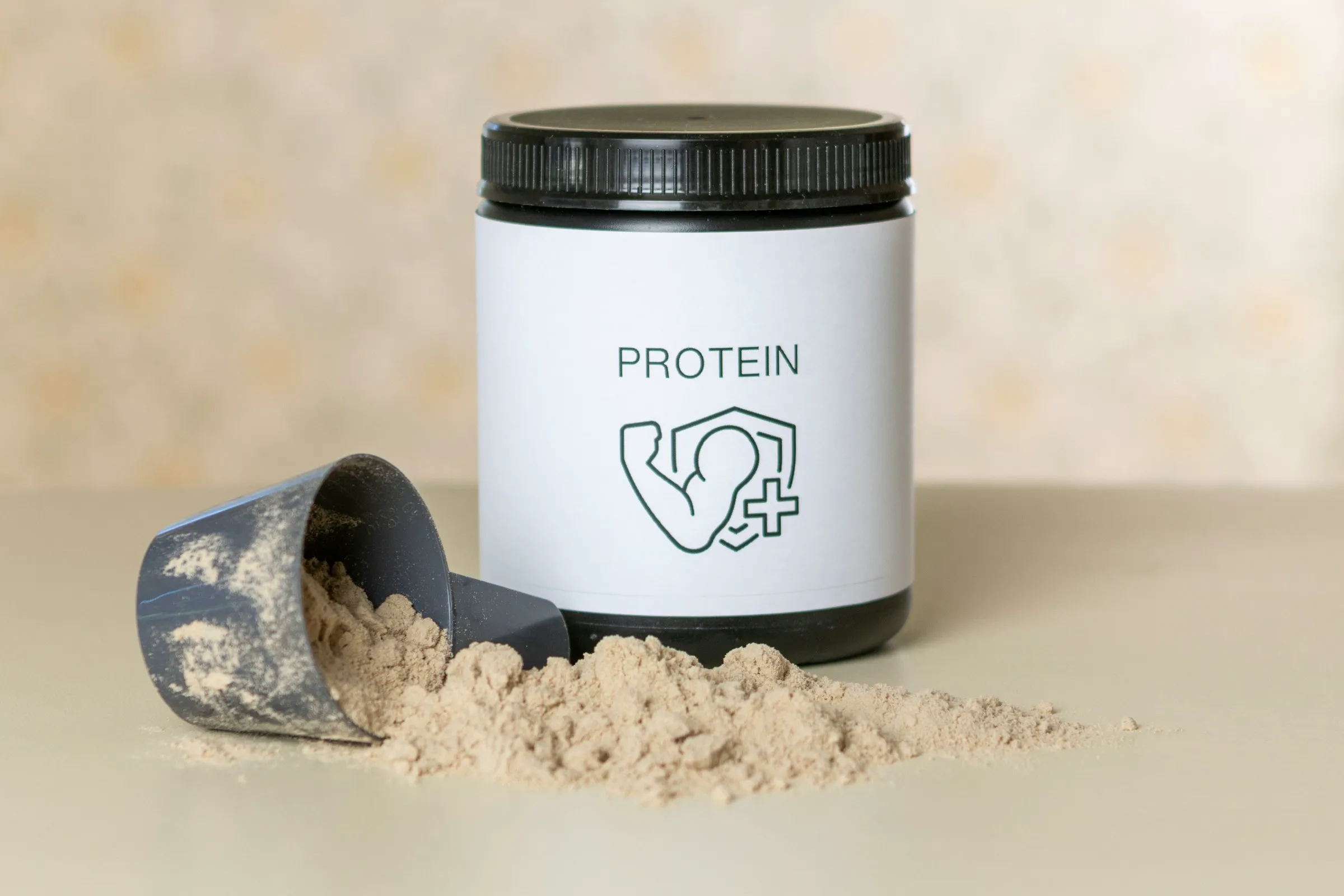
The biggest quality lever is the source photo. Before generating, use this checklist so the AI has clean product geometry to work from.
Resolution at least 1500 x 1500 px (Shopify product images already meet this).
Background is white, light gray, or fully transparent PNG.
Whole product visible, not cropped or partly hidden.
No hands, models, or props in the frame yet.
Front-facing view with the label or hero side toward the camera.
Even lighting with no hot spots or deep shadows.
WebP, JPG, or PNG, under 8 MB for most tools.
Scene Checklist and Prompt Cheatsheet
A good lifestyle scene answers a buying question. Use these scene rules and prompt examples when you want more control than a one-click generation flow.
Anchor the moment of use
Pick a scene that matches when the customer actually uses the product (morning kitchen, evening vanity, weekend outdoor). Specificity beats generic.
Match scale to the product
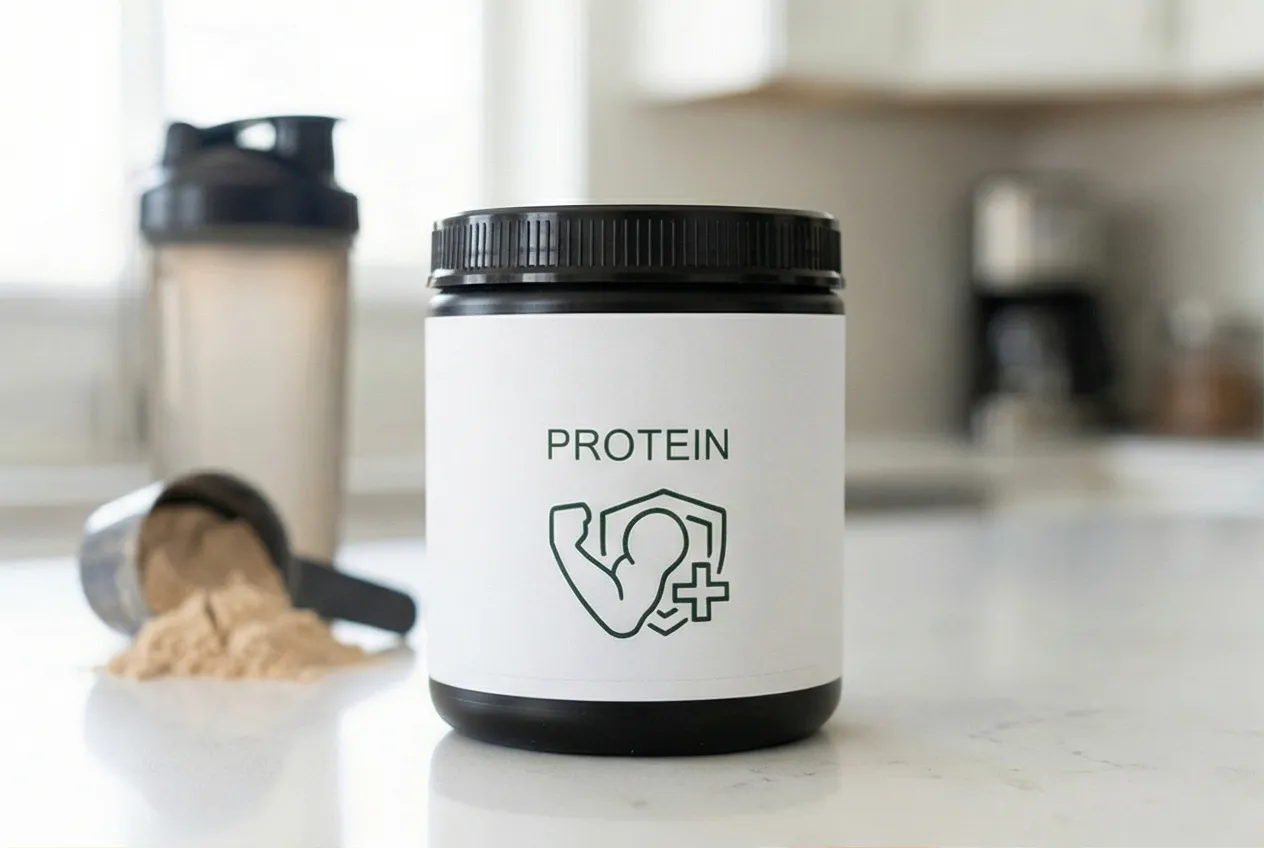
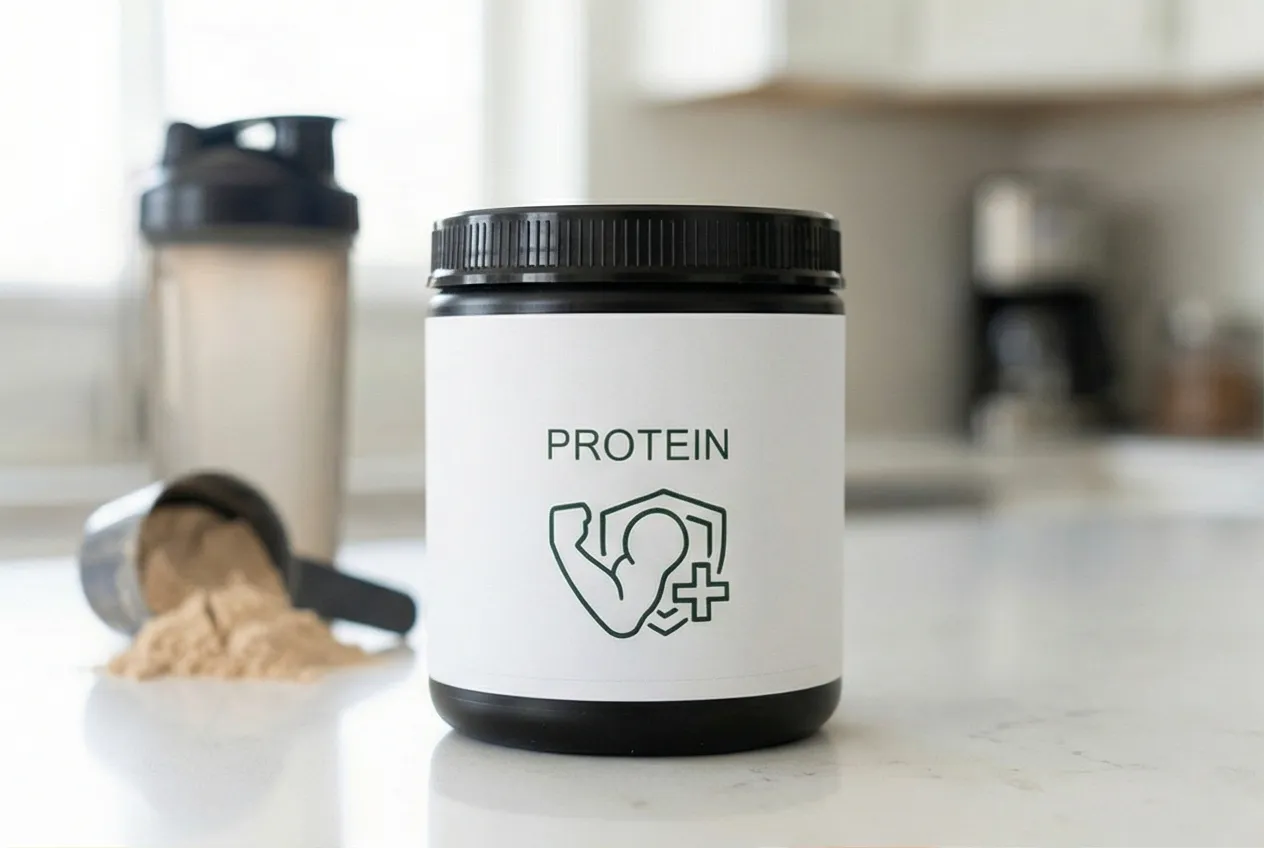
Scenes should include scale cues: hands, surfaces, furniture, food. A protein tub on a counter with a shaker is more useful than a tub floating in mid-air.
Match light to the brand
Premium brands lean cooler with hard light. Wellness and food lean warm with diffused daylight. Active and outdoor leans high contrast and sunlit.
Limit visual clutter
One or two supporting props maximum. The product should be the unambiguous focus, not a Where's Waldo puzzle.
Vary scenes across the catalog
If every SKU is on the same kitchen counter, your gallery looks templated. Rotate at least three scene archetypes per category.
| Category | Prompt direction |
|---|---|
| Apparel | Editorial outdoor scene, soft afternoon light, neutral urban backdrop, model framing optional, focus on garment drape and color. |
| Beauty and cosmetics | Marble vanity with linen towel, soft north-facing daylight, faint fresh flowers, label in sharp focus. |
| Home and decor | Mid-century living room, warm afternoon light, neutral palette, scale anchored by sofa or shelf. |
| Food and beverage | Wood kitchen counter, soft daylight, warm tones, label-forward, complementary fresh ingredients nearby. |
| Supplements | Bright kitchen counter with shaker bottle and fruit, gym towel in soft focus, daylight from the side, label clearly readable. |
| Accessories | Sunlit ledge or wood table, golden hour light, neutral backdrop, hero product centered with light bokeh behind. |
If you are still comparing tools, use our best AI product photography tools for Shopify guide before standardizing the workflow.
Tips for Better Results
- Use the highest resolution you have. More pixel data means the AI can better preserve product details like textures, labels, and finishes.
- Avoid busy backgrounds in your input. A cluttered background confuses the AI about where the product ends and the background begins. White or light gray is ideal.
- Show the full product. Cropped or partially hidden products lead to awkward AI completions. Make sure the entire product is visible in the frame.
- Generate multiple rounds. AI results vary between runs. If the first batch does not have a winner, run it again. Most tools produce different scenes each time.
For a full breakdown of how AI photography compares to traditional methods on cost, speed, and quality, see our complete guide to AI product photography for Shopify. For gallery placement strategy, pair this tutorial with the Shopify product gallery sequence guide and the conversion checklist.
QA Pass, Publishing Steps, and Measurement
Do not publish every generated image. Review for product accuracy first, then publish one collection at a time so the results are measurable.
QA checklist
- Product shape and proportions still match the original photo.
- Brand text, logos, and labels are legible at 100% zoom.
- Shadows fall in a plausible direction relative to the light source.
- Reflections in glass, chrome, or glossy plastic look believable.
- No extra fingers, missing limbs, or warped human anatomy in scenes with hands.
- Color of the product matches your real product within a small tolerance.
- Scene props are not so distracting that the product loses focus.
- Image works at the small Shopify thumbnail size, not just full size.
Publishing checklist
Slot the photo into the right gallery position
Use AI lifestyle shots in positions 2 through 5, after the white-background hero. See the gallery sequence guide for the order that converts best.
Set descriptive alt text
Write alt text that names the product, scene, and use case ("AI-generated lifestyle photo of [product] in a [scene] for [use case]"). This is the alt text Google Shopping and screen readers actually need.
Use WebP for new uploads
Shopify auto-serves WebP, but uploading WebP source files keeps the highest quality. Aim for under 250 KB per image.
Refresh OG and social images
If your new lifestyle shot is the strongest of the gallery, set it as the social share image so links into the PDP look great everywhere.
Roll out by collection, not all at once
Publish the new lifestyle shots for one collection first. Hold the others as a control while you measure for two to four weeks. This lowers the risk of confusing a normal demand swing with an image-quality win.
Add-to-cart rate
Primary lift indicator. Expect 3 to 15% lift on PDPs that move from white-only to white-plus-lifestyle.
Product page conversion rate
Secondary. Watch for compounding gains over a 14 to 30 day window.
Return rate per SKU
Watch this for fit and scale issues. AI photos should not increase returns. If they do, the photo is misrepresenting the product.
Image engagement (gallery clicks)
If you have a heat-map or session recording tool, track clicks on each gallery position. Lifestyle shots usually rank in the top three.
Search Console impressions for product image search
Stronger lifestyle photos can pick up image-search traffic over a 4 to 8 week window. Track in Performance > Search Type: Image.
Want the broader mix decision before you generate? Read the lifestyle vs white-background product photo guide.
Generate Yours With Prodofoto
Prodofoto is a Shopify app that handles the entire workflow inside your admin panel. No uploading, no prompting, no file management.
- Pick a product from your Shopify store. Prodofoto pulls your existing images automatically.
- Choose a photo mode: lifestyle, product-only, or on-model.
- Click generate. 4 lifestyle photos, about 60 seconds.
- Edit until you are satisfied. Publish straight to your product listing.
For a detailed walkthrough with screenshots, see our step-by-step Prodofoto tutorial.
Turn One Product Photo Into a Full Lifestyle Gallery
Prodofoto generates 4 AI lifestyle photos from your existing Shopify product images. 60 seconds, no photographer required.
Frequently Asked Questions
What kind of product photo works best as the input?
A well-lit photo on a white or plain background. The cleaner the input, the better the AI can read your product's shape, material, and color. Avoid photos with heavy shadows, cluttered backgrounds, or extreme angles.
Do I need to write prompts or describe the scene I want?
Not with most modern tools. Prodofoto and similar apps auto-detect the product category and generate appropriate scenes. You pick the mode (lifestyle, product-only, or on-model) and the AI handles the rest.
How many photos do I get per generation?
It depends on the tool. Prodofoto generates 4 lifestyle photos per click. Most AI photography tools generate 1-4 images per run.
Can I edit the AI photos after generating them?
Yes. Most tools include editing features so you can adjust the results. With Prodofoto, you can regenerate or edit until you are satisfied before publishing.
What products work best with AI lifestyle photos?
Apparel, beauty, home decor, electronics, food packaging, and supplements all produce strong results. Products with fine jewelry details or fully transparent surfaces may need a few rounds of editing.
Are AI-generated product photos allowed on Shopify?
Yes. Shopify has no restrictions on AI-generated product images. You can use them as your main image or as supplemental lifestyle shots alongside white-background photos.
How much does it cost to generate AI lifestyle product photos?
Most AI tools charge $0.25-$1.00 per image. Compare that to $500-$2,000 for a single traditional lifestyle photoshoot. For a 200-product catalog, AI saves thousands of dollars.