Shopify Optimization
How to Optimize Product Photos for Mobile Shopify Shoppers
79% of Shopify traffic comes from mobile devices, but most product photos are still shot, edited, and reviewed on desktop monitors. Mobile shoppers scroll faster, tolerate less load time, and make purchase decisions based on thumbnails smaller than a postage stamp. Your product images need to work on a 6-inch screen first, everything else second.
By LinkedIn: Brian Chen • 7 min read• Published March 1, 2026


Quick Answer
Mobile product photos need to load in under 2 seconds, fill the screen with context (not whitespace), and communicate your product in a single swipe. Use WebP format at 2048x2048px for sharp zoom, lifestyle shots as your lead images (they stop thumbs 2-3x better than white backgrounds on mobile), and keep total image payload under 1 MB per page. 53% of mobile visitors bounce if the page takes more than 3 seconds to load (Google).
79% of Your Shoppers Are on Mobile. Act Like It.
Shopify's own data shows that 79% of traffic and over 69% of orders now come from mobile devices. That number climbs even higher in fashion, beauty, and accessories. If your product images look good on a 27-inch monitor but mediocre on an iPhone, you are optimizing for the minority.
Mobile shoppers behave differently from desktop shoppers. They scroll 2-3x faster. They spend 40% less time on product pages (Baymard Institute). They make decisions based on what they see in the first 3 seconds. Your hero image does not get a second chance.
The gap between mobile traffic and mobile conversion is the biggest revenue leak in ecommerce. Desktop converts at roughly 3-4%. Mobile sits at 1.5-2%. That gap is not because mobile shoppers are less motivated. It is because most product pages were not built for how they browse.
| Behavior | Desktop | Mobile |
|---|---|---|
| Traffic share | ~21% | ~79% |
| Avg. conversion rate | 3-4% | 1.5-2% |
| Time on product page | 60-90 seconds | 30-50 seconds |
| Scroll speed | Moderate | 2-3x faster |
| Image interaction | Hover, click to zoom | Swipe, pinch-to-zoom |
| Bounce rate on slow load | ~30% | ~53% after 3s |
Sources: Shopify, Baymard Institute, Google
Lifestyle Photos Stop Thumbs. White Backgrounds Do Not.
On desktop, a clean white-background product shot works fine as the hero image. The product is large enough to evaluate. On mobile, that same image becomes a tiny object floating in a sea of white space. It communicates almost nothing at thumbnail size.
Lifestyle images perform 2-3x better as hero images on mobile because they fill the entire frame with useful information. Context, color, texture, scale. A water bottle on a white background could be 6 inches or 16 inches tall. A water bottle on a desk next to a laptop tells you instantly.
This is not about choosing one format over the other. You need both. But the lead image on mobile should almost always be a lifestyle shot. Save the clean cutout for image 2 or 3, where shoppers go when they want a closer look at the product itself.
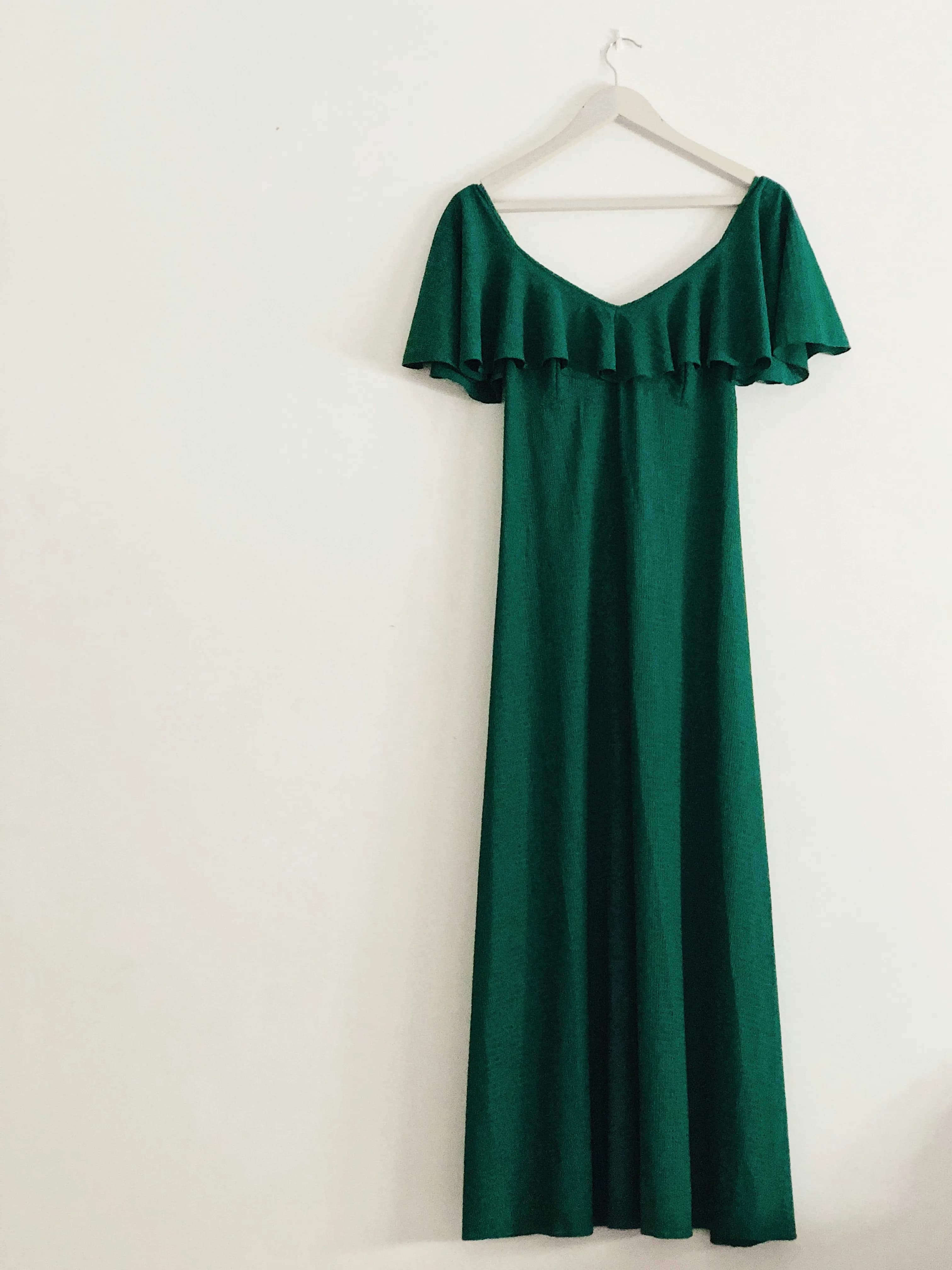

Same product, different impact. The lifestyle shot fills mobile screens with context and color. The white-background shot shrinks the product to a fraction of the viewport.
Every Extra Second Costs You 7% of Sales
Google's mobile research found that 53% of visits are abandoned if a page takes longer than 3 seconds to load. Every additional second beyond that reduces conversion by roughly 7% (Akamai). Product images are the heaviest elements on most Shopify pages, often accounting for 60-80% of total page weight.
The math is simple. A product page with 6 unoptimized JPEG images at 500 KB each = 3 MB of images alone. On a typical 4G connection (10-15 Mbps), that is 2+ seconds just for images. Add the rest of the page and you are past the 3-second threshold before the shopper even sees your product.
Three things move the needle on image speed.
- 1.Use WebP. 25-35% smaller than JPEG at the same visual quality. Shopify automatically serves WebP when the browser supports it, which is every modern mobile browser. If you upload JPEGs, Shopify converts them on the fly, but uploading WebP directly gives you more control over quality and file size.
- 2.Lazy load everything below the fold.Only the hero image should load immediately. Every other gallery image should use lazy loading. Shopify's default themes do this already, but check your custom theme if you have one. The hero image alone should be under 150 KB.
- 3.Serve responsive sizes.A 2048x2048 image is great for pinch-to-zoom, but the initial view on a 390px wide phone does not need all those pixels. Use Shopify's built-in image CDN with srcset to serve the right size for each device. This alone can cut image payload by 50-70%.
The Mobile Image Spec Sheet
Shopify supports images up to 5000x5000 pixels and 20 MB. But bigger is not always better on mobile. Here are the numbers that actually matter.
| Setting | Recommended | Why |
|---|---|---|
| Resolution | 2048 x 2048 px | Sharp on 3x Retina displays, enables zoom |
| Format | WebP (JPEG fallback) | 25-35% smaller files, universal mobile support |
| Aspect ratio (primary) | 1:1 (square) | Works across Shopify, Google Shopping, Instagram |
| Aspect ratio (lifestyle) | 4:5 (portrait) | Fills more vertical space on mobile feeds |
| Max file size (hero) | < 150 KB | Keeps LCP under 2.5 seconds |
| Max file size (gallery) | < 200 KB each | Total page under 1 MB for 6-8 images |
| Quality setting | 75-85% | Imperceptible quality loss, significant size reduction |
| Alt text | Descriptive, 5-15 words | Accessibility and Google image search visibility |
Sources: Shopify Help Center, Google Web Vitals documentation, web.dev
The 6-Image Mobile Gallery That Converts
On desktop, shoppers can see multiple thumbnails and jump to any image. On mobile, they swipe linearly. Image 1 gets seen by everyone. Image 6 gets seen by maybe 30%. The sequence matters more on mobile than anywhere else.
This order is based on mobile scroll behavior, where early images need to hook attention and build trust fast.
- 1Lifestyle hero. Full-context shot showing the product in use or in a relevant environment. This is what stops the scroll.
- 2Clean cutout. White or neutral background showing the full product. Now that you have their attention, show them exactly what they are buying.
- 3Close-up detail. Texture, stitching, material quality. The thing shoppers zoom into on mobile. Giving them a dedicated close-up saves them the effort.
- 4Scale reference.The product next to something with a known size (hand, table, person). This answers the "how big is it actually?" question that causes returns.
- 5Second lifestyle angle. Different scene, different context. A backpack at a coffee shop, then on a hiking trail. Shows versatility.
- 6Packaging or variant.What arrives at their door, or the color/size options available. Reduces "what will I actually receive?" anxiety.
If you want a deeper breakdown of gallery sequencing, see the full Shopify product gallery sequence guide.
Generate a Full Mobile-Ready Gallery in 60 Seconds
Most merchants know their mobile photos need work. The problem is time. Scheduling a photoshoot, waiting for edits, resizing for mobile, converting formats. Multiply that by 50 or 200 products and it never gets done.
Prodofoto generates 4 lifestyle product photos from a single clean image in about 60 seconds. The photos come back at 1024x1024, ready for mobile. No prompting, no Photoshop, no waiting for a photographer.
- 1.Open Prodofoto in your Shopify admin. Pick a product from your catalog.
- 2.Choose a photo style: lifestyle, product-only, or on-model.
- 3.Get 4 photos in 60 seconds. Pick your favorites.
- 4.Publish directly to your Shopify product listing.

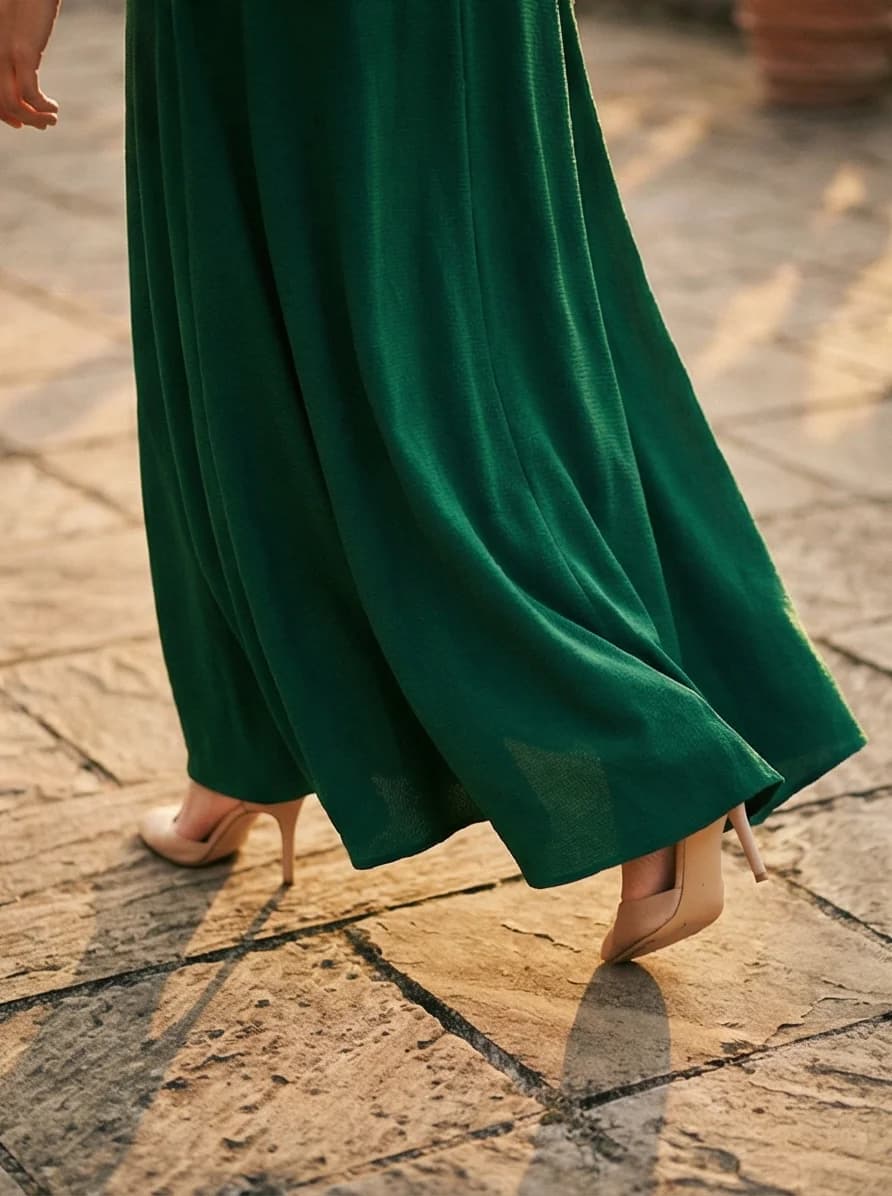

4 AI-generated lifestyle variants from a single product image. Each fills a mobile screen with context, color, and styling that white-background shots cannot match.
One product. 60 seconds. 4 mobile-ready lifestyle photos. That is the fastest way to close the gap between your mobile traffic and your mobile conversion rate.
Turn One Clean Product Photo Into a Full Mobile Gallery
Prodofoto generates 4 lifestyle product photos from a single image. Built for Shopify. Ready for mobile.
Frequently Asked Questions
What image size should I use for mobile Shopify stores?
Use 2048x2048 pixels for square product images. This enables pinch-to-zoom on mobile without pixelation and looks sharp on high-DPI screens like iPhones and Samsung Galaxy devices. Keep file sizes under 200 KB with WebP format for fast loading.
Do lifestyle photos really perform better on mobile?
Yes. Mobile shoppers scroll faster and make quicker decisions. Lifestyle photos stop the thumb because they show context, scale, and use cases in a single glance. White-background shots need multiple images to communicate the same information.
What is the best image format for mobile Shopify stores?
WebP. It offers 25-35% smaller file sizes than JPEG at the same quality. Shopify automatically serves WebP to browsers that support it, which includes every modern mobile browser. Smaller files mean faster page loads and lower bounce rates.
How many images should a mobile-optimized product listing have?
6-8 images. Mobile shoppers swipe through galleries quickly, so each image should answer a different question: what it looks like, how big it is, what it looks like in use, and close-up details. Fewer than 4 leaves information gaps. More than 10 slows down loading.
Does page speed really affect mobile conversion rates?
Yes. Google research shows 53% of mobile visitors leave if a page takes more than 3 seconds to load. Every additional second of load time reduces conversion by roughly 7%. Images are typically the largest files on a product page, so optimizing them has the biggest impact.
Should I use square or portrait images for mobile product pages?
Square (1:1) works best as the default because Shopify galleries and Google Shopping expect it. But portrait (4:5) lifestyle images fill more of the mobile screen and feel more immersive. Use square for your primary image and mix in portrait lifestyle shots.
Can AI-generated product photos work well on mobile?
Yes. AI tools like Prodofoto generate lifestyle photos at 1024x1024 or higher, which is plenty of resolution for mobile. The lifestyle context they add (rooms, outdoor scenes, styled surfaces) is exactly what performs best on small screens.
References
- Baymard Institute — Product page UX: image gallery best practices
- Shopify — Ecommerce trends: mobile traffic and conversion data
- Google / Think with Google — Mobile page speed benchmarks and bounce rate data
- Akamai — Online retail performance: impact of page speed on conversion
- Google Web Vitals (web.dev) — Core Web Vitals metrics and LCP thresholds
- Shopify Help Center — Product image sizes, formats, and limits
- GrabOn — Online shopping statistics: image quality and purchase behavior