AI Product Photography
What Are AI Lifestyle Product Photos? (And Why Shopify Stores Use Them)
AI lifestyle product photos are product images generated by artificial intelligence that place your product in real-world scenes. Instead of a plain white background, AI creates environments like kitchen counters, living rooms, or city streets around your product, complete with natural lighting and shadows. They cost a fraction of traditional photoshoots and take about 60 seconds to generate.
By LinkedIn: Brian Chen • 8 min read • Published February 11, 2026 • Updated May 4, 2026

Quick Answer
AI lifestyle product photos use generative AI to transform a single product image into a finished photo that places the product in a styled, real-world scene. The AI generates the entire image, including lighting, shadows, and reflections, so the product looks naturally placed in the environment. Traditional lifestyle shoots cost $500-$2,000 and take weeks. AI tools like Prodofoto generate 4 lifestyle photos in about 60 seconds for roughly $1 per product.
How AI Lifestyle Photos Are Different From Background Removal
Background removal tools cut your product out and drop it onto a stock backdrop. The lighting never matches. Shadows look pasted on. It reads as edited because it is.
AI lifestyle photography works differently. The AI reads your product's shape, material, and color, then generates a complete new image. Your product is built into the scene from scratch. Lighting wraps around the product naturally. Shadows fall where they should. The result looks like a real photoshoot because the entire image was generated as one piece.
For a deeper breakdown of the technology behind AI product photography, see our complete guide to AI product photography for Shopify.
Why Shopify Stores Use AI Lifestyle Photos
Shoppers need to picture a product in their life before they buy it. White-background photos show what a product is. Lifestyle photos show what it's like to own it.
90% of online shoppers say product image quality is the most important factor in a purchase decision, according to research aggregated by Business Dasher. And 22% of product returns happen because the item looks different in person than it did online.
Lifestyle photos reduce that gap. They show context, scale, and use. A backpack on a desk tells you more about size than any dimension spec. Sneakers on a sidewalk show the vibe better than a product description.
The problem has always been cost. A single lifestyle photoshoot runs $500-$2,000. Add models ($200-500/day), locations ($300+/day), and 2-4 weeks of turnaround. Most merchants can afford that for their top 5 products. The other 500 sit there with one flat image.
AI changes the math. Generate lifestyle photos for your entire catalog at roughly $1 per product, in under a minute each. That is why the AI product photography market is projected to grow from $450 million in 2024 to $5 billion by 2035, according to Photoroom's AI photography statistics report.
For a data-driven look at how lifestyle photos compare to white-background shots on conversion, read our lifestyle vs white background comparison.
When To Use AI Lifestyle Photos (And When Not To)
AI lifestyle photography is a tool, not a replacement for every shoot. The merchants who get the most out of it know which jobs fit and which jobs don't.
Use AI lifestyle photos when
- You sell more than 30 SKUs and cannot afford a lifestyle shoot for each.
- You sell dropshipped or supplier-sourced products and your competitors all use the same factory images.
- You want to refresh seasonal context (holiday, back-to-school, summer) without booking a studio.
- You need scroll-stopping ad creative for Meta, TikTok, or Pinterest in the next 24 hours.
- You launched a SKU and want to test multiple lifestyle scenes before committing to a real shoot.
Stick to traditional or hybrid photography when
- Your hero image needs perfect label, logo, or text fidelity (food, supplements, apparel labels).
- You sell jewelry, watches, or anything where stone, mechanism, or fine detail is the point of the product.
- Your category requires marketplace compliance (Amazon main image, Google Shopping primary) where a clean white background is mandatory.
- You have a strong UGC pipeline and authentic customer photos already do the lifestyle work.
If you are still mapping the gallery, our Shopify product gallery sequence guide shows the position-by-position order that converts best.
What AI Lifestyle Photos Look Like By Product Category
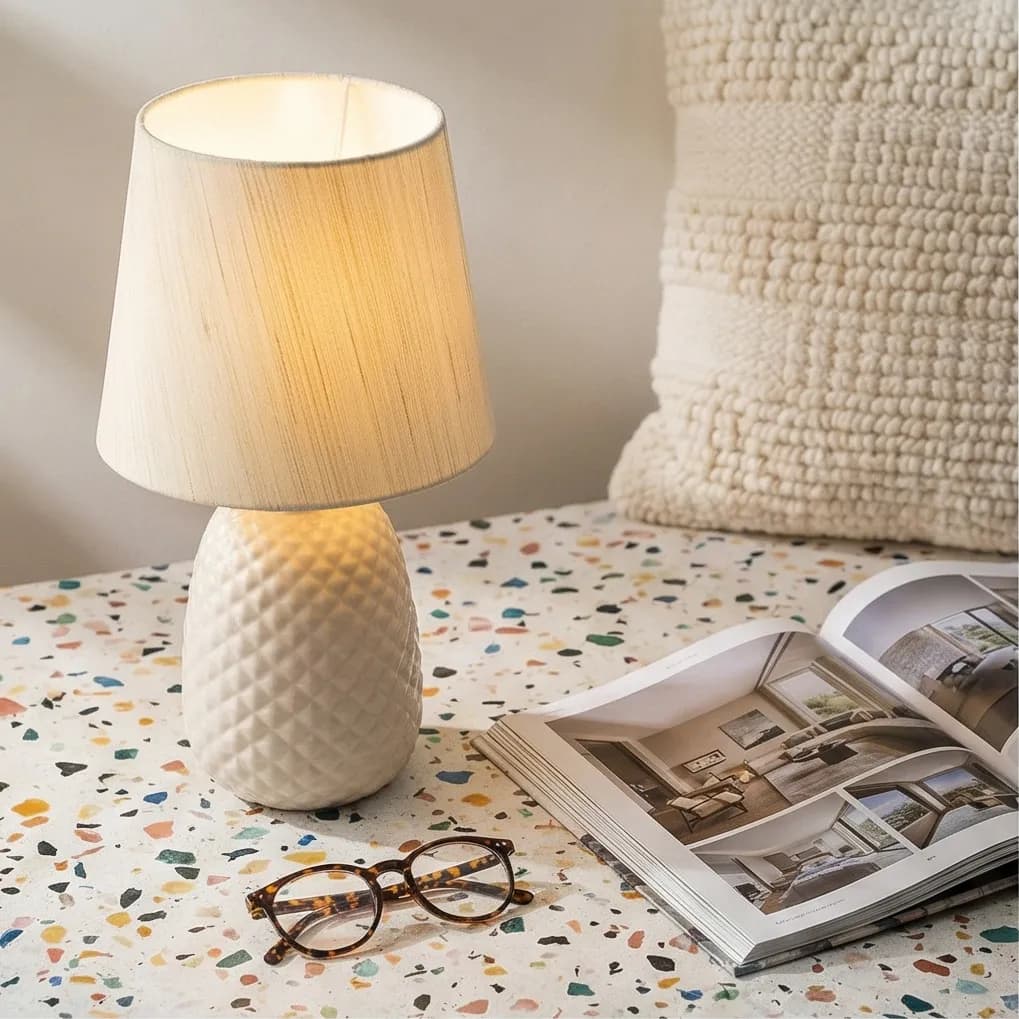
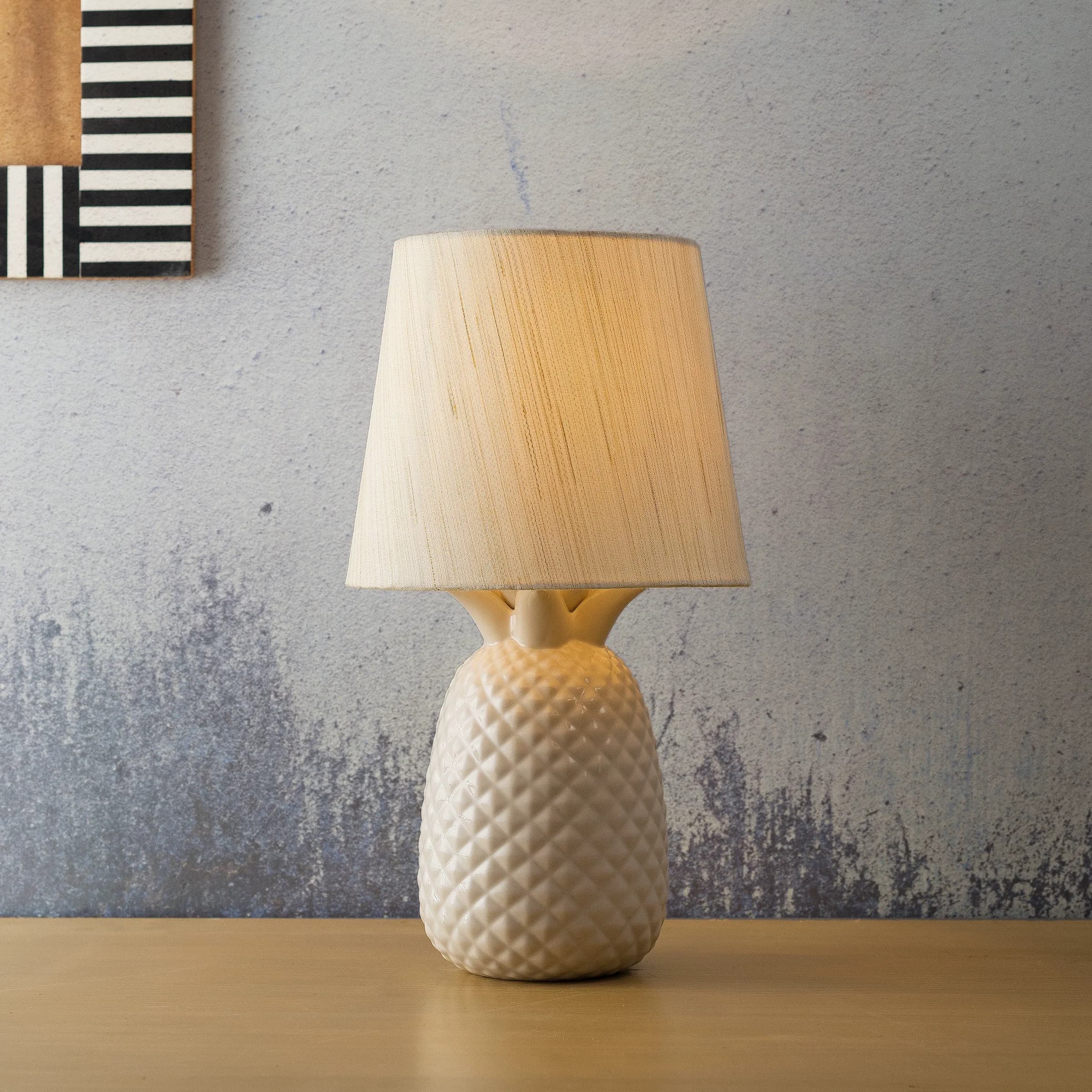
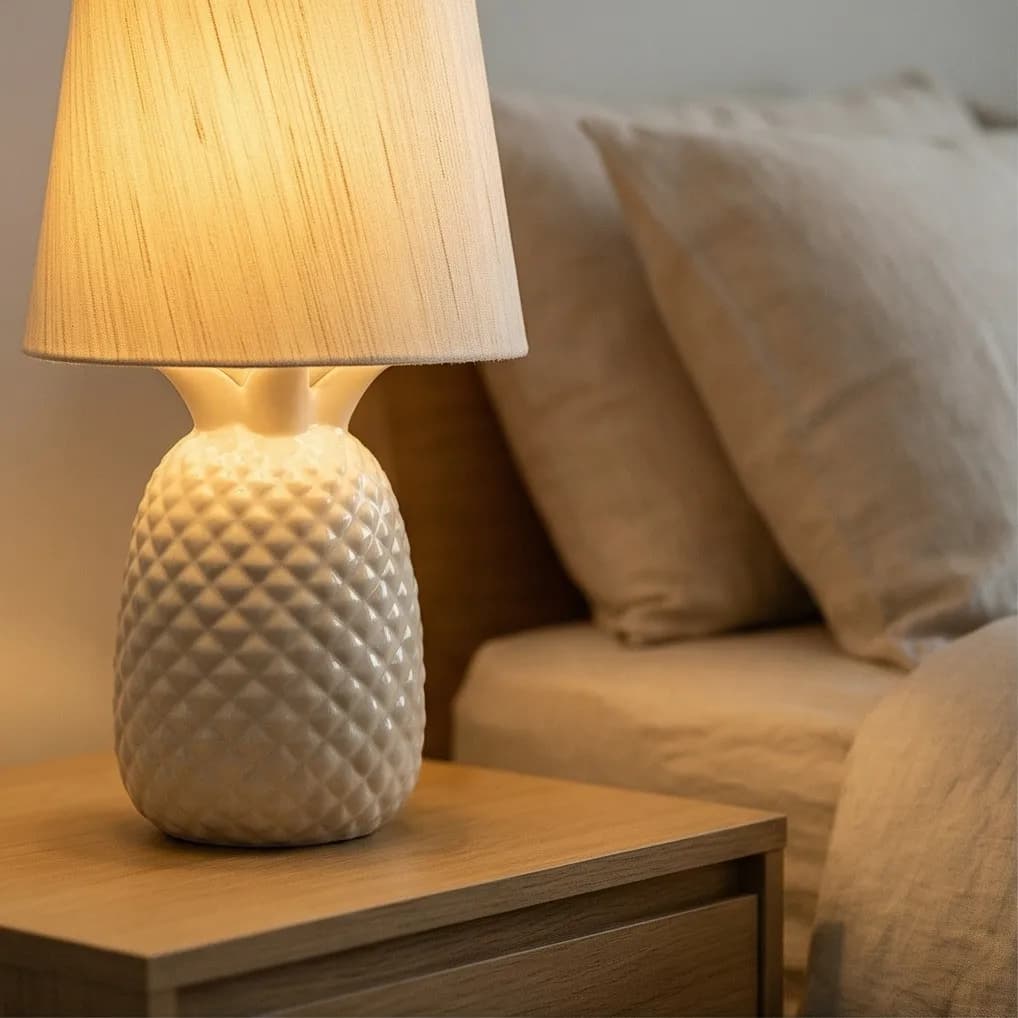
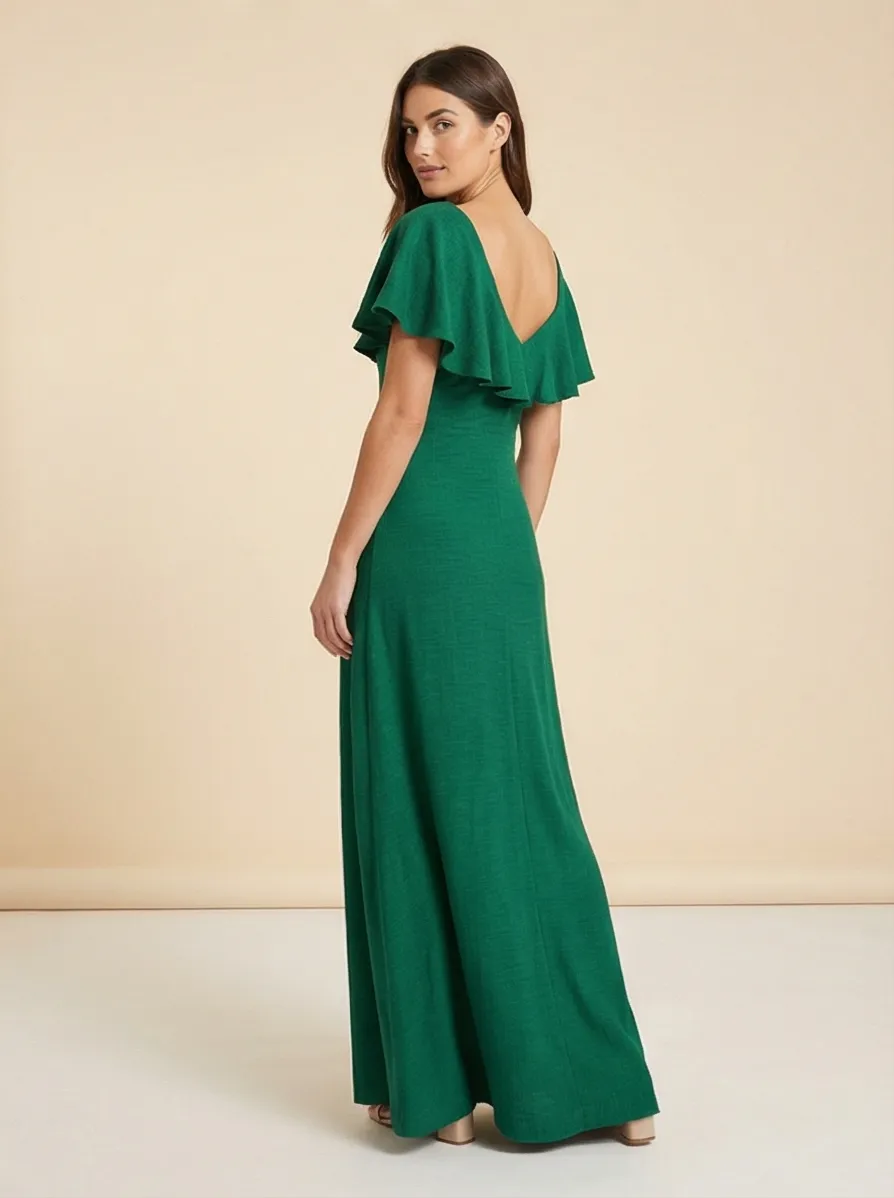
These are real Prodofoto outputs from a single clean product image. Use them as a sanity check for what works in your category and what to watch for before publishing.
Apparel
Use case: On-model and in-context fit shots for SKUs you would otherwise photograph against a flat backdrop. Replaces $500 to $1,500 mannequin or model shoots.
What works: Solid colors and simple prints render cleanly. Drape, fabric weight, and silhouette read well in lifestyle scenes.
Watch out: Intricate prints, stitching, and hardware can drift. Pair AI lifestyle shots with a real white-background hero so shoppers see exact pattern fidelity.
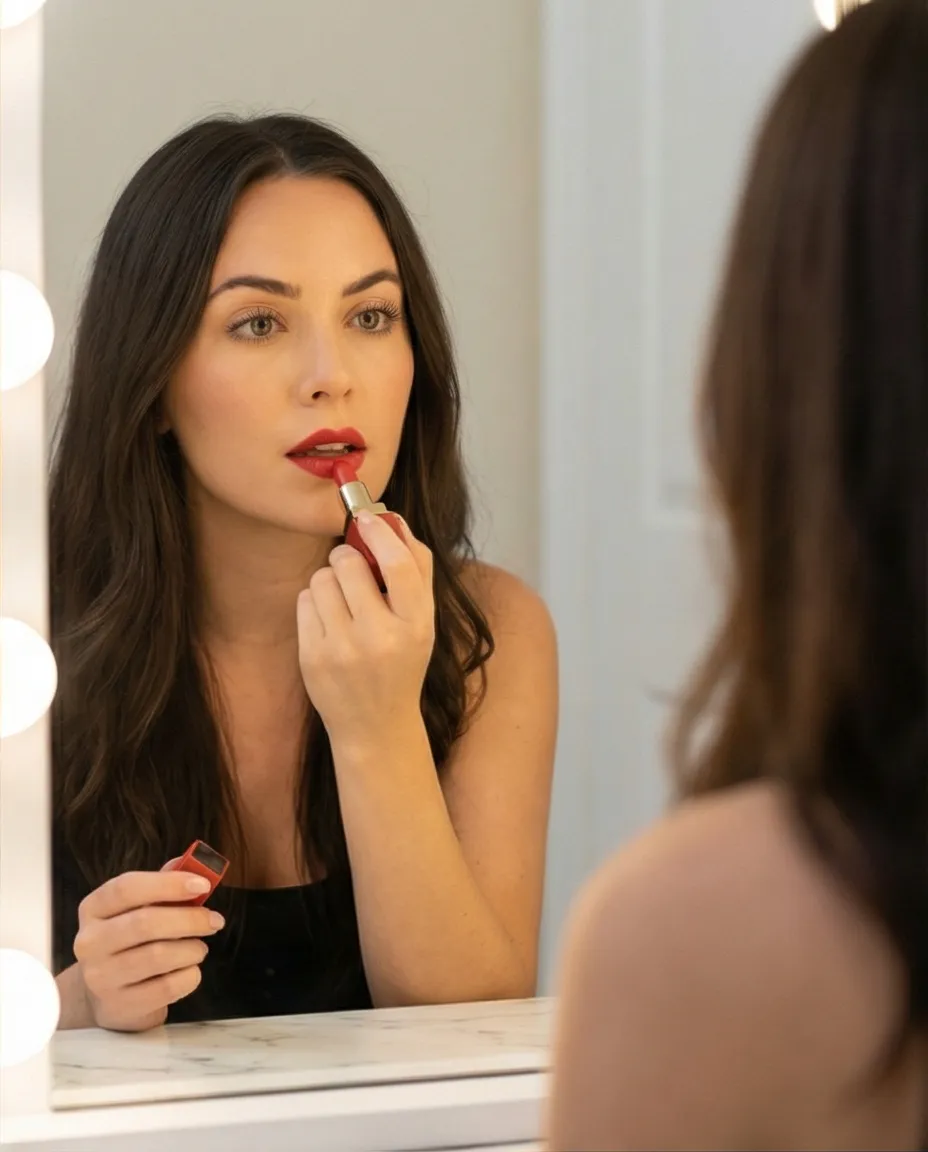
Beauty and cosmetics
Use case: Vanity, bathroom, and editorial scenes that show a product as part of a routine. Useful for refreshing the gallery on existing SKUs.
What works: Tubes, jars, and bottles with a clear silhouette. Marble, linen, and soft daylight backdrops are reliable.
Watch out: Brand text on labels can warp. Always verify the typography on a 1:1 zoom before publishing, and reshoot or edit if the wordmark is off.
Home and decor
Use case: Furniture and decor in styled rooms shoppers can imagine. Gives shoppers room context that a white background never can.
What works: Lamps, planters, ceramics, and textiles in natural daylight rooms. Scale cues from sofas and shelves help conversion.
Watch out: Reflections in glass or chrome can look painted. Pick scenes with diffused light and avoid heavy specular highlights.
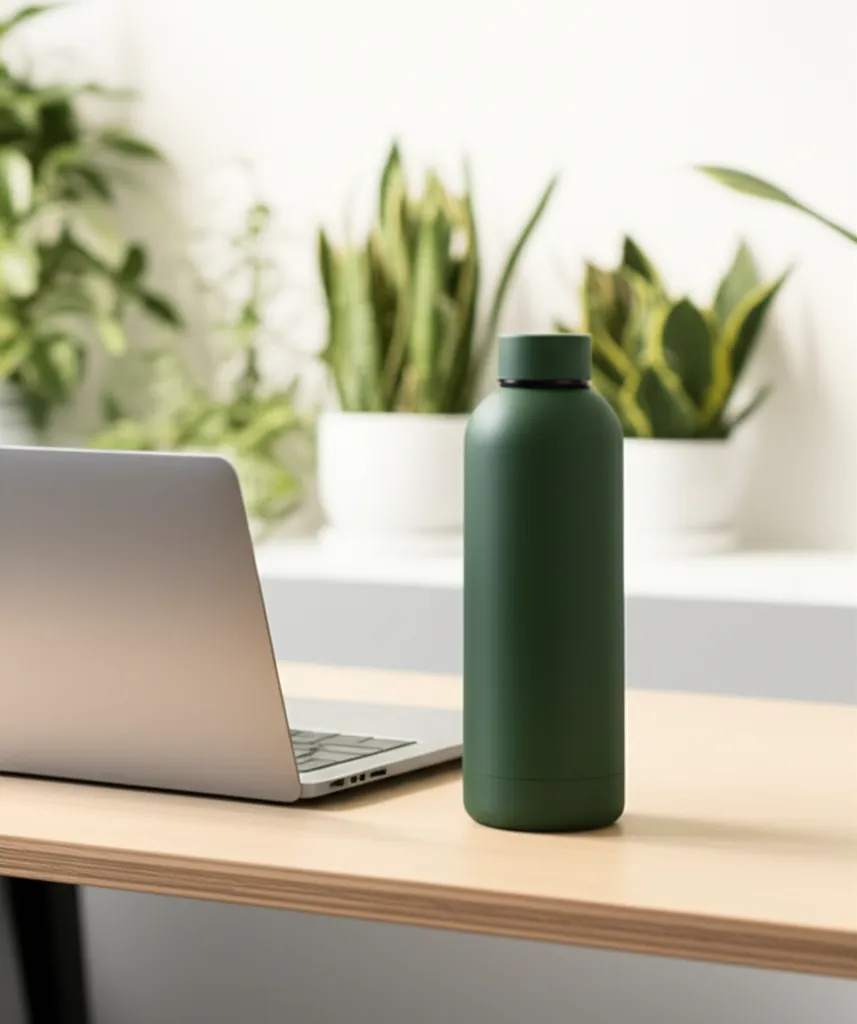
Food and beverage
Use case: Kitchen, cafe, and gym scenes that signal the moment of use. Important for hydration, supplements, and pantry items.
What works: Bottles, jars, and packaging with the front-facing label visible. Wood, marble, and warm kitchen scenes convert well.
Watch out: Liquid pours and steam are still hard for AI. Stick to closed containers in scene shots and use real photos for action shots.
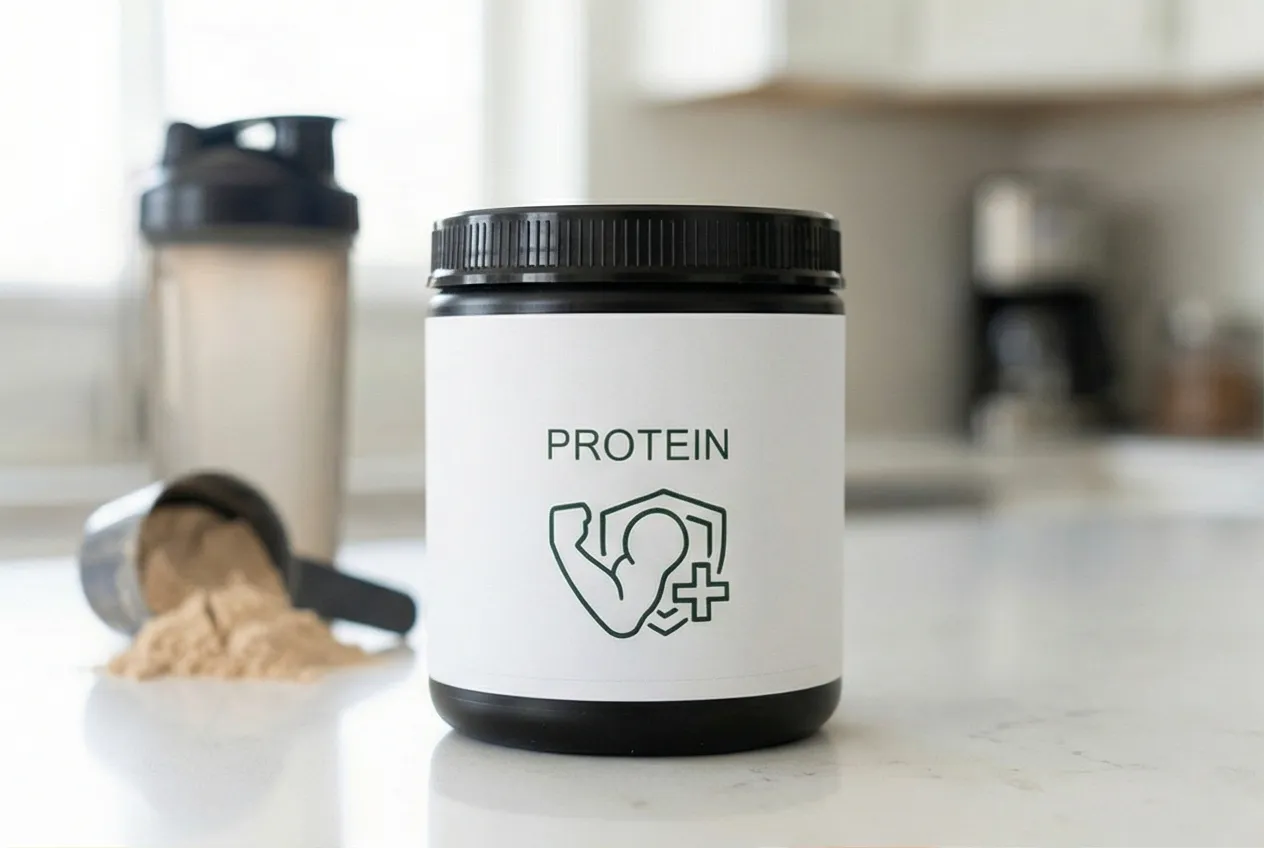
Supplements and packaged goods
Use case: Routine, kitchen, and gym scenes. Strong fit for low-budget catalogs that need a complete lifestyle gallery in one afternoon.
What works: Tubs, bottles, and boxes where the front panel is the main read. Clean countertops with shaker bottles, fruit, and gym props.
Watch out: Nutrition panels and ingredient text degrade fast. Keep label-heavy SKUs on white-background hero shots and use AI lifestyle shots as supporting images.
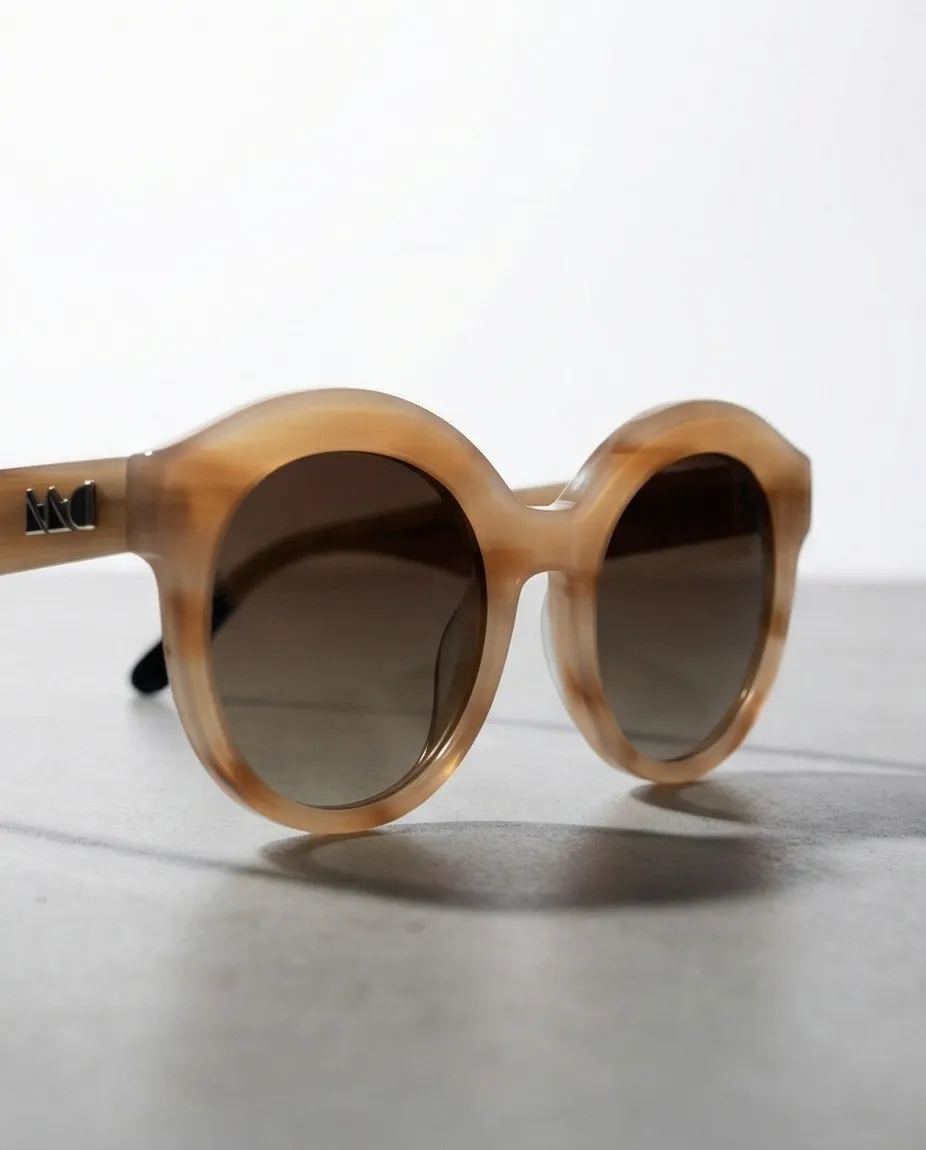
Accessories and small goods
Use case: Outdoor and on-the-go scenes for sunglasses, watches, jewelry, and bags. Shows the lifestyle the buyer is signing up for.
What works: Solid materials with simple geometry. Outdoor light with clean backgrounds gives the most reliable output.
Watch out: Fine jewelry and gemstone detail is the hardest case. Use AI for editorial mood, not for diamond clarity or stone color.
Need a wider tool comparison before you commit? See our best AI product photography tools for Shopify roundup.
Risks And Mistakes To Avoid
AI lifestyle photos are safe to use on Shopify, Google Shopping, and most marketplaces. The risk is not policy. The risk is misrepresentation. These are the five mistakes we see most often.
Mistake 1: replacing the white-background hero
AI lifestyle shots are great supporting images. They make a poor primary image. Keep a clean white-background photo as image #1 for catalog scannability, marketplace compliance, and accurate first impressions.
Mistake 2: ignoring product fidelity
AI can drift on labels, prints, hardware, and stitching. Always zoom to 100% on the generated output and confirm the product still looks like the product. If it doesn't, regenerate or use the editor to lock the product region.
Mistake 3: misrepresenting scale or fit
If your AI lifestyle shot makes a 12 oz bottle look like a 24 oz bottle, expect returns. Use scenes with believable scale cues (hands, surfaces, props) and reject outputs that change product proportions.
Mistake 4: same scene across the entire catalog
Customers notice when every product is on the same kitchen counter. Vary scenes by category and brand mood, or you will look generic.
Mistake 5: skipping the QA pass
Hands, faces, and reflections are still where AI fails most often. Before you publish, scan the output for extra fingers, off shadows, and warped reflections. A two-minute QA pass prevents most public-facing slipups.
Once your gallery is in place, run it through our Shopify product photography conversion checklist before publishing. Measure the first rollout against add-to-cart rate, product page conversion rate, support questions, and return reasons so you can tell whether the lifestyle images are reducing buyer uncertainty or just adding decoration.
How To Generate AI Lifestyle Photos With Prodofoto
Prodofoto is a Shopify app that generates AI lifestyle product photos directly from your catalog. No uploading, no prompting.
- Pick a product from your Shopify store. Prodofoto pulls your existing images automatically.
- Choose a photo mode: lifestyle, product-only, or on-model.
- Click generate. In about 60 seconds, you get 4 lifestyle photos.
- Review the results. Use the edit tools to refine anything that needs adjusting.
- Publish your favorites directly back to your Shopify product listing.
No file downloads, no re-uploading. The whole workflow happens inside Shopify. For the full tutorial with input prep, scene checklist, and a publishing QA pass, see how to generate AI lifestyle product photos in 60 seconds or our step-by-step Prodofoto walkthrough.
Turn One Product Photo Into 4 Lifestyle Shots
Prodofoto pulls products from your Shopify store and generates AI lifestyle photos in 60 seconds. Free to start, no credit card required.
Frequently Asked Questions
Are AI lifestyle product photos realistic enough for my store?
Yes. Most shoppers cannot tell the difference between AI-generated and studio-shot lifestyle photos. Thousands of Shopify stores already use AI-generated images in production.
Do AI lifestyle photos actually increase sales?
Lifestyle images reduce buyer uncertainty by showing products in context. 90% of online shoppers say product image quality is the most important factor in their purchase decision. Adding lifestyle photos alongside white-background shots consistently improves conversion.
What is the difference between AI lifestyle photos and background removal?
Background removal cuts your product out and pastes it onto a new backdrop. The lighting and shadows never match. AI lifestyle photos generate an entirely new image where your product is built into the scene with correct lighting, reflections, and shadows.
How much do AI lifestyle product photos cost?
Most AI tools cost $0.25-$1.00 per image. A traditional lifestyle photoshoot runs $500-$2,000 per session and takes 2-4 weeks. AI delivers comparable results in about 60 seconds.
Can I use AI lifestyle photos on Amazon and other marketplaces?
Yes, for secondary images. Amazon requires a white-background main image, but lifestyle shots are accepted (and encouraged) for additional image slots. Most other marketplaces accept AI-generated images.
What products work best with AI lifestyle photos?
Apparel, beauty, home decor, electronics, and food packaging all produce strong results. Products with fine jewelry details or transparent surfaces may need a few rounds of editing to get right.
How long does it take to generate AI lifestyle photos?
About 60 seconds per generation. Prodofoto generates 4 lifestyle photos per click, so you can have a full set of lifestyle images for a product in under a minute.