Google Ads · Performance Max creative
Performance Max Image Assets for Shopify: Product Photo Checklist for Google Ads
What image assets a Shopify merchant actually uploads to a Google Ads Performance Max campaign — three required aspect ratios, a Shopify shot list, AI-photo guidance, a QA workflow, and a measurement plan distinct from your Merchant Center feed image.

Quick answer
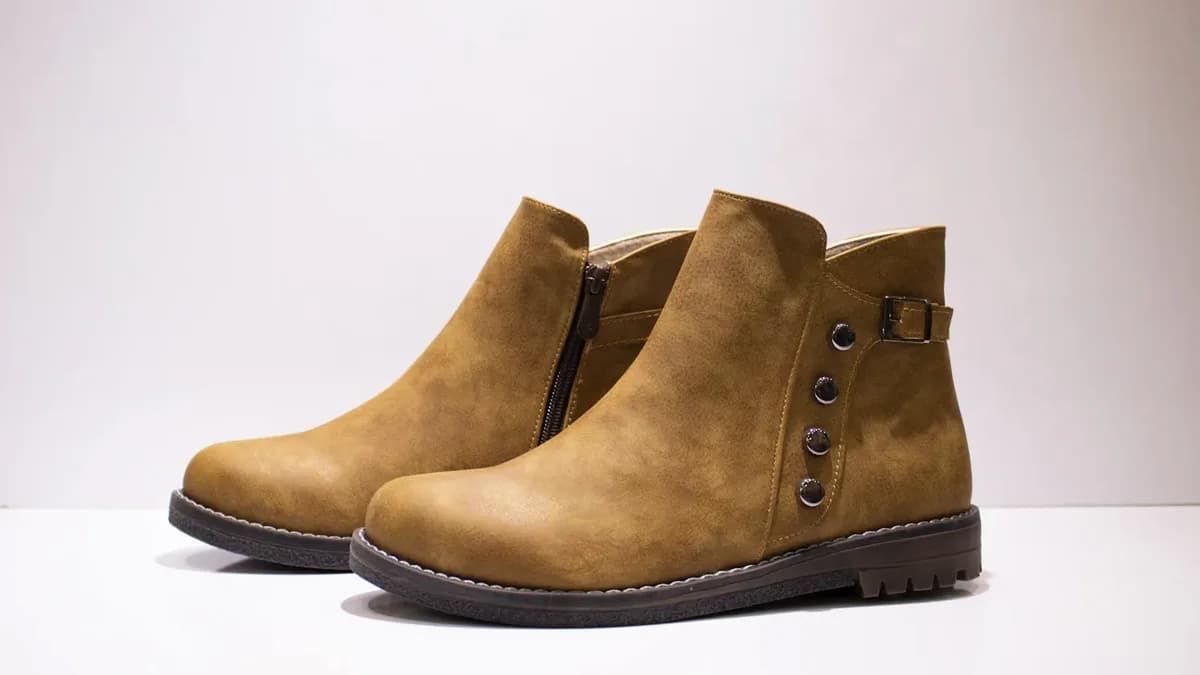
For a Shopify Performance Max campaign, prepare a separate ad-creative set from your Merchant Center feed: at least four landscape images, four square images, and two portrait images per important asset group. Keep the product inside the center 80% safe area, export JPG or PNG under 5 MB, and build each crop from a real product source image so Google can trust the ad and shoppers recognize the item after the click.
Specs last verified against Google Ads Help and Google Ads policy pages on May 13, 2026.
Performance Max assets are not your feed image
Your Shopify product image and Merchant Center image tell Google what the SKU is. Performance Max image assets tell Google Ads what the campaign can look like across Search, YouTube, Discover, Gmail, Maps, and Display-style placements. Treat them like a paid-media photo kit, not a product-data chore.
That distinction keeps this workflow from cannibalizing your Google Shopping image optimization work. The feed still needs clear product accuracy. The PMax asset group needs creative range: product-only clarity, lifestyle context, scale, category cues, and seasonal variants that can survive Google's automated cropping.
Current Google image-asset specs to build around
Google's Performance Max image-asset documentation lists JPG or PNG files, a 5 MB / 5120 KB maximum, and a recommendation to keep important content in the center 80% of the frame. Plan the set before you crop so the product does not disappear on mobile placements.
| Ratio | Recommended | Minimum | Use it for |
|---|---|---|---|
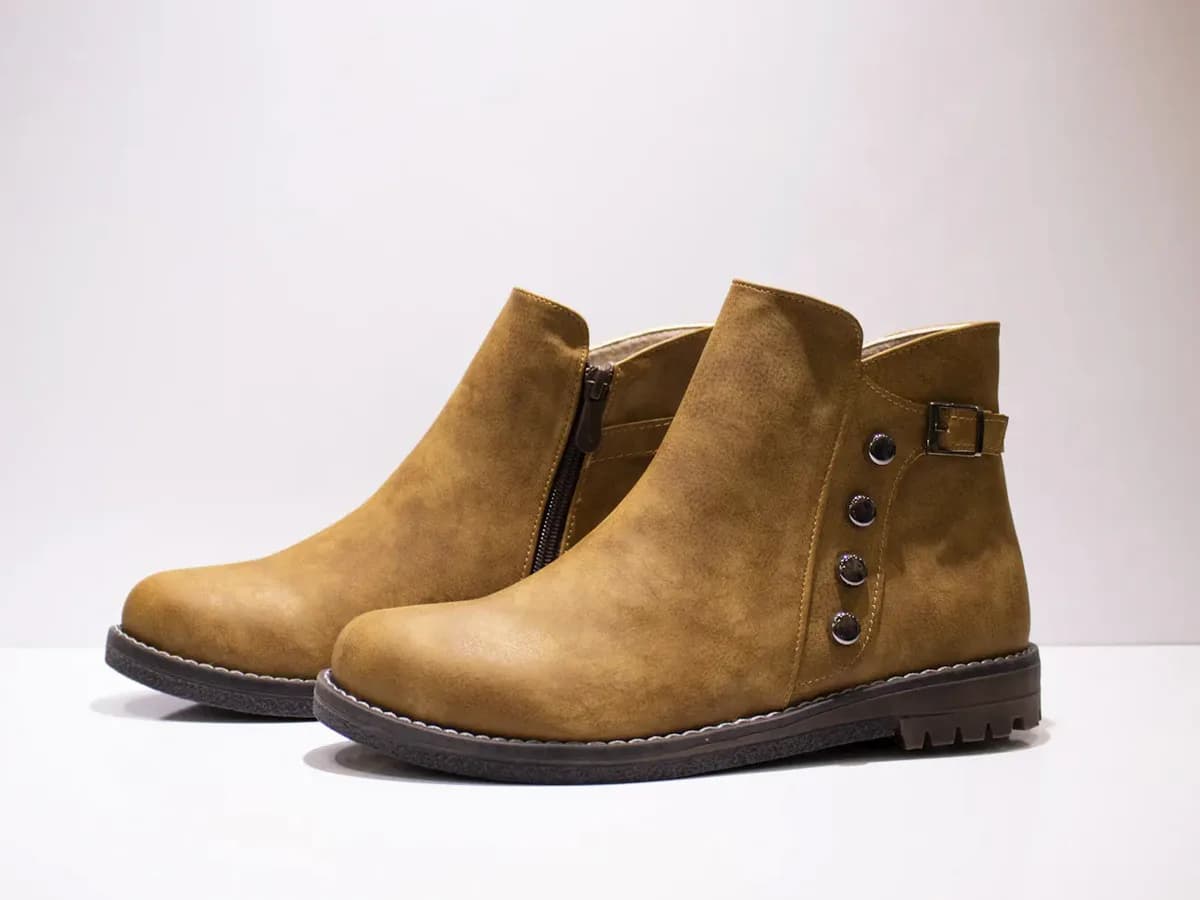
| Landscape 1.91:1 | 1200 × 628 px | 600 × 314 px | Hero lifestyle scenes, product-in-context shots, YouTube and Discover inventory. |
| Square 1:1 | 1200 × 1200 px | 300 × 300 px | Most reliable general-purpose crop for Shopping-adjacent and feed-like placements. |
| Portrait 4:5 | 960 × 1200 px | 480 × 600 px | Mobile-first lifestyle crops where the product stays readable above the fold. |
Google marks horizontal and square image assets as required for PMax asset groups and lists vertical 4:5 as optional but recommended. In practice, Shopify merchants should still create portrait versions because mobile inventory is where lifestyle photos often earn attention.
The Shopify shot list for one asset group
- Clean hero: the exact product, unobstructed, no promotional text, no fake bundle contents.
- Lifestyle context: the product in the environment where the buyer expects to use it: bathroom counter, gym bag, kitchen prep, desk, closet, patio, or travel kit.
- Scale and hand context: hands, shelves, tabletops, packaging, or adjacent objects that make size obvious without creating misleading claims.
- Detail / texture: fabric weave, ingredient texture, finish, closure, stitching, cable ports, or material close-ups.
- Seasonal or use-case variant: Mother's Day, back-to-school, holiday gifting, summer travel, workout reset, or dorm-room setup — but keep the product true.
- Landing-page match: at least one image should resemble the product page gallery so the shopper does not feel a bait-and-switch after clicking.
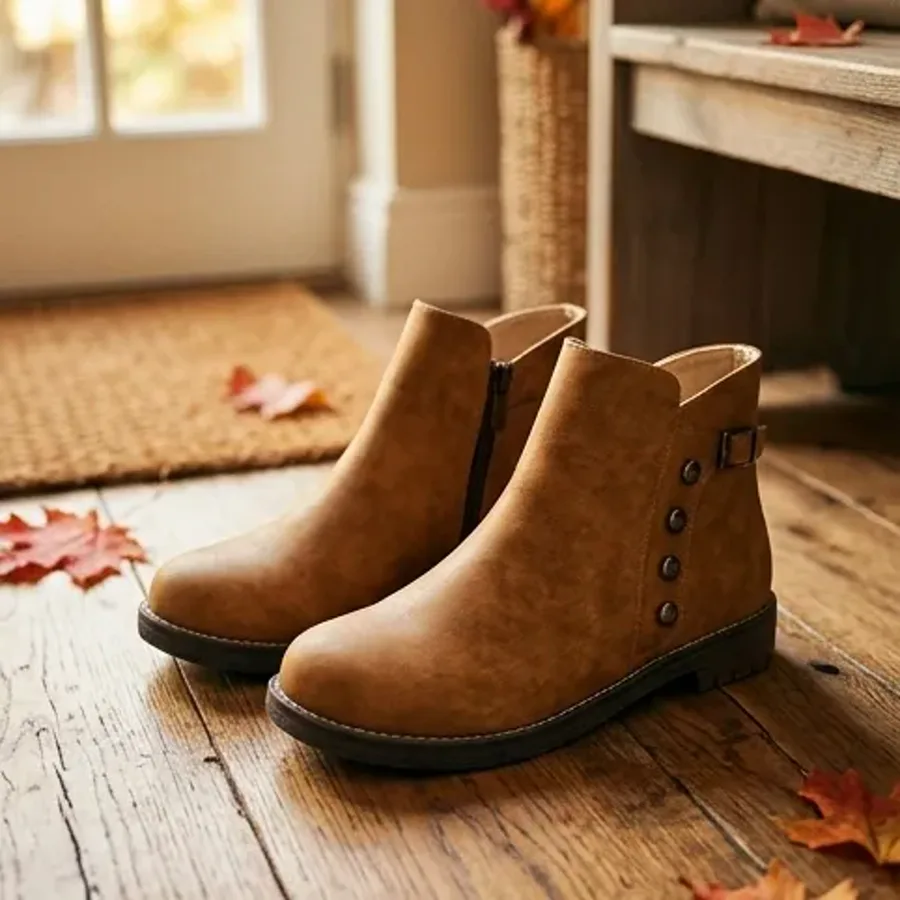
If you need a broader ecommerce gallery framework, pair this with the lifestyle vs white-background photo guide. For ads, the lifestyle context can be stronger; for the PDP, clarity usually wins first.
How to use AI product photos safely for PMax
AI is useful when you need every ratio and environment without a new studio shoot. Start with a clean source image, generate the scene in the largest crop first, then crop or regenerate the square and portrait versions instead of stretching one frame across every ratio.
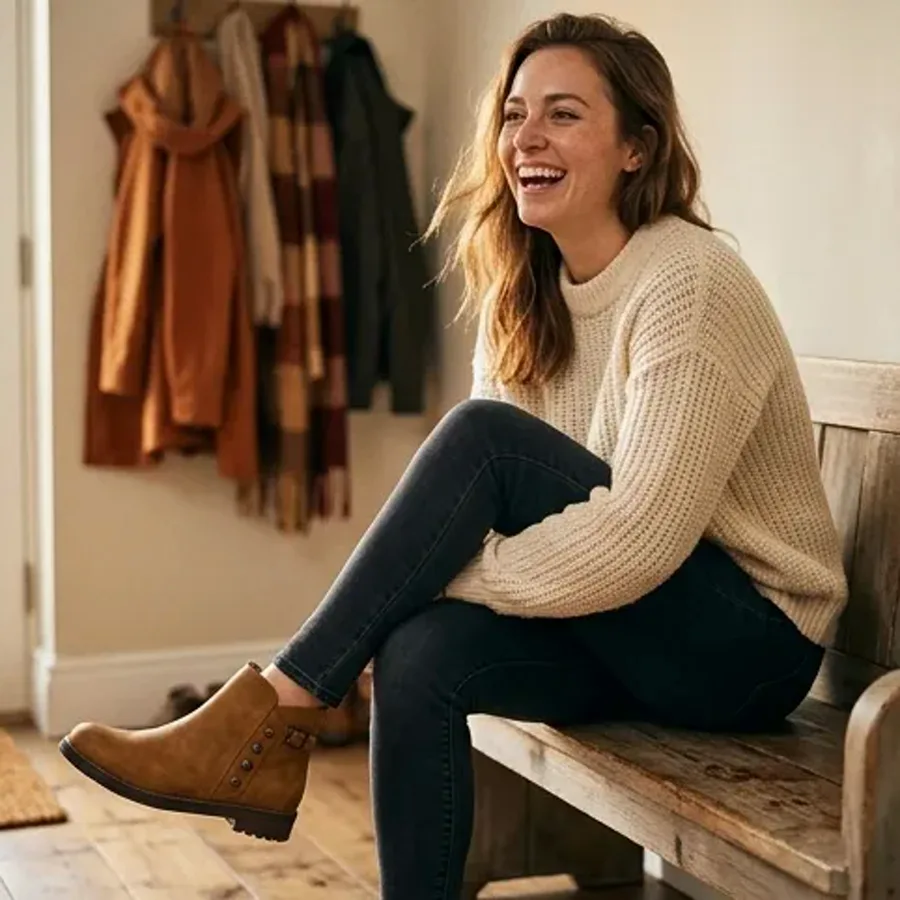
- Preserve product geometry, color, material, label placement, and included accessories.
- Avoid text overlays unless legally necessary; Google policy allows some overlays in PMax, but recommends at least one image without overlays for each aspect ratio.
- Do not invent claims: no fake certifications, fake before/after results, fake ingredient benefits, or impossible use cases.
- Export and inspect each crop at 100% zoom so hands, labels, textures, and logos do not show obvious artifacts.
Prodofoto can turn a single Shopify product image into lifestyle variants you can adapt for these ad concepts. Use it for scene coverage, then keep your final Google Ads review grounded in the real SKU. For a deeper workflow, read how to generate AI lifestyle product photos and the AI product photography guide.
QA checklist before uploading to Google Ads
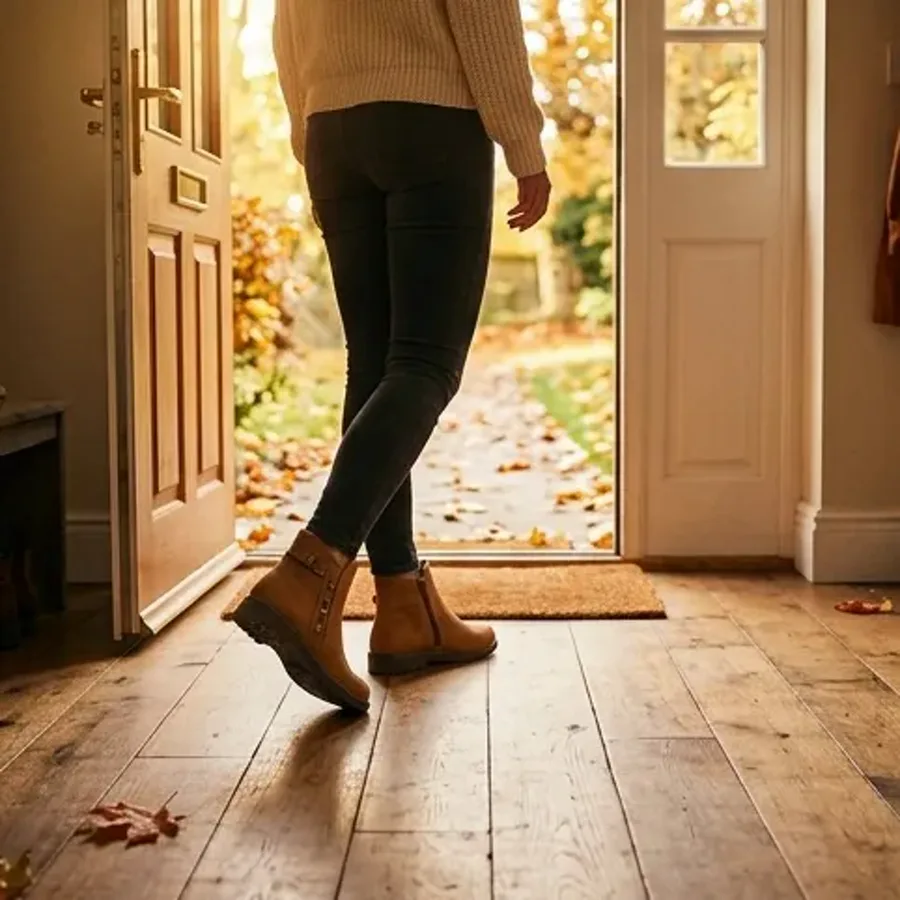
Measurement plan: decide what to replace
Do not judge the photo set by click-through rate alone. Track asset group CTR, conversion rate, cost per acquisition, product-group performance, and creative fatigue. If impressions remain high but CTR and conversion rate sag after 7–21 days, rotate in a new scene before rebuilding the whole campaign.
For hero SKUs, run a simple creative ladder: product-only control, lifestyle context, scale/detail, seasonal, and problem/solution scene. Use the same offer and landing page so the image is the main variable. If you want a more structured testing loop, use the Shopify product photo A/B testing guide.
What this means for social ads
You can reuse winning PMax concepts in Meta, Pinterest, or TikTok, but do not assume the same crop wins everywhere. Social ad creative often needs stronger UGC framing, vertical-first composition, and more native platform context. Use the social media product photo tips guide when you move beyond Google's automated placements.
FAQ
Are Performance Max image assets the same as Shopify or Merchant Center product images?
No. Shopify and Merchant Center product images describe the SKU in your feed. Performance Max image assets are creative inputs uploaded to Google Ads asset groups so Google can assemble ads across placements. Use your feed image for product truth, then create square, landscape, and portrait ad assets that show the product in use.
What image sizes should Shopify merchants prepare for Performance Max?
As of May 13, 2026, Google's Performance Max image-asset help page lists horizontal 1.91:1 at 1200 by 628 recommended / 600 by 314 minimum, square 1:1 at 1200 by 1200 recommended / 300 by 300 minimum, and vertical 4:5 at 960 by 1200 recommended / 480 by 600 minimum. Google also lists JPG or PNG files, a 5 MB limit, and a center-80% safe area.
Can I use AI-generated product photos in Performance Max campaigns?
Yes, if the image accurately represents the real product and follows Google's advertising policies. AI can create lifestyle scenes, seasonal backgrounds, and aspect-ratio variants, but it should not add fake product features, false claims, unreadable packaging, prohibited overlays, or misleading before-and-after effects.
How many variants should I create per product or asset group?
Start with at least four landscape images, four square images, and two portrait images per important asset group because that matches Google's published recommended counts. For top SKUs, create 12 to 20 image concepts so you can replace fatigued assets without redesigning the whole campaign.
Create the full PMax image set from one Shopify product photo
Prodofoto helps Shopify merchants generate lifestyle product photos without scheduling a new photoshoot for every campaign ratio. Start with a clean product image, create multiple ad-ready lifestyle scenes, then crop and QA the assets before uploading them to Google Ads.