Technical Guide
Shopify Product Image Sizes: The Complete 2026 Guide
Wrong image sizes kill your Shopify store in two ways: blurry photos that look unprofessional, and oversized files that slow your page to a crawl. This guide covers every image dimension you need — product photos, collections, banners, and social sharing — with the exact pixel sizes that work in 2026.
By LinkedIn: Brian Chen • 9 min read• Published March 1, 2026

Quick Answer
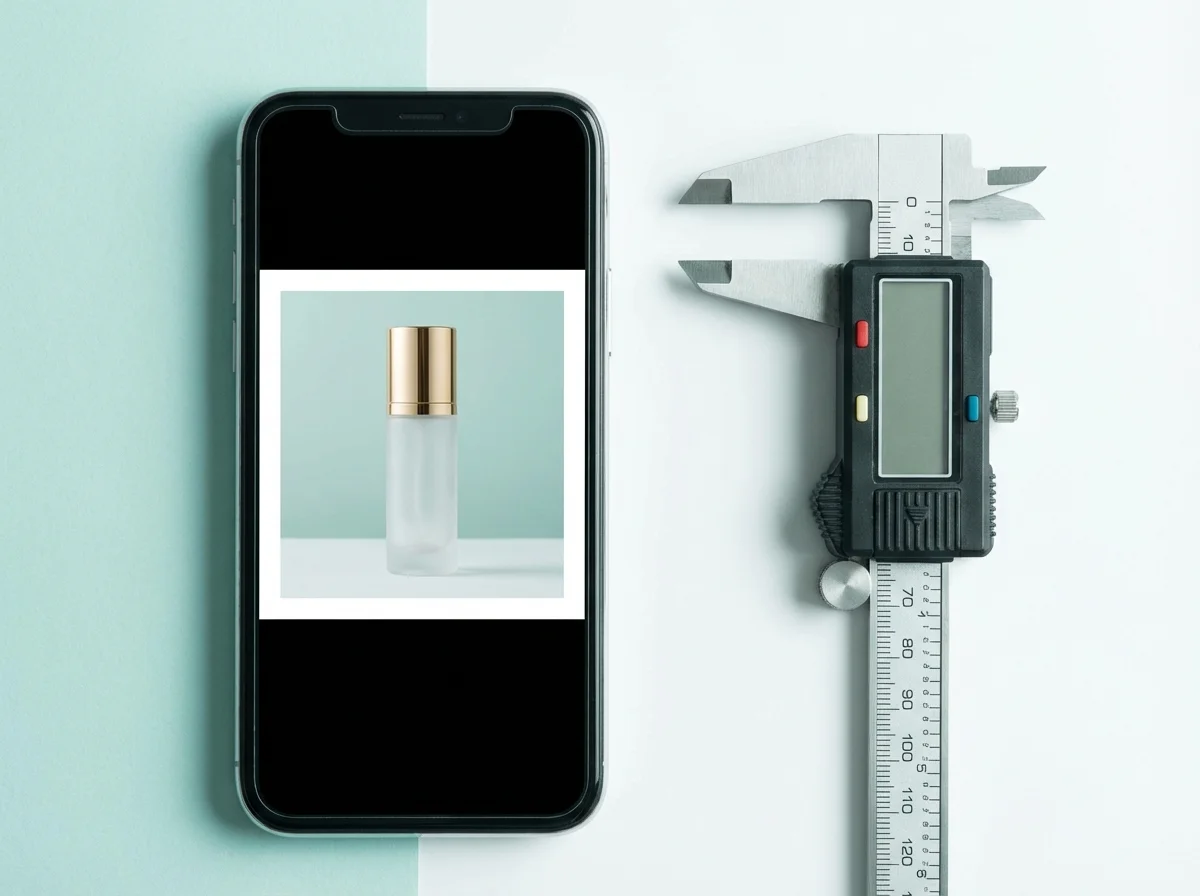
Shopify recommends 2048 × 2048 pixels for square product images. Product and collection uploads can be up to 5000 × 5000 pixels (25 megapixels) and must be smaller than 20 MB. Around 200 KB is an optimization target, not an upload limit; preserve visible product detail when compressing.
Shopify Product Image Sizes: The Numbers
Shopify recommends 2048 × 2048 pixels for square product images. Product and collection uploads can be up to 5000 × 5000 pixels (25 megapixels) and must be smaller than 20 MB. Around 200 KB is an optimization target, not an upload limit; preserve visible product detail when compressing.
| Image Type | Recommended Size | Aspect Ratio | Optimization target (not upload limit) |
|---|---|---|---|
| Product photo (primary) | 2048 × 2048 | 1:1 (square) | 200 KB |
| Product photo (portrait) | 2048 × 2560 | 4:5 | 250 KB |
| Collection image | 2048 × 2048 | 1:1 | 200 KB |
| Hero / slideshow banner | 2880 × 1000 | ~3:1 | 300 KB |
| Logo | 512 × 512 | 1:1 | 50 KB |
| Favicon | 32 × 32 | 1:1 | 5 KB |
| OG / social share image | 1200 × 630 | ~1.9:1 | 150 KB |
Zoom depends on your theme and its settings, the displayed image size, and the source detail. A 2048px square is a useful starting point, not a universal zoom threshold or a guarantee of sharpness on every screen. Test your actual gallery on desktop and mobile.
The consistency rule: Every product image in your catalog should use the same dimensions and aspect ratio. Mixed sizes cause uneven grids on collection pages, which looks unprofessional and breaks visual scanning patterns. Pick one size and stick with it.
Aspect Ratios: Which One Should You Use?
Your aspect ratio determines how your product images display across collection grids, product pages, and search results. Choose wrong and Shopify will auto-crop your images — often cutting off important product details.
| Ratio | Best For | Pros | Cons |
|---|---|---|---|
| 1:1 (Square) | Most product types | Universal compatibility, clean grids | Tall products may look small |
| 4:5 (Portrait) | Fashion, bottles, tall items | More vertical space for product detail | Not all themes support it natively |
| 3:2 (Landscape) | Wide products, lifestyle scenes | Natural camera format, feels editorial | Inconsistent with square catalogs |
Our recommendation: Start with 1:1 (square) for your entire catalog. It works with every Shopify theme, every social platform, and every marketplace. If you sell primarily fashion or tall products, 4:5 portrait gives you more vertical real estate — but check that your theme handles it without awkward cropping first.
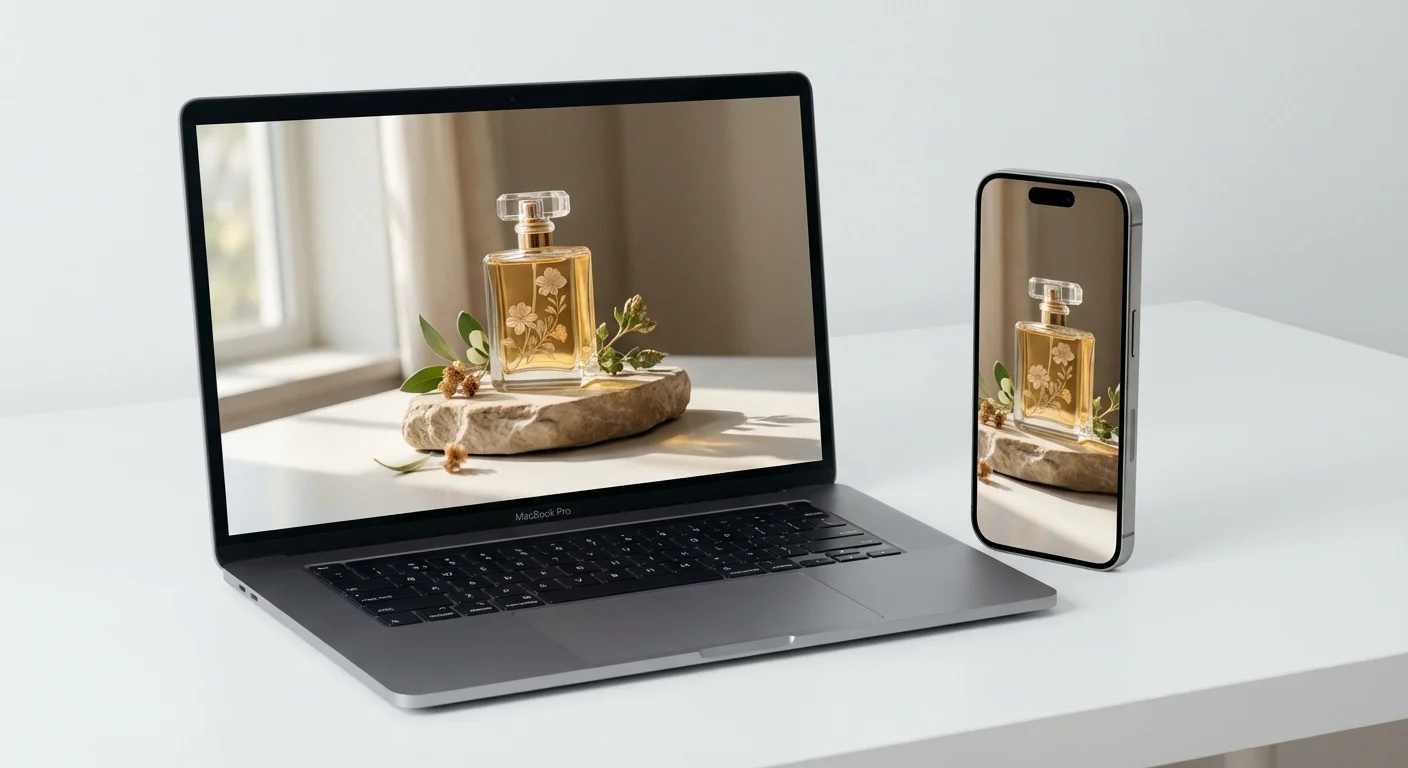
The same product page renders very differently on mobile vs desktop — your images need to work on both.
File Formats & Compression: WebP vs JPEG vs PNG
Choosing the right file format is just as important as choosing the right dimensions. The wrong format can double your file size without any visible quality improvement.
| Format | Best For | Typical Size (2048px) | Browser Support |
|---|---|---|---|
| WebP | Everything (default choice in 2026) | 80-150 KB | 97%+ of browsers |
| JPEG | Photos with complex color gradients | 120-250 KB | 100% |
| PNG | Logos, graphics with transparency | 400-800 KB | 100% |
| AVIF | Emerging option, best compression | 50-100 KB | ~92% of browsers |
The 2026 recommendation: Upload as WebP at quality 80-85. This gives you the best balance of file size and visual quality. Shopify will also auto-serve WebP to supported browsers even if you upload JPEG, but uploading WebP directly gives you full control over compression settings.
Never upload PNG for product photos. A 2048×2048 product photo saved as PNG can hit 600-800 KB — three to four times larger than the same image in WebP. PNG is for logos and graphics with transparency, not product photography.
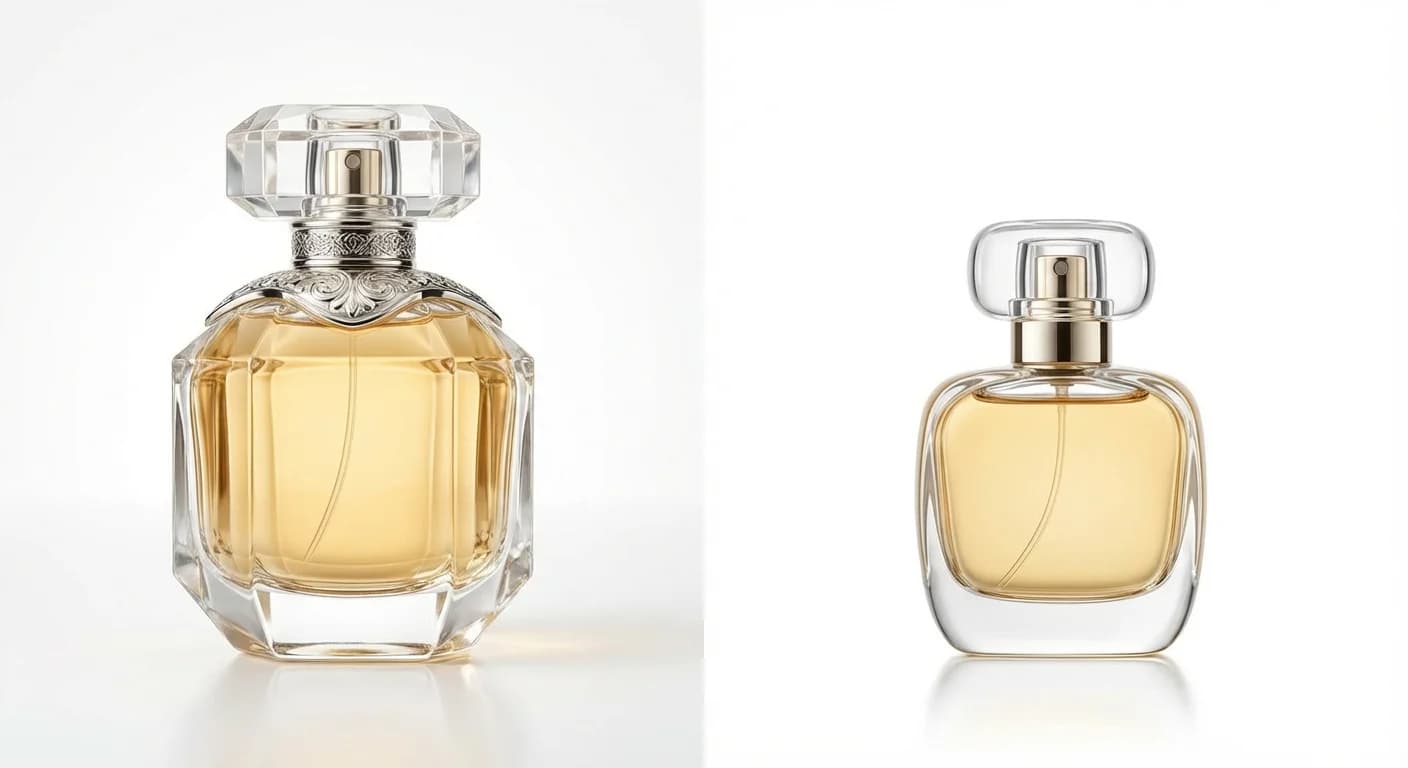
Left: Properly compressed (WebP, 120 KB). Right: Over-compressed (JPEG quality 20, visible artifacts).
Mobile Optimization: Where Most Sales Happen
Over 70% of Shopify traffic comes from mobile devices. Your product images need to load fast on 4G connections and look sharp on high-density retina screens. Here is how to optimize for both.
- 1.Larger image files can slow loading, but there is no fixed number of seconds per 100 KB. Try a 150–200 KB budget for delivered mobile images where quality allows, then measure the real page with your theme, device, network, and loading strategy. This is a target, not a benchmark result.
- 2.Use responsive images through your theme’s srcset and sizes settings. Shopify can serve smaller versions of your source image, but cannot recover detail absent from that source. Check which image sizes your theme actually requests.
- 3.Test on real devices. Chrome DevTools mobile simulation is not enough. Borrow a mid-range Android phone and test your product pages on a real 4G connection. The experience gap between a flagship iPhone and a $200 Android is massive.
- 4.Lazy-load below-the-fold images.Only the first product image needs to load immediately. Images 2-8 should lazy-load as the shopper scrolls. Most modern Shopify themes handle this automatically, but verify in your theme's settings.
For a deeper dive into mobile-specific product photo optimization, see our guide on how product photos affect conversion rates.
6 Image Sizing Mistakes That Hurt Your Store
1. Mixing aspect ratios across products
Nothing looks more amateur than a collection page where product cards are all different heights. Pick one ratio and enforce it store-wide. If you have existing products with mixed ratios, batch-resize them all at once — it is worth the afternoon.
2. Uploading phone camera originals (4000+ pixels)
Choose upload dimensions for your theme and intended display size. Keep a high-quality original, resize larger files when useful, and avoid enlarging a small image just to reach 2048px. Shopify creates multiple display sizes from the uploaded source.
3. Using PNG for product photos
We see this constantly. A 2048×2048 product photo saved as PNG is typically 600-800 KB. The same image as WebP at quality 82 is 100-150 KB with no visible quality difference. That is a 5x size reduction for free.
4. Assuming one universal zoom threshold
Zoom depends on your theme and its settings, the displayed image size, and the source detail. A 2048px square is a useful starting point, not a universal zoom threshold or a guarantee of sharpness on every screen. Test your actual gallery on desktop and mobile.
5. No alt text on images
Image SEO is real. Google Images drives significant traffic to Shopify stores. Every product image should have descriptive alt text that includes the product name and relevant keywords. "IMG_4382.jpg" is not alt text.
6. Only having 1-2 images per product
Research shows that going from 1 image to 6-8 images per product dramatically increases conversion. The sizing guide does not help if you do not have enough images to fill your gallery. More variety — lifestyle shots, close-ups, scale references — means more reasons for shoppers to buy.
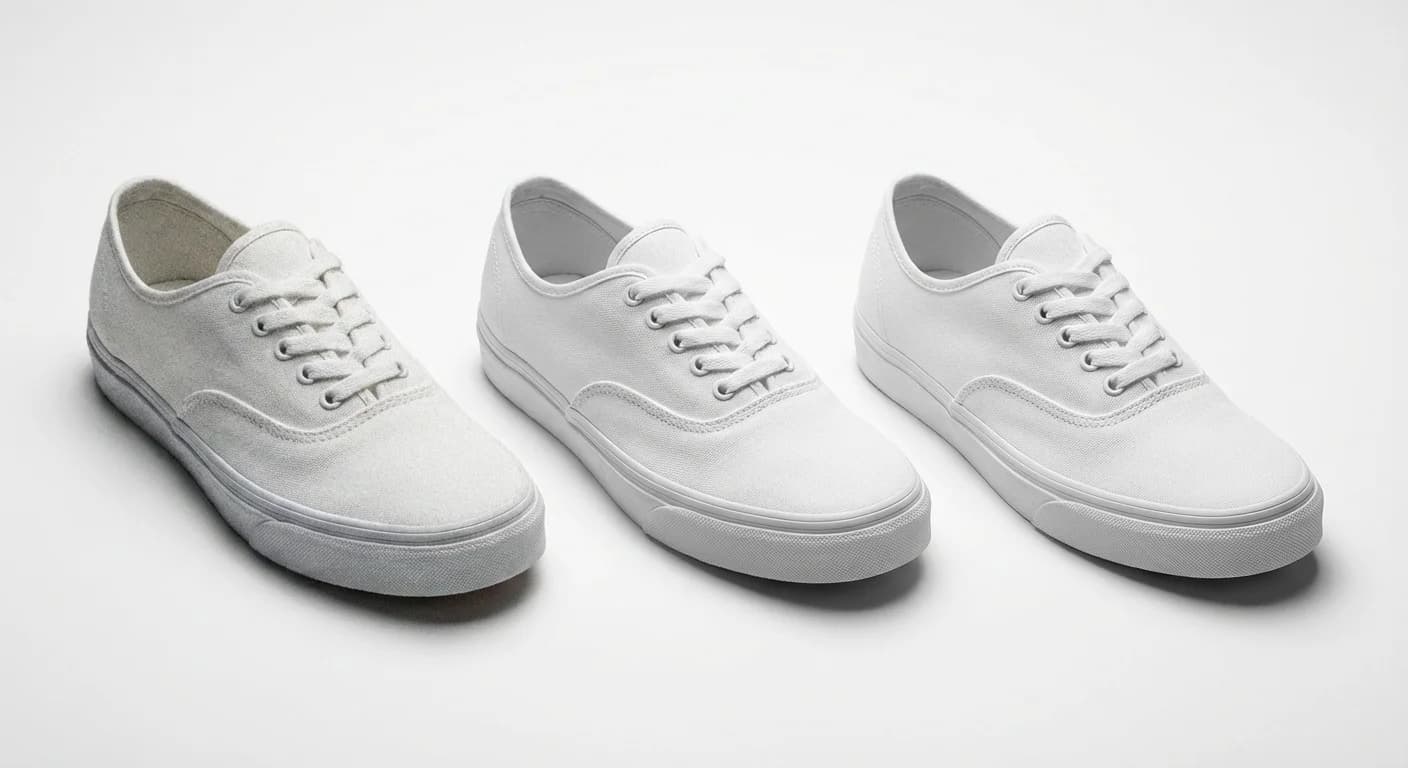
The same product photo in three formats — WebP wins on file size every time.
Generate Properly Sized Product Photos with AI
Manually resizing and optimizing images across your entire catalog is tedious. And the bigger problem for most Shopify sellers is not having enough images in the first place.
Prodofoto creates up to 9 photos per shoot, depending on the selected setup. Export dimensions vary with the generation settings and image processing; check each downloaded image. A 1024 × 1024 image can work in smaller placements, but has less detail for large displays or zoom than a native 2048 × 2048 image. Enlarging it to 2048px does not restore missing detail. Keep higher-resolution originals for detail-critical shots and preview the results in your theme.
The workflow takes 60 seconds per product. Instead of spending hours on a photoshoot and then more hours resizing images for different placements, you start with one clean product shot and end with a full gallery in the optimal sequence.
For a step-by-step walkthrough, check our Prodofoto tutorial or learn how to generate AI lifestyle photos in 60 seconds.
Stop Worrying About Image Sizes. Start Selling.
Create product photos with Prodofoto, check their exported dimensions and product detail, then preview your gallery on mobile and desktop before publishing.
Frequently Asked Questions
What is the recommended Shopify product image size?
Shopify recommends 2048 × 2048 pixels for square product images. Product and collection uploads can be up to 5000 × 5000 pixels (25 megapixels) and must be smaller than 20 MB. Around 200 KB is an optimization target, not an upload limit; preserve visible product detail when compressing.
What aspect ratio should Shopify product photos use?
Square (1:1) is the safest default because it works across all Shopify themes without cropping. Some themes support custom ratios like 4:5 (portrait) or 3:2 (landscape), but 1:1 ensures consistency across your entire catalog.
What image format is best for Shopify product photos?
WebP is the best format for Shopify in 2026. It produces files 25-35% smaller than JPEG at equivalent quality. Shopify automatically serves WebP to supported browsers. Upload as JPEG or PNG and Shopify handles the conversion, or upload WebP directly for maximum control.
How do I enable zoom on Shopify product images?
Zoom depends on your theme and its settings, the displayed image size, and the source detail. A 2048px square is a useful starting point, not a universal zoom threshold or a guarantee of sharpness on every screen. Test your actual gallery on desktop and mobile.
Does image file size affect Shopify page speed?
Larger image files can slow loading, but there is no fixed number of seconds per 100 KB. Try a 150–200 KB budget for delivered mobile images where quality allows, then measure the real page with your theme, device, network, and loading strategy. This is a target, not a benchmark result.
Should I resize images before uploading to Shopify?
Choose upload dimensions for your theme and intended display size. Keep a high-quality original, resize larger files when useful, and avoid enlarging a small image just to reach 2048px. Shopify creates multiple display sizes from the uploaded source.
What about collection and banner image sizes on Shopify?
Collection images: 2048x2048 (square) or 2048x1024 (landscape). Hero banners: 2880x1000 for full-width or 1920x800 for contained layouts. Slideshow images: 2560x1440 (16:9). Always check your specific theme's documentation.