Tutorials
How to Use Prodofoto for Shopify Product Photography
Prodofoto is a Shopify app that generates 4 AI lifestyle product photos in about 60 seconds. You pick a product from your catalog, choose a photo style, and the AI builds complete lifestyle scenes around your product. This tutorial walks through every step, from installation to publishing finished photos on your product page.
By LinkedIn: Brian Chen • 7 min read• Published February 13, 2026

Quick Answer
Install Prodofoto from the Shopify App Store, select a product from your catalog, choose a photo mode (lifestyle, product-only, or on-model), and click generate. You get 4 AI lifestyle photos in about 60 seconds. Edit if needed, then publish directly to your Shopify product listing. The whole process takes under 2 minutes per product.
Before You Start
You need two things: a Shopify store and at least one product with an image. That's it. Prodofoto pulls directly from your Shopify catalog, so there are no files to prepare, no backgrounds to remove, and no prompts to write.
Traditional product photography costs $500-$2,000 per shoot and takes 2-4 weeks, according to data from BlendNow and Squareshot. Prodofoto does it in 60 seconds for roughly $1. If you want the full cost comparison, see our product photography cost breakdown.
Step-by-Step: From Install to Published Photos
Install Prodofoto from the Shopify App Store
Go to the Shopify App Store, search for Prodofoto, and click Install. The app adds itself to your Shopify admin. No separate account needed.
Select a product from your catalog
Open Prodofoto inside your Shopify admin. Browse your product catalog and pick the product you want to photograph. Prodofoto pulls your existing product images automatically, so there is nothing to upload.
Choose your photo mode
Pick from three modes: Lifestyle (product in a real-world scene with AI-generated models), Product-Only (clean catalog shots on styled surfaces), or On-Model (your apparel shown on AI-generated models). Each mode generates a different style of photo.
Click generate and wait 60 seconds
Hit the generate button. In about 60 seconds, Prodofoto creates 4 unique photos of your product. Each one has different angles, poses, or scene compositions.
Review and edit your photos
Look through your 4 generated photos. If something needs adjusting, use the built-in edit tools to refine the image. You can regenerate as many times as you want until you are satisfied.
Publish directly to your Shopify listing
Pick your favorite photos and publish them to your Shopify product listing with one click. No downloading, no re-uploading. The images appear on your live product page immediately.
Total time: under 2 minutes for your first product. Once you get the hang of it, most merchants finish in about 90 seconds.
What You Get: 4 Photos Per Product
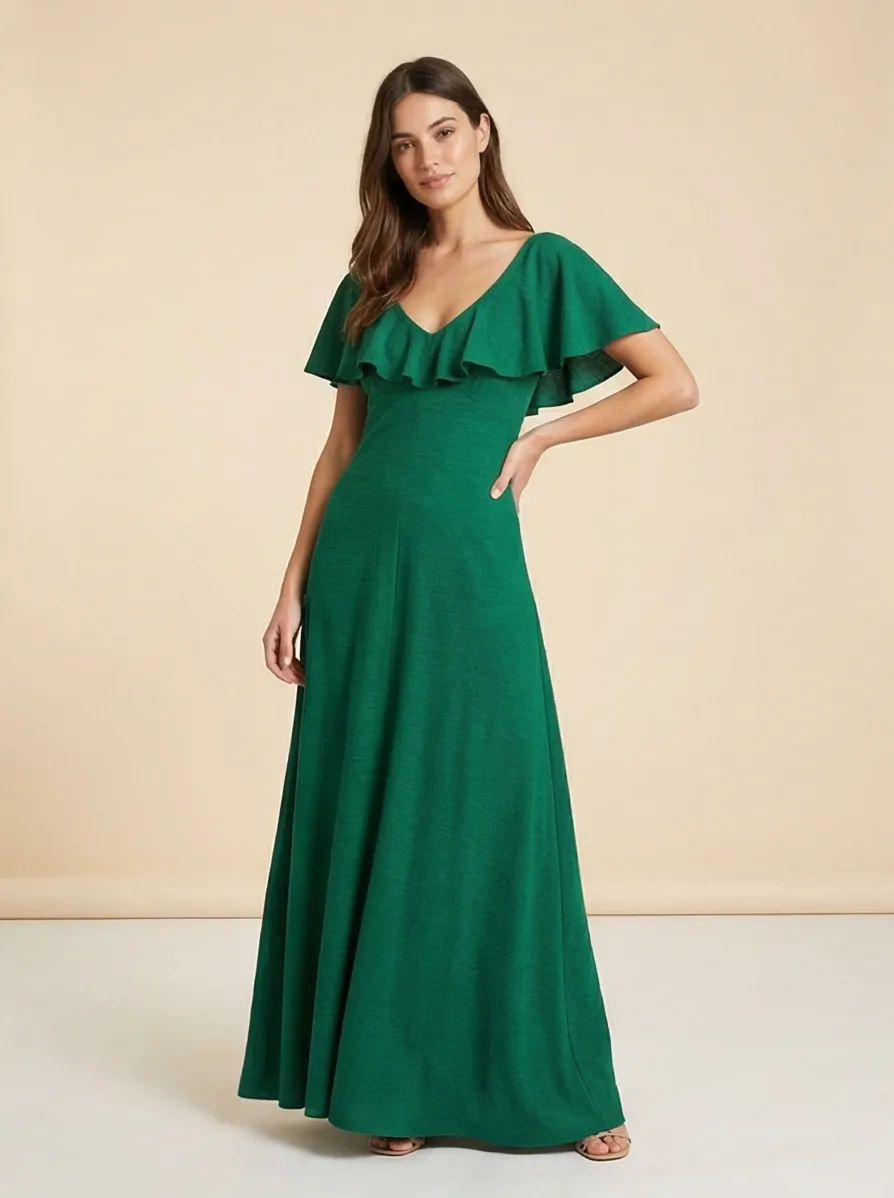
Every generation creates 4 unique photos. Different angles, different poses, different compositions. You pick the ones you like, or use all of them. Here is a real example: one product image in, four AI lifestyle photos out.
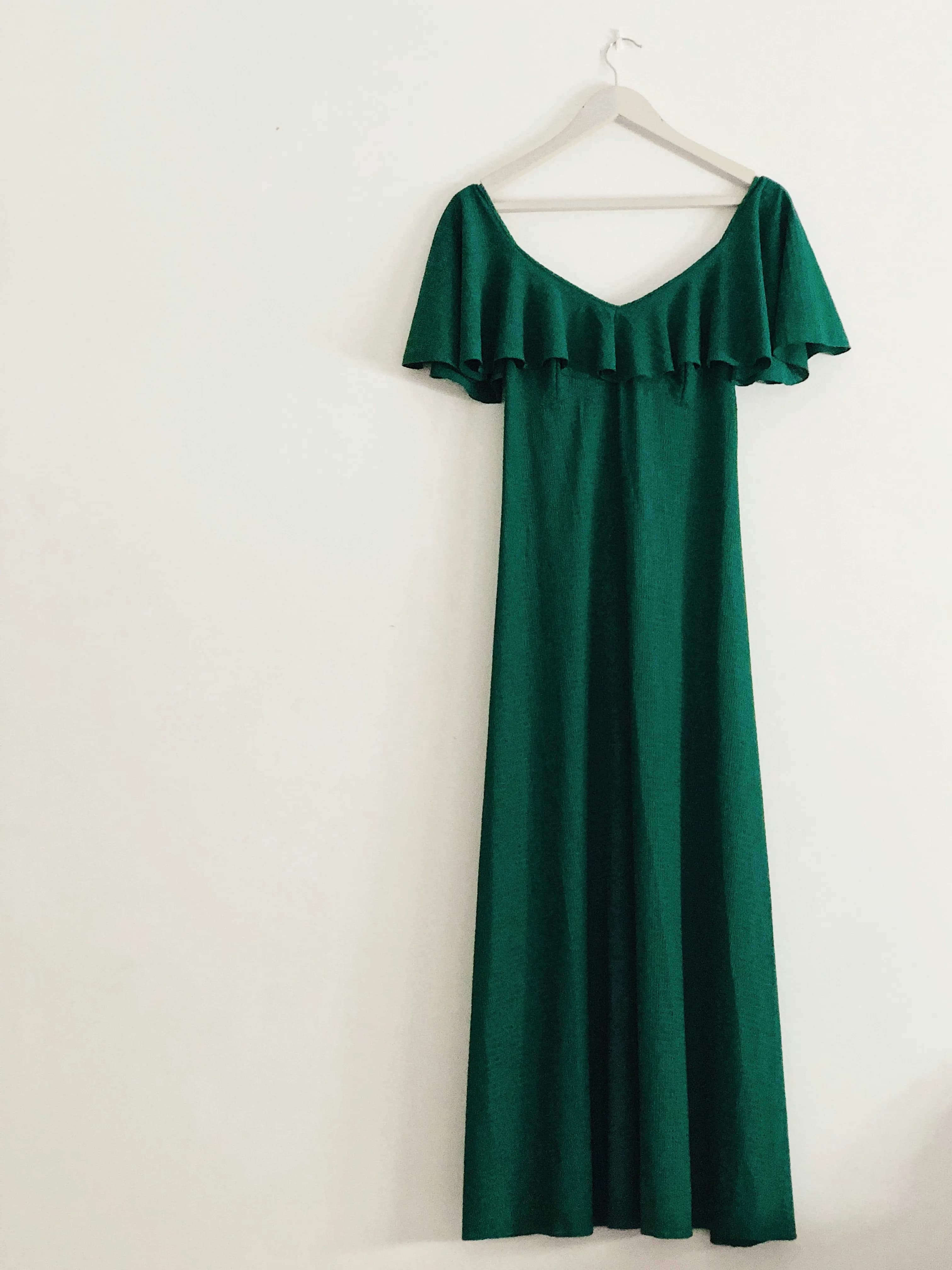
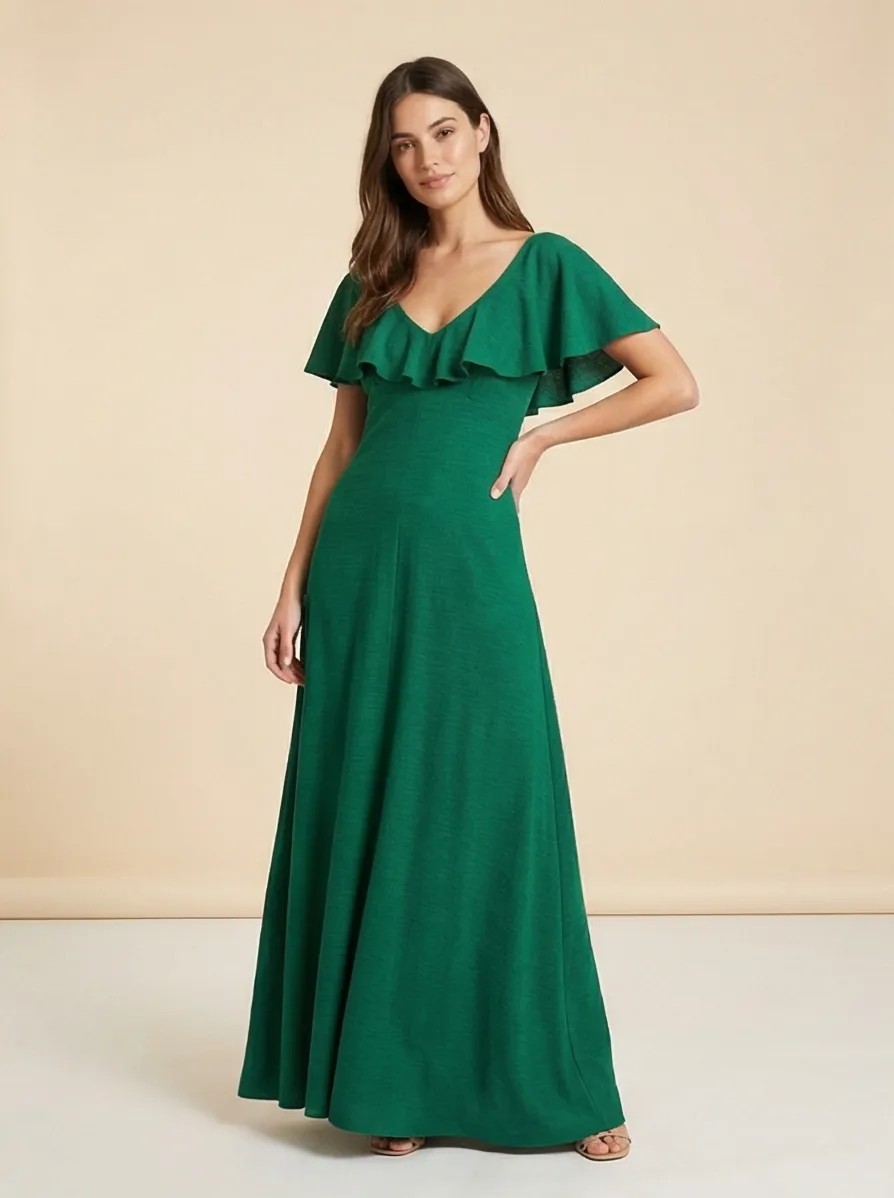
All 4 generated from a single click.
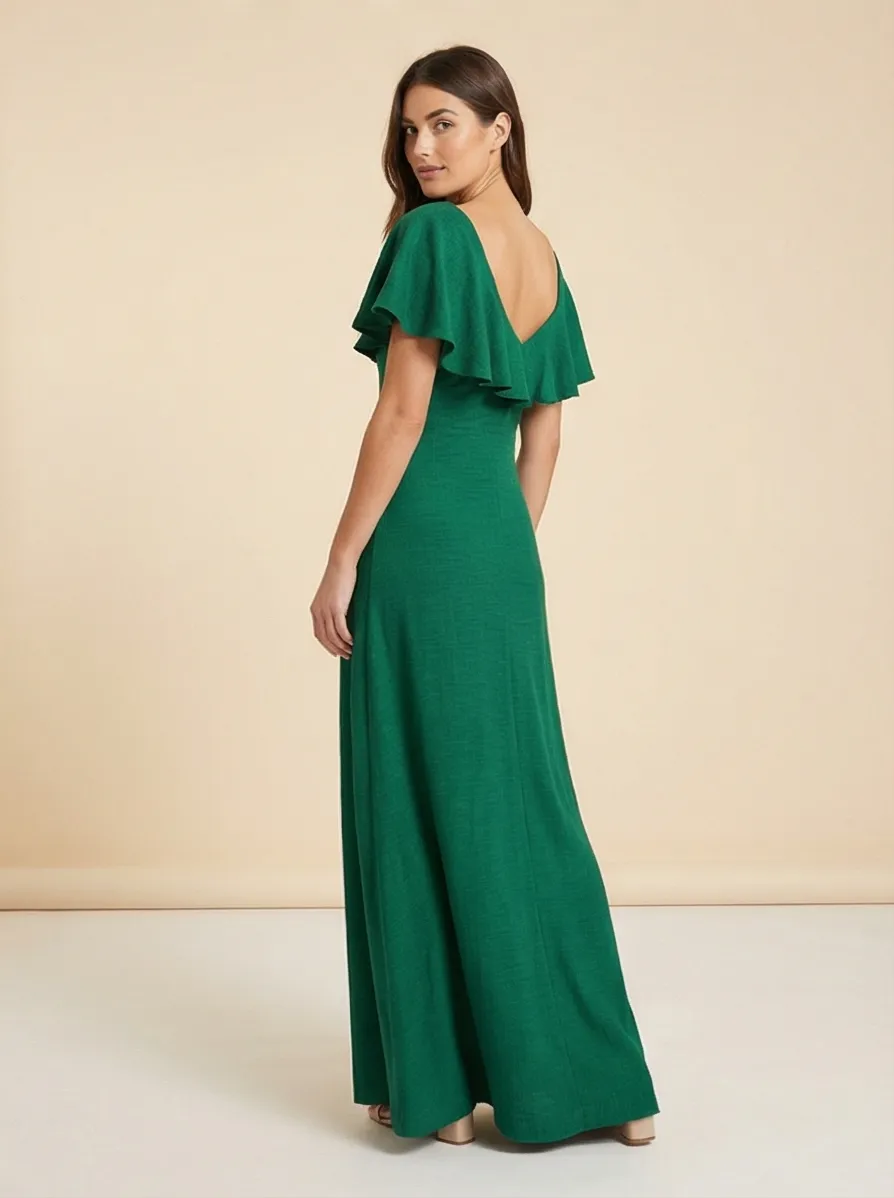
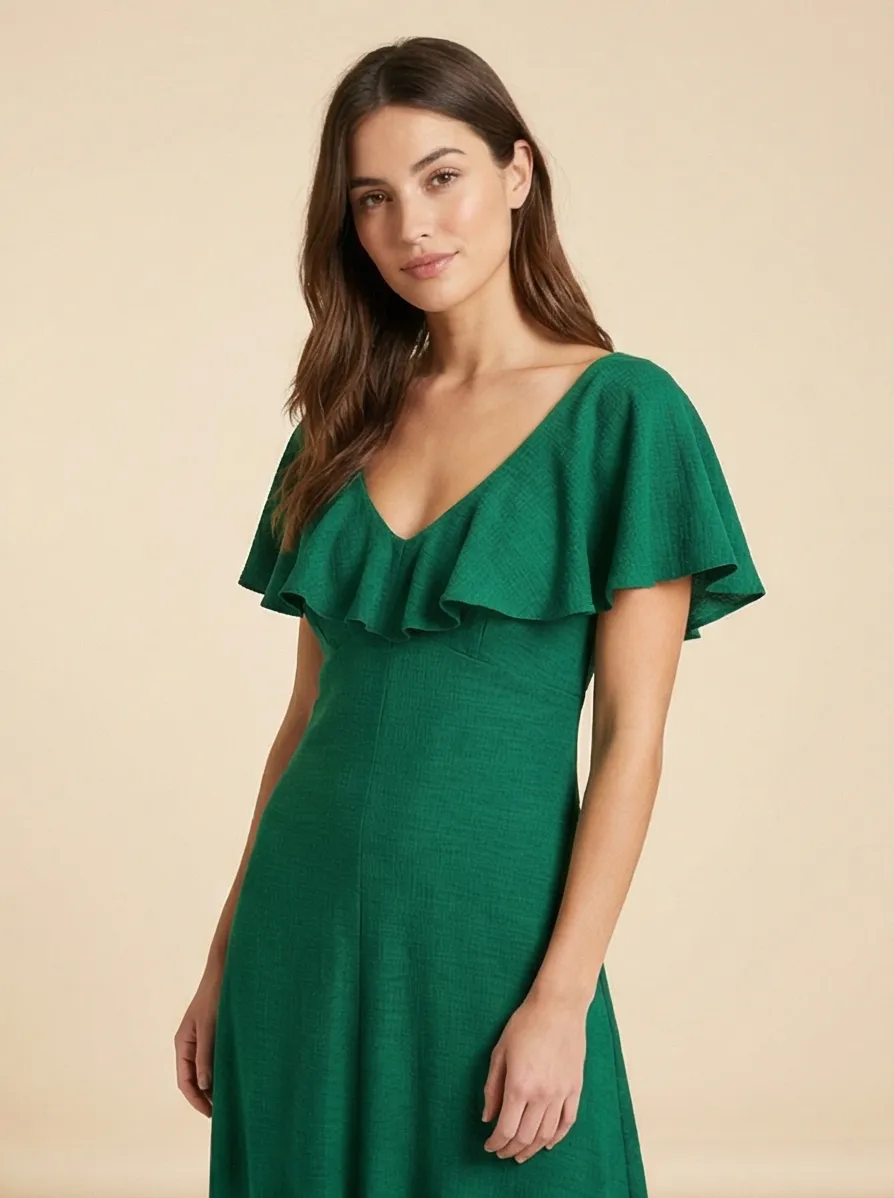
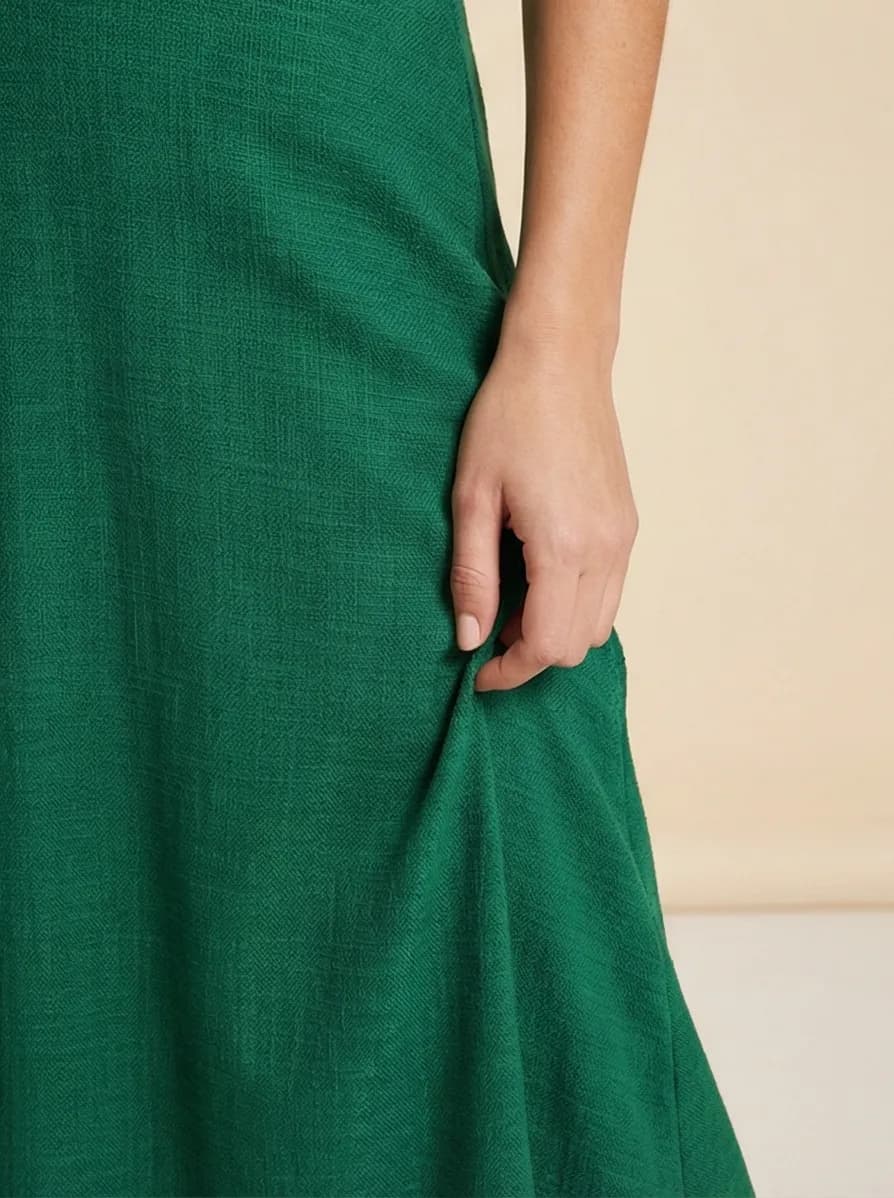
90% of online shoppers say image quality is the most important factor in a purchase decision, according to Business Dasher. Having 4 different angles and compositions per product gives shoppers the visual confidence they need to buy.
Three Photo Modes Explained
Prodofoto generates different types of product photos depending on the mode you choose. Each mode is designed for a different use case.
Lifestyle Mode
Places your product in a real-world scene. A coffee mug on a kitchen counter. Sneakers on a city sidewalk. A lamp in a styled living room. The AI generates the entire environment with correct lighting and shadows. Best for hero images and social media.
Product-Only Mode
Clean catalog-style photos on elegant surfaces. No people, no busy backgrounds. Think marble countertops, wooden tables, or gradient backdrops. Best for marketplace listings and secondary gallery images.
On-Model Mode
Shows apparel on AI-generated human models. Upload a dress, get back a model wearing it. No hiring models ($200-500/day), no booking locations ($300+/day), no coordinating shoots. Best for fashion and apparel stores.
For a deeper look at how AI photography compares to hiring a photographer, read our AI vs traditional photography comparison.
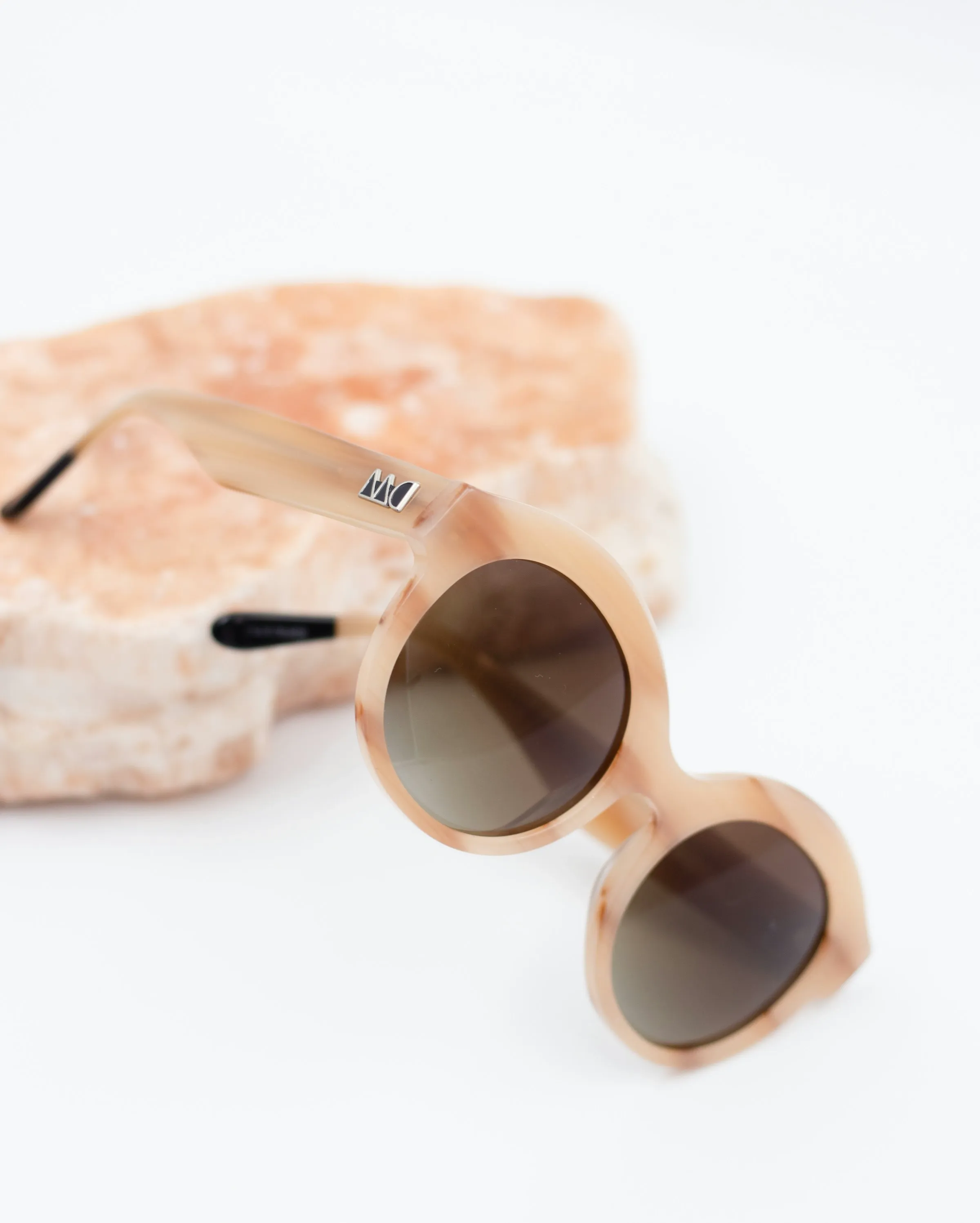
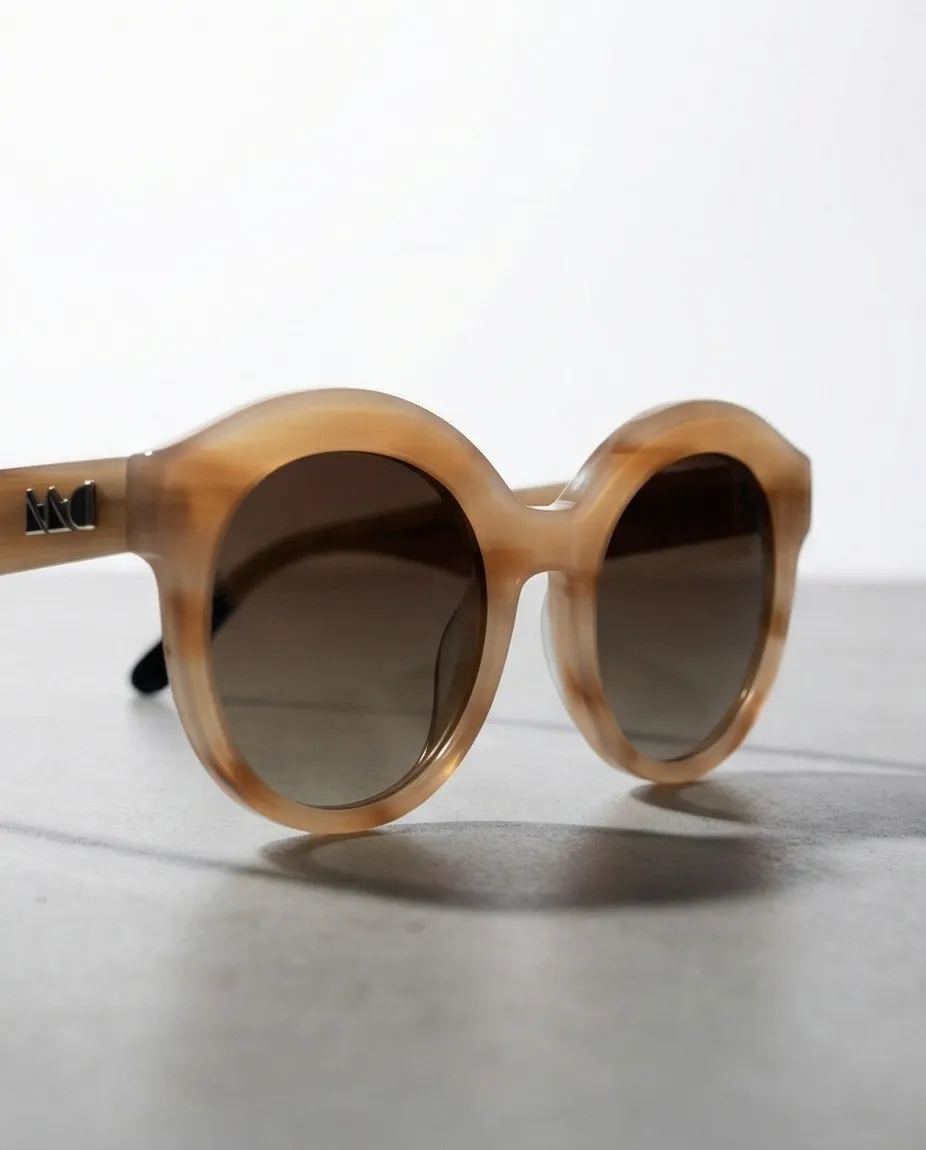
Tips for Better Results
- Start with a clean product image.White or plain backgrounds work best as input. The AI reads your product's shape, color, and material more accurately when there is less visual noise.
- Use the highest resolution image you have. Shopify stores often have multiple image sizes. Pick the largest one. Better input quality means better output quality.
- Try all three modes. A dress might look great in On-Model mode, but a close-up Product-Only shot can work well as a secondary gallery image. Mix and match.
- Generate more than once. Each generation is different. If the first set of 4 photos does not hit, generate again. You will often find your favorite on the second or third try.
- Use 6-8 images per product listing. Baymard Institute research shows that 6-8 images per product page is the sweet spot for conversion. Combine white-background shots with lifestyle photos for the best results.
Products with lifestyle imagery see 22-30% higher conversion rates compared to plain product shots, according to Entrepreneur. For a full breakdown of why lifestyle photos outperform white backgrounds, see our lifestyle vs white background comparison.
Turn One Product Photo Into a Full Lifestyle Gallery
Prodofoto pulls products from your Shopify store and generates 4 AI lifestyle photos in 60 seconds. Free to start, no credit card required.
Frequently Asked Questions
Is Prodofoto free to use?
Prodofoto offers a free tier so you can try it before committing. Paid plans start at roughly $1 per generation (4 photos). Compare that to $500+ for a single traditional photoshoot.
Do I need to upload product photos separately?
No. Prodofoto pulls images directly from your Shopify product catalog. If your product already has an image in Shopify, Prodofoto can use it. No separate upload step.
What product categories work best with Prodofoto?
Apparel, beauty, home decor, electronics, food packaging, and accessories all produce strong results. Products with fine jewelry details or transparent materials may need a round of editing to get right.
How long does it take to generate photos?
About 60 seconds per generation. Each generation creates 4 photos, so you can have a full set of lifestyle images for one product in under a minute.
Can I edit the AI-generated photos?
Yes. Prodofoto includes built-in editing tools. You can refine any generated photo until it looks exactly how you want. Regenerate as many times as needed.
Does Prodofoto work with all Shopify themes?
Yes. Prodofoto publishes standard image files to your Shopify product listing. The images work with every Shopify theme because they are regular product photos, not embedded widgets.
What is the difference between Lifestyle and On-Model modes?
Lifestyle mode places your product in a real-world scene (a kitchen counter, a living room shelf). On-Model mode shows apparel on AI-generated human models wearing the clothing. Product-Only mode creates clean catalog shots without people.
References
- Business Dasher: Product Photography Statistics
- Baymard Institute: Current State of Ecommerce Product Page UX
- BlendNow: How Much Does Product Photography Cost?
- Squareshot: Product Photography Cost Guide
- Entrepreneur: How Smart Entrepreneurs Cut Photography Costs With AI
- Photoroom: AI Product Photography Statistics and Trends