Shopify Product Video
AI Product Videos for Shopify: How to Create 5-Second Clips That Convert
Product pages with video convert 84% better than image-only pages. Most Shopify merchants know this and do nothing about it, because video production is expensive and slow. AI changes the math: pick a product photo, tap one button, and your 5-second clip is ready in under a minute. Here is exactly how to do it.
By LinkedIn: Brian Chen • 8 min read• Published July 6, 2026

Quick Answer
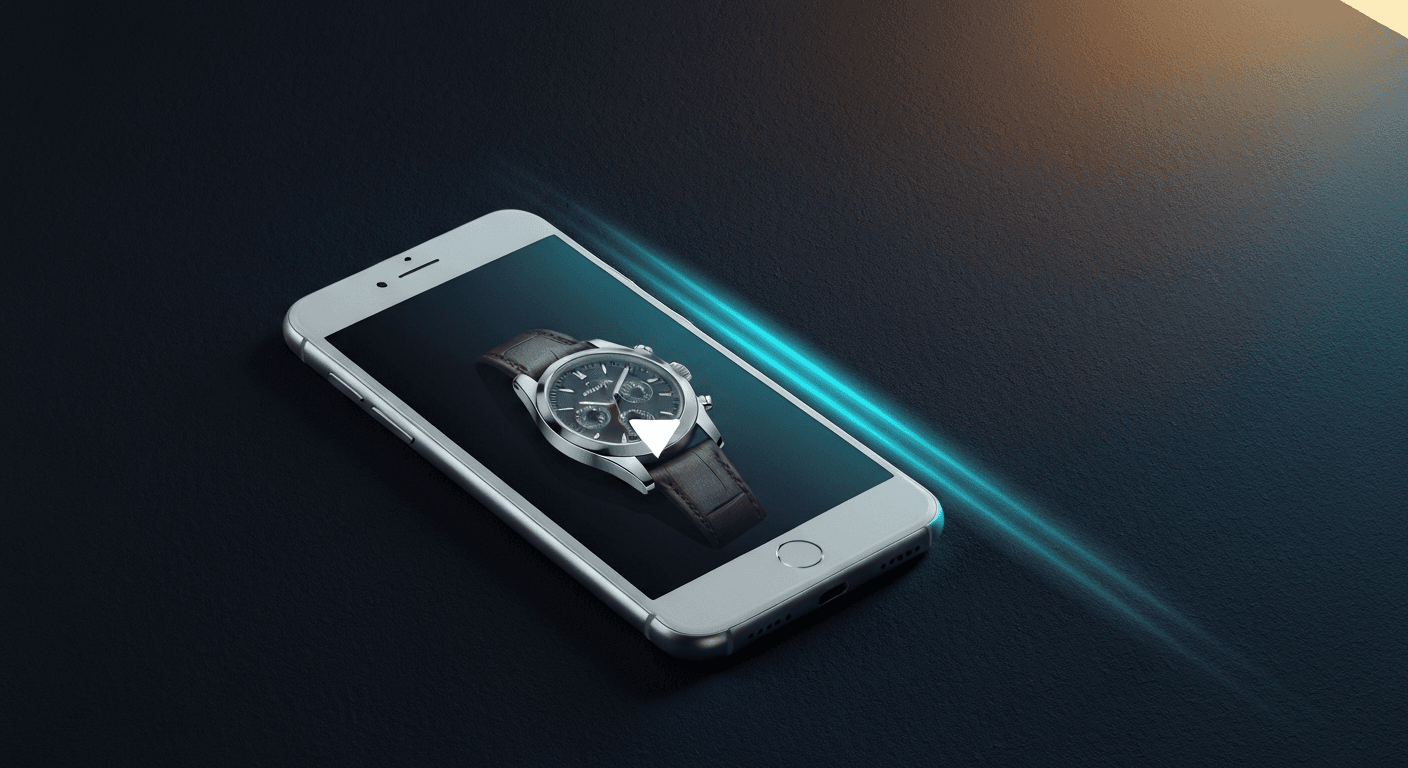
Product videos on Shopify listings increase conversion rates by 84% on average. AI tools like Prodofoto turn any existing product photo into a 5 or 10-second MP4 clip in under 60 seconds, for free on the basic plan. No camera, no editing software, no production crew.
Why product videos convert so much better
A static product photo tells you what something looks like from one angle, in one light, frozen in time. A 5-second video shows the same product from multiple angles, reveals texture and material depth, and creates the closest thing to “holding it in your hands” that a product page can offer.
The conversion data is not marginal. Shoppers who watch a product video are up to 144% more likely to add to cart (Invesp). Returns drop by roughly 35% because expectations match reality. And on mobile, where 73% of Shopify traffic originates, a video auto-playing at the top of a product page is far more thumb-stopping than a static image.
The reason most Shopify merchants still use only photos is simple: video production costs $500 to $3,000 per product for a professional shoot, and takes days to deliver. AI collapses both barriers.
84%
better conversion vs image-only
Commerce Benchmark Index 2025
144%
more likely to add to cart after watching
Invesp
35%
fewer returns when video is present
Industry benchmark
What AI product video looks like
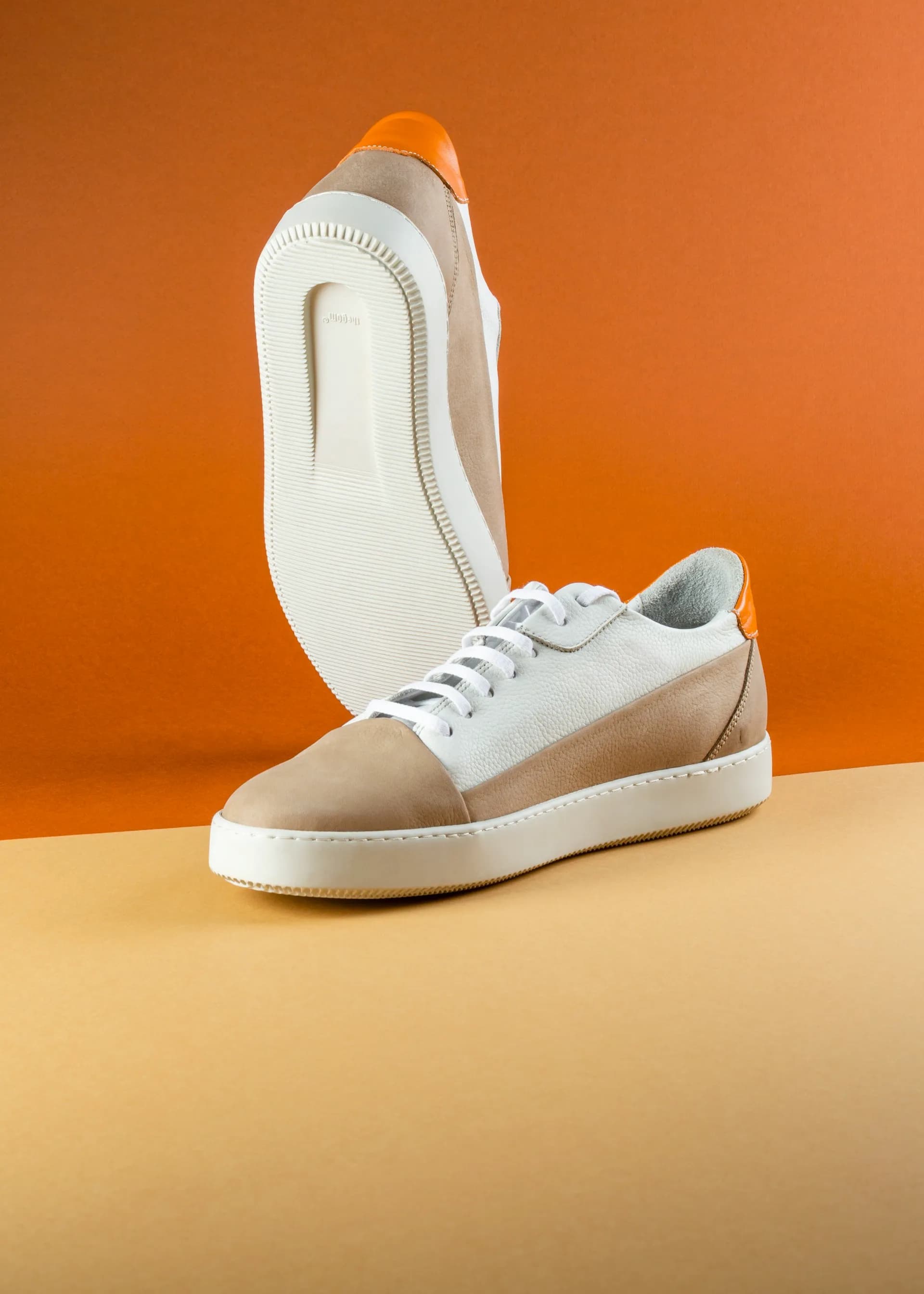
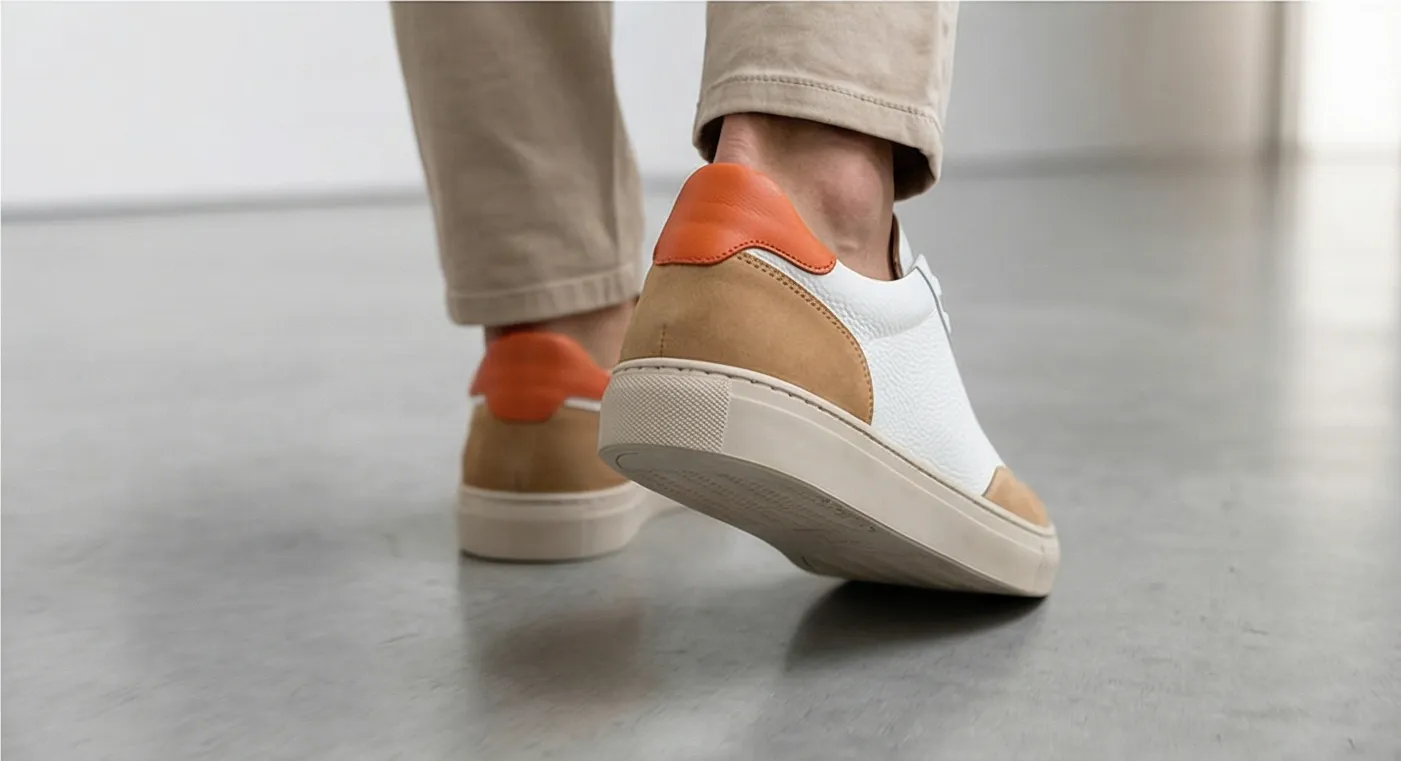
The starting point is the same photo you would publish to your Shopify listing. The AI takes that static frame and generates subtle motion: depth-of-field breathing, gentle product rotation, ambient light shifts, and background scene movement. The result is a professional-feeling clip without a single physical shot.
AI product video vs traditional video production
The gap is not just cost. It is the entire operational model. Traditional video requires scheduling, scouting, props, a videographer, post-production, and file delivery. AI video requires a product photo and a few seconds of patience.
| Factor | Traditional Video | AI Product Video (Prodofoto) |
|---|---|---|
| Cost per product | $500 – $3,000 | Free – $1 (credit-based) |
| Turnaround time | 2 – 7 days | Under 60 seconds |
| Equipment needed | Camera, lights, tripod, backdrop | None |
| Video length | Custom (10s – 2min+) | 5 or 10 seconds |
| Audio options | Custom score or voiceover | Royalty-free library or silent |
| Scale to 100 SKUs | $50,000 – $300,000 | $0 – $100 |
| Output format | MP4, ProRes, MOV | MP4 |
| Shopify compatibility | Manual upload | 1-click publish |
How to create AI product videos in 5 steps
Total time: under 5 minutes for your first video. Under 60 seconds once you know the workflow.
Install Prodofoto and connect your Shopify catalog
Open the Shopify App Store, search for Prodofoto, and click Install. Once connected, Prodofoto syncs your entire product catalog automatically. No uploading. Your products appear in the app, ready to shoot.
Select a product and generate AI photos
Pick any product from your synced catalog. Choose a shoot mode: Lifestyle, Product-Only, On-Model, Infographic, or Copycat. Prodofoto generates up to 9 photos in about 60 seconds. Pick the frame you want to turn into a video.
Select a generated photo and tap 'Create Video'
Inside your generated photo set, select the image you want to animate. Tap the Create Video option. Choose 5 seconds or 10 seconds. Optionally add audio from Prodofoto's royalty-free library for social ads.
Download or publish directly to your Shopify listing
Once the video renders (usually under 60 seconds), publish it directly to your Shopify product page with one click. You can also download the MP4 for use in social ads, email campaigns, or TikTok Shop.
Add the video to your product media gallery
In Shopify admin, drag your video to the first position in the product media gallery. Shopify auto-plays videos on desktop when a shopper lands on the page. Mobile shows a thumbnail. This placement alone accounts for most of the conversion lift.
Where to use your AI product videos
A 5-second product video is more versatile than it sounds. The same clip that lives on your Shopify product page works across every major sales and marketing channel.
Shopify product page
Place video first in the media gallery. Shopify auto-plays on desktop. This position drives the most conversion lift.
TikTok Shop listing
TikTok Shop requires video for enhanced listings. A 5-10s product clip meets specs and outperforms static images in the For You feed.
Instagram Reels & Stories
Square or vertical crop of your product video works natively. Add text overlays and post as a Reel for organic reach. Stories convert at 15-25% swipe-up rate for product pages.
Google Shopping
Google allows product videos in Shopping listings for eligible merchants. Video ads in Shopping campaigns see higher CTR than static image ads.
Facebook & Instagram ads
Video ads outperform image ads in Meta campaigns by 2-3x on reach and engagement. A 5-second product clip with a clear CTA is a proven format.
Email campaigns
Embed a GIF thumbnail from the first frame with a play icon overlay. Link to the product page. Video thumbnails in email subject lines increase open rates by 19% (Litmus, 2025).
Which products benefit most from video
Not every product category gets the same lift from video. The highest-ROI categories are those where static photos fail to convey a key purchase signal: movement, texture, scale, or in-context use.
| Product Category | Why Video Helps | Conversion Lift Potential |
|---|---|---|
| Apparel & footwear | Shows fabric drape, movement, and fit that photos miss | High |
| Home decor & furniture | Reveals scale, texture, and ambient lighting in real context | High |
| Beauty & skincare | Shows product texture, application technique, and finish | High |
| Jewelry & accessories | Catches light, shows 3D structure and sparkle | High |
| Electronics & gadgets | Demonstrates buttons, ports, and scale vs. reference objects | Medium-High |
| Food & beverage | Steam, pour shots, and texture trigger appetite appeal | Medium-High |
| Supplements & wellness | In-context use (morning routine, gym) builds aspirational trust | Medium |
| Pet products | Animals in use are persuasive; AI handles context without live animals | Medium |
Turn your product photos into 5-second videos today
Prodofoto syncs your Shopify catalog, generates lifestyle photos, and turns any frame into a product video in under 60 seconds. Free plan, no credit card required.
Install Prodofoto Free on ShopifyFrequently asked questions
Do product videos actually increase Shopify conversion rates?
Yes, consistently. Product pages with demo videos convert 84% better than image-only pages (Commerce Benchmark Index Q2 2025). Shoppers who watch a product video are up to 144% more likely to add to cart (Invesp). Video also reduces returns by roughly 35% because shoppers better understand what they are buying before it arrives.
What video length works best for Shopify product pages?
5-second clips perform best for product pages because they loop automatically without requiring a play click on most mobile browsers. 10-second clips work better for complex products where a few extra seconds of context reduce hesitation. For social ads (TikTok, Instagram Reels), 5-10 second videos perform well. Keep product page videos under 20MB to stay within Shopify's file size limit.
Can I use AI-generated product videos on TikTok Shop?
Yes. TikTok Shop accepts MP4 videos for product listings. AI-generated product videos meet the technical requirements: 720p or higher, under 60 seconds, clear product visibility. Download your Prodofoto-generated video as MP4 and upload directly to your TikTok Shop product listing or use it as a TikTok ad creative.
Does Prodofoto's video feature work on the free plan?
Yes. Video generation is available on all Prodofoto plans, including the free tier. Free plan users can generate 2 photos per shoot and convert any of them to a 5 or 10-second video. Paid plans (Starter $9.99/month, Pro $29.99/month, Business $79.99/month) unlock more photos per shoot and higher output resolution.
What file format does Prodofoto export product videos in?
Prodofoto exports product videos as MP4, which is compatible with Shopify product pages, TikTok Shop, Instagram Reels, Facebook ads, Google Shopping, and email campaign tools. MP4 is the universal format for ecommerce video. No conversion tools needed.
How is AI product video different from hiring a videographer?
Traditional product videography costs $500 to $3,000 per product, requires scheduling, props, a studio or location, and delivery time of several days to weeks. AI product video starts from an existing product photo and generates a 5-10 second animated clip in under 60 seconds, for a fraction of the cost. The trade-off is creative flexibility: a videographer can shoot custom angles and interactions AI cannot replicate. For catalog-scale video across 50+ SKUs, AI is the only practical option.
Should I put the product video first or second in the media gallery?
Put the video first if your product benefits from motion context: apparel showing drape and movement, home decor showing ambient lighting, beauty products showing texture and application. Put a clean white-background hero image first if your product is technical and buyers need to inspect detail before anything else (electronics, hardware, small parts). Shopify auto-plays the first media item on desktop, so first position has the most impact.