AI Product Photography
Prodofoto vs Photoroom for Shopify: Which AI Photo Tool Is Right for Your Store?
Both tools generate AI product photos for Shopify. But they solve different problems, work in different ways, and fit different merchant workflows. Here is what each one actually does, where it falls short, and which one to pick depending on your store.
By LinkedIn: Brian Chen • 10 min read • Published June 24, 2026

Quick Answer
Prodofoto is a native Shopify app that generates full AI lifestyle scenes — with on-model shots, lifestyle backgrounds, and product-only catalog photos — and publishes directly back to your Shopify product listing. Photoroom is a standalone photo editor that excels at batch background removal and replacement, with Shopify publishing available on its $26.99/month Max plan. For Shopify merchants who want an end-to-end in-Shopify workflow, Prodofoto fits better. For high-volume background editing across multiple platforms, Photoroom is the stronger choice.
What Each Tool Actually Does
The most important thing to understand upfront: Prodofoto and Photoroom are not the same type of tool. They overlap on AI product imagery, but their core workflows are different.
Prodofoto
A Shopify app that generates full AI lifestyle scenes. You pick a product from your Shopify catalog, choose a shoot mode, and get up to 9 photos in about 60 seconds. The photos publish directly back to your product listing — you never leave Shopify admin. No prompting required. No exporting files.
Five shoot modes: Product-Only, On-Model, Lifestyle, Infographic, and Copycat. AI editing lets you refine photos in plain English with full version history.
Photoroom
A standalone photo editor that started as a background remover and has grown into a full AI photography platform. You upload images to Photoroom (on web or mobile), edit them — background removal, AI backgrounds, Virtual Model, batch processing — then export and upload the results to Shopify.
Shopify publishing is available, but only on the Max plan ($26.99/month). Lower tiers require manual upload to your Shopify product listings.
The short version: Prodofoto is a Shopify-first tool. Photoroom is a photo editing tool that works across many platforms and recently added Shopify support.
Feature Comparison
The table below covers the features Shopify merchants care most about.
| Feature | Prodofoto | Photoroom |
|---|---|---|
| Shopify App Store | Yes (native) | Yes (Shopify app available) |
| Direct catalog access | Yes — pulls from your products | No — manual upload required |
| 1-click publish to listing | Yes — all plans | Max plan only ($26.99/mo) |
| Photo modes | 5 modes: Lifestyle, On-Model, Product-Only, Infographic, Copycat | Background removal, AI backgrounds, Virtual Model |
| Photos per generation | Up to 9 (~60 seconds) | 1 at a time (batch available on Pro+) |
| Full lifestyle scenes | Yes — new environment, lighting, models | Partial — AI background replacement |
| On-model generation | Yes (On-Model mode, all paid plans) | Yes (Virtual Model feature) |
| AI image editing | Yes — plain English, version history | Yes — inpainting, retouching |
| Batch processing | No (single product focus) | Yes — Pro+ plans |
| Mobile app | No | Yes — iOS and Android |
| Multi-product scenes | Yes (Pro/Business) | No |
| Billing | Shopify billing (no new card) | Own billing system |
| Prompting required | No (optional on Pro+) | Yes for custom backgrounds |
Prodofoto: Strengths and Limitations
Prodofoto was built specifically for Shopify merchants. That focus shows in the workflow. You do not need to download image files, open a separate app, or remember to upload results back. The entire cycle — select product, generate photos, publish to listing — happens inside Shopify admin.
The five shoot modes cover most product photography needs. Product-Only gives you clean catalog shots on elegant surfaces. On-Model places your product on an AI-generated human — no models to hire, no fitting sessions. Lifestyle puts the product in a real-world scene with matched lighting and environment. Infographic adds callout annotations directly on the photo. Copycat (Pro/Business) replicates the style of a reference image.
AI editing deserves a mention. After generating a batch, you can type a plain-English instruction — “make the background warmer,” “remove the plant on the left” — and get a revised version in about 60 seconds. Every edit is saved in version history, so you can compare and restore without starting over.
The limitation is scope. Prodofoto is not a batch background remover. If you need to process 500 product images with consistent white backgrounds in one afternoon, Photoroom is faster for that specific job. Prodofoto's strength is lifestyle and on-model generation for active product listings, not bulk background cleanup.
Pricing
Free (10 credits), $9.99/mo Starter, $29.99/mo Pro, $79.99/mo Business
Best for
Shopify merchants who want lifestyle and on-model shots without leaving their Shopify admin
Limitations
No batch background removal; no standalone mobile app; Shopify-only (not for other platforms)
Photoroom: Strengths and Limitations
Photoroom built its reputation on background removal. Its v5 Segmentation Engine handles fine details — hair strands, transparent glass, mesh fabric — with high accuracy. For merchants who photograph products themselves and need to clean up hundreds of images to a consistent standard, Photoroom is fast and reliable.
The tool has grown beyond background removal. AI backgrounds let you swap in studio surfaces, seasonal settings, or lifestyle environments. The Virtual Model feature places clothing on AI-generated human figures. A template library covers common ecommerce and social media formats.
Photoroom also has a mobile app for iOS and Android, which is useful if you photograph products on your phone and want to edit on the spot. The batch processing capability on Pro+ plans lets you apply the same background to hundreds of images at once, which Prodofoto does not offer.
The friction point for Shopify merchants is the workflow. You upload to Photoroom, edit, export as files, then upload to Shopify. That loop is manageable for small batches. At 50+ products, it gets tedious — and it means your edited photos are disconnected from your Shopify product records until you manually attach them. Shopify publishing is available but locked to the Max plan.
Pricing
Free (250 exports), $7.99/mo Pro, $26.99/mo Max (Shopify), from $99/mo Ultra
Best for
High-volume background removal and editing across Shopify, Amazon, Etsy, and social media platforms
Limitations
Shopify publishing requires $26.99/mo Max plan; no native Shopify catalog access; manual upload on lower tiers
Pricing Comparison
Both tools have free tiers. For Shopify publishing — the feature most merchants need — the cost picture looks like this:
| Plan | Price | Shopify publishing | What you get |
|---|---|---|---|
| Prodofoto Free | $0 | Yes | 10 one-time credits, 2 photos/gen, 512×512 px |
| Prodofoto Starter | $9.99/mo | Yes | 50 credits/mo, up to 4 photos/gen, HD resolution |
| Prodofoto Pro | $29.99/mo | Yes | 200 credits/mo, 9 photos/gen, 2048×2048 px, custom prompts, multi-product |
| Photoroom Free | $0 | No | 250 exports/mo, background removal, basic templates |
| Photoroom Pro | $7.99/mo | No | 500 batch exports/mo, advanced AI tools |
| Photoroom Max | $26.99/mo | Yes | 1,500 batch exports/mo, best AI models, Shopify publishing |
For Shopify publishing specifically: Prodofoto starts at $0 (free tier) and $9.99/month for meaningful monthly volume. Photoroom requires $26.99/month.
Which Tool Fits Your Store
There is no universal answer. It depends on what you are actually trying to solve.
Pick Prodofoto if…
- •You want lifestyle and on-model photos that look like real photoshoots — not just background swaps
- •You want to generate and publish photos without leaving Shopify admin
- •Your catalog is 10–10,000 SKUs and you need variety for A/B testing
- •You sell apparel, accessories, or home goods that benefit from contextual lifestyle scenes
- •You want Shopify billing — no new payment method to manage
Pick Photoroom if…
- •You photograph your own products and need to bulk clean up hundreds of backgrounds
- •You sell on multiple platforms (Shopify, Amazon, Etsy) and want one editing tool for all
- •You primarily edit photos on your phone and need a mobile-first workflow
- •You have a large team that needs batch processing at scale (5,000+ images/month)
- •Your primary goal is consistent white or studio backgrounds, not full lifestyle scenes
They are also compatible. Some merchants use Prodofoto for primary lifestyle images on their Shopify product pages, and Photoroom for social media ad creative and background cleanup. The workflows do not conflict.
If you are unsure, start with Prodofoto's free tier (10 credits, no card required). Generate photos for 2–3 of your products and see how the results perform on your listings. That is faster than comparing spec sheets.
What Prodofoto Lifestyle Photos Look Like
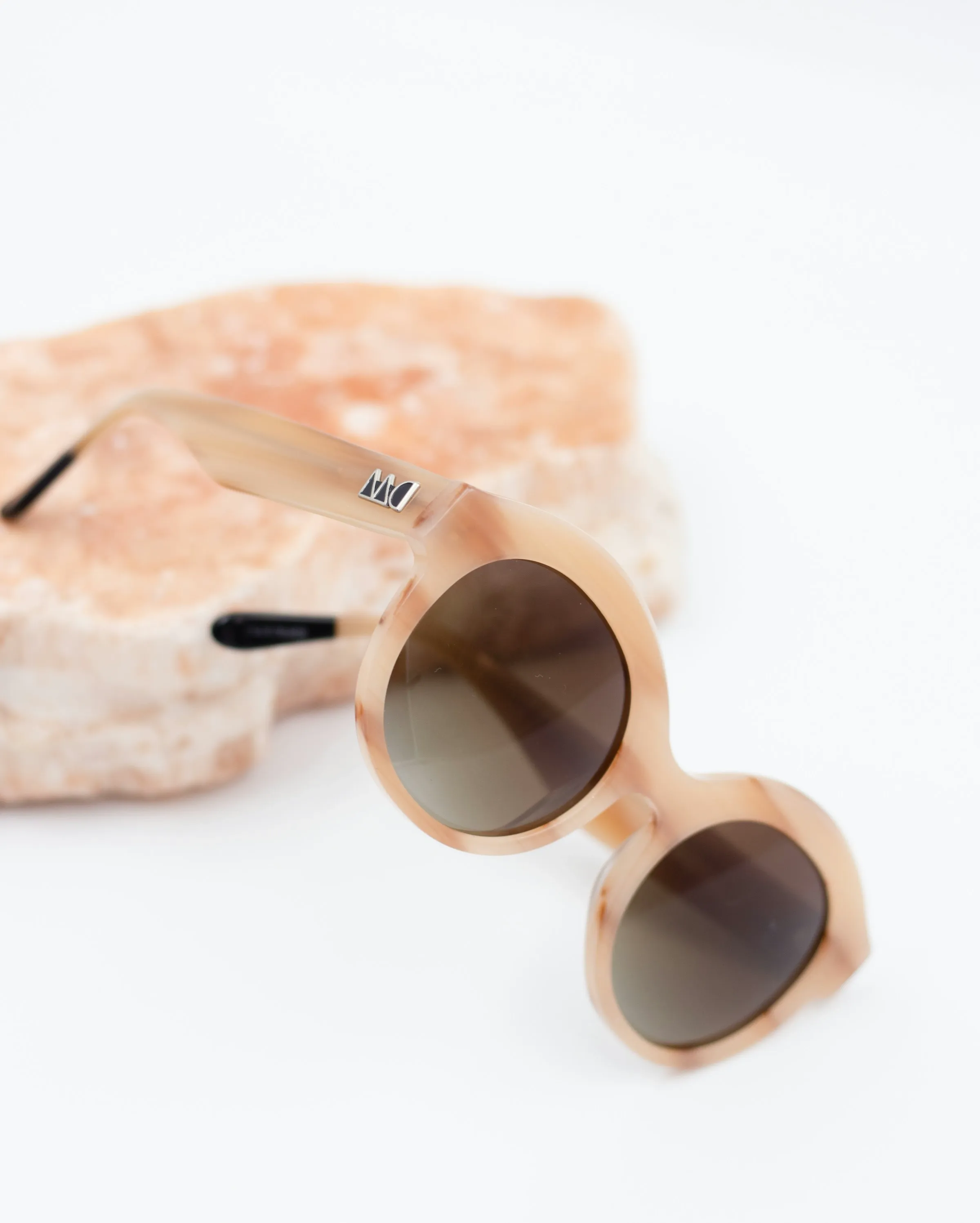
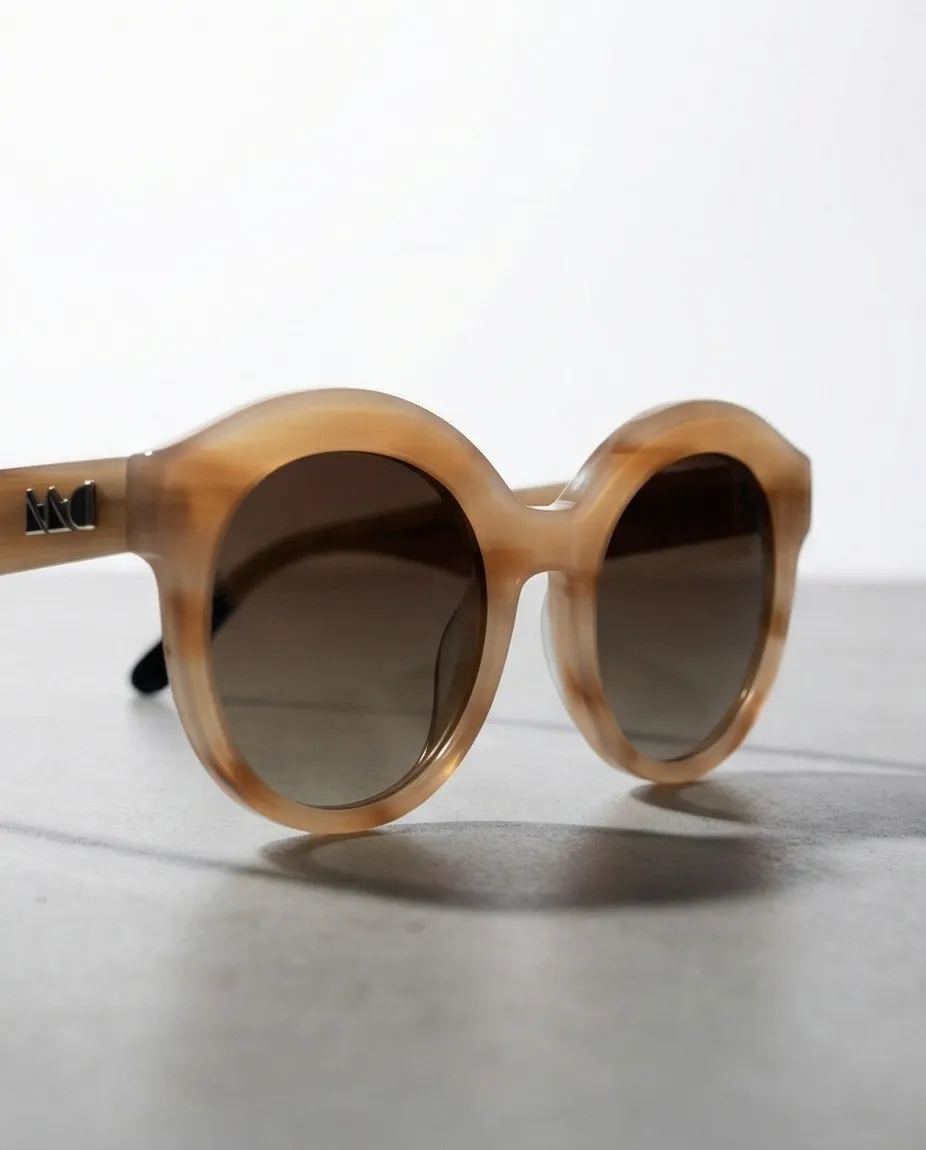
The difference between a background swap and a full lifestyle scene shows up clearly in the final photos. A background swap keeps the original product lighting and casts an artificial look. Prodofoto generates a new scene from scratch — the product's shadows, reflections, and ambient light match the environment.
Related Reading
- The Complete Guide to AI Product Photography for Shopify — everything you need to know before choosing a tool
- Best AI Product Photography Tools for Shopify in 2026 — full 6-tool comparison including pricing tables
- AI Product Photography vs Traditional Photography — cost, speed, and quality comparison with data
- How to Use Prodofoto for Shopify Product Photography — step-by-step walkthrough
Try Prodofoto Free on Shopify
Install from the Shopify App Store. Your first 10 credits are free — enough to generate full lifestyle scenes for 2–3 products. No credit card required. Photos publish directly to your listings.
Frequently Asked Questions
Is Prodofoto better than Photoroom for Shopify?
For Shopify-native workflows, Prodofoto is the stronger choice. It installs directly from the Shopify App Store, pulls products from your catalog, and publishes finished photos back to your listing without leaving Shopify admin. Photoroom requires you to export images and upload them manually — unless you are on its $26.99/month Max plan.
Does Photoroom integrate directly with Shopify?
Yes, but only on Photoroom's Max plan ($26.99/month). Lower Photoroom tiers require you to export edited images and upload them to Shopify yourself. Prodofoto connects to your Shopify catalog on every plan and publishes back to product listings in one click.
Can Prodofoto do background removal like Photoroom?
Prodofoto generates entirely new lifestyle scenes — the product is placed into a full environment with matched lighting, shadows, and AI-generated models. It does not do background removal. Photoroom specializes in background removal and replacement. If bulk background removal is your primary need, Photoroom is the better fit.
Which is cheaper, Prodofoto or Photoroom?
Both start free. Prodofoto Starter is $9.99/month for 50 credits. Photoroom Pro is $7.99/month. For Shopify publishing, Photoroom requires the Max plan at $26.99/month versus Prodofoto Starter at $9.99/month. On a per-image basis, Prodofoto generates up to 9 photos per credit spend for about $1 per product.
Does Photoroom generate on-model photos?
Yes — Photoroom has a Virtual Model feature. Prodofoto also offers an On-Model mode. Both place apparel on AI-generated human figures. Prodofoto's on-model generation runs inside Shopify admin and publishes directly to your product listing; Photoroom requires export and manual upload on most plans.
What is the main difference between Prodofoto and Photoroom?
Prodofoto generates full AI lifestyle scenes from scratch — a new environment, lighting, and (optionally) a human model, all built around your product. Photoroom primarily removes and replaces backgrounds. Prodofoto is a Shopify-first tool. Photoroom is a standalone photo editor that recently added Shopify publishing.
Can I use both Prodofoto and Photoroom together?
Yes. Some merchants use Prodofoto for lifestyle and on-model shots — the primary images shoppers see — and Photoroom for bulk background removal on secondary catalog shots. The workflows are complementary, not mutually exclusive.