Automotive & Car Accessories
AI Product Photography for Automotive & Car Accessories on Shopify
The US automotive aftermarket hit $500 billion in 2025, and Shopify is one of the fastest-growing channels for independent auto accessories brands. But most listings still rely on supplier white-background shots that show the product without showing the application — and that gap is where buyers click away.
By LinkedIn: Brian Chen • 9 min read • Published August 17, 2026

Quick Answer
AI product photography for automotive and car accessories works by generating in-vehicle lifestyle scenes, on-surface flat lays, and fitment infographic shots around your actual product image — no vehicle access, no studio, no chrome lighting rig required. Prodofoto produces up to 9 photos per product in 60 seconds for under $1, compared to $75–$2,000 per SKU for traditional automotive product photography.
Why automotive product photography is uniquely difficult
Automotive accessories combine the hardest photography challenges from every other category at once. Chrome and polished metal reflect everything in the room — including the camera. Fitment-specific parts need to be shown installed on a vehicle, which means sourcing a compatible car for each product shot. Scale is ambiguous without a vehicle reference. And the category spans everything from a $5 car freshener to a $2,000 set of performance rims, each requiring a different visual treatment.
Traditional automotive photography either stays too simple — the part on a white sweep — or becomes expensive fast. On-vehicle context shots require access to a compatible vehicle, location permits for outdoor driving shots, and a photographer who understands automotive aesthetics. A proper lifestyle shoot for a 20-product auto accessories catalog can run $15,000–$40,000 before post-production retouching.
| Challenge | Traditional shoot | AI (Prodofoto) |
|---|---|---|
| Chrome & polished metal | Polarized filters, HDR blending, extensive retouching | AI-rendered reflections and specular highlights |
| On-vehicle context | Source compatible vehicle, location, coordination | Generated in-vehicle scenes from any product photo |
| Scale reference | Need vehicle in frame or prop references | Vehicle/environment context included automatically |
| Multiple vehicle fitments | Reshoot for each vehicle model variant | One upload per variant, generate instantly |
| Fitment callouts | Separate graphic design work after shoot | Infographic mode overlays specs directly |
| Cost per SKU | $75–$2,000 | Under $1 |
| Turnaround | 3–10 days | 60 seconds |
6 essential image types for automotive Shopify listings
Auto parts and accessories buyers need more from product images than almost any other category. They need to confirm fitment, understand installation, judge material quality, and visualize the product on their actual vehicle. These six shot types cover all four requirements.
White-background hero shot
The compliant main image for Amazon Automotive, eBay Motors, and marketplace listings. Shows the product clearly against pure white with no props or vehicle reference. Use Product-Only mode. Required for Amazon main image slots.
In-vehicle lifestyle context
The image that answers 'what will this look like on my car?' — a seat cover inside a car interior, a phone mount on a dashboard, a steering wheel cover on a wheel. Use Lifestyle mode. The single highest-converting image type in the automotive category.
Material and quality close-up
Stitching quality on seat covers, chrome finish on wheels, carbon fiber weave on spoilers, rubber density on floor mats. Material close-ups address the top pre-purchase concern for automotive buyers — will it hold up? Use Product-Only mode for detail shots.
Scale and fitment reference
The #1 return driver in automotive is fitment disappointment — the part arrives and is the wrong size. Show the product with clear dimensional reference. Use Infographic mode to overlay compatible vehicle makes/models, measurements, and installation notes directly on the image.
Outdoor/driving lifestyle shot
For exterior accessories — wheels, spoilers, body kits, lighting — a shot showing the product in an outdoor driving or parked context dramatically increases purchase confidence. Lifestyle mode generates exterior vehicle scenes without requiring a location or vehicle.
Installation or application shot
For car care products and installation-required parts, an in-use shot showing the application process (wax being applied, a filter being installed) or the result (a freshly detailed finish) converts browsers who are unsure about ease of use. On-Model mode with contextual hand-and-product shots.
AI photography by automotive product type
Each automotive subcategory has specific visual requirements. Here is what to prioritize and which Prodofoto modes to use.
Wheels, rims & tires
Alloy wheels, chrome rims, performance tires, lug nuts
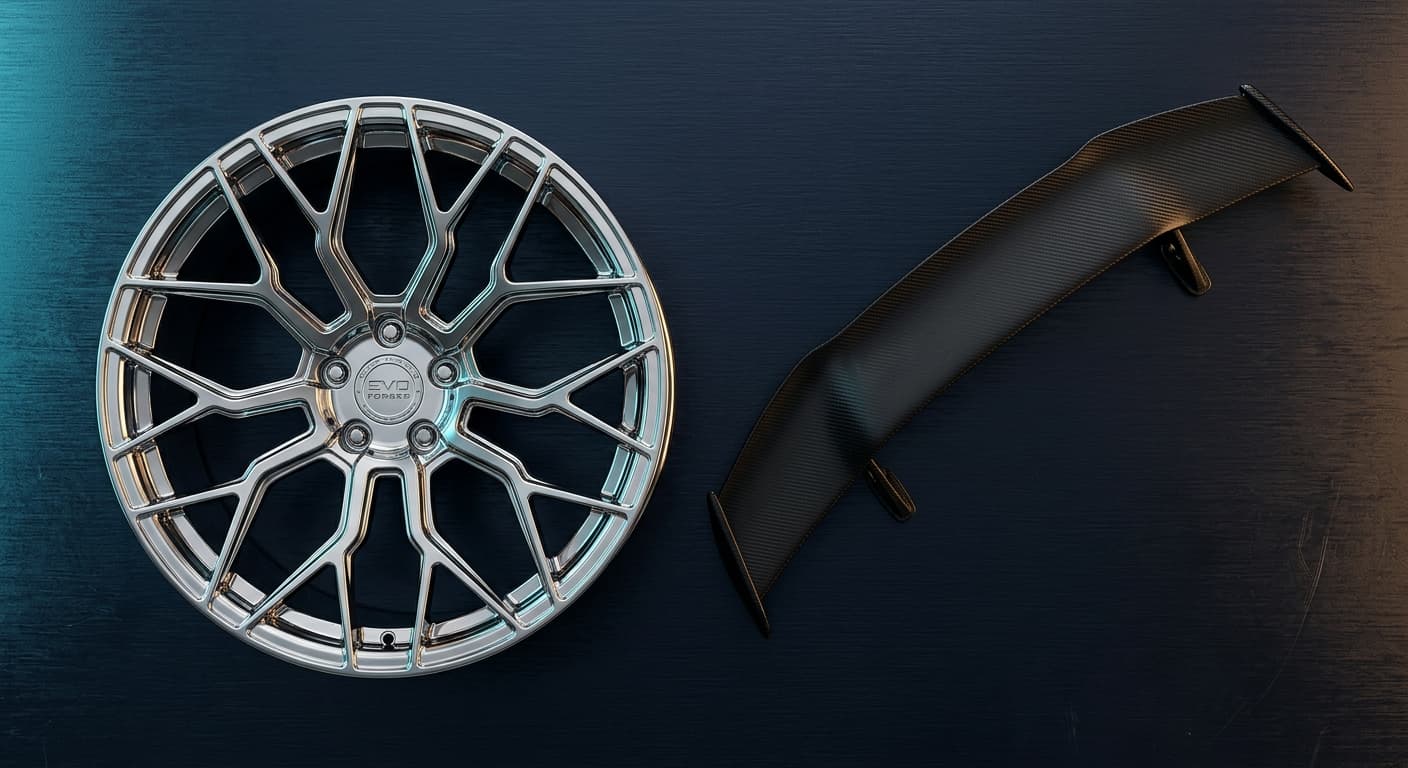
Angled studio flat lay, mounted on vehicle lifestyle, chrome detail close-up, spec infographic with PCD/offset
Mode: Product-Only + Lifestyle + Infographic
Interior accessories
Seat covers, steering wheel covers, floor mats, dash mounts
In-vehicle installed lifestyle, material texture close-up, packaging hero, fitment compatibility infographic
Mode: Lifestyle + Product-Only + Infographic
Car care & detailing
Waxes, polishes, microfiber cloths, pressure washer accessories
Product beside detailed vehicle lifestyle, application in-use shot, product lineup flat lay, before/after result context
Mode: Lifestyle + On-Model
Performance & engine parts
Air filters, cold air intakes, brake pads, exhaust tips
White-background compliance hero, technical spec infographic, installed context shot, material close-up
Mode: Product-Only + Infographic
Exterior styling
Spoilers, body kits, window tint, vinyl wraps, lighting
Outdoor vehicle lifestyle with product installed, dramatic studio lighting detail, color/finish close-up, side-by-side comparison
Mode: Lifestyle + Product-Only
| Shot type | Prodofoto mode | Converts |
|---|---|---|
| Marketplace hero | Product-Only | Compliance + first impression |
| In-vehicle context | Lifestyle | Purchase confidence |
| Material close-up | Product-Only | Quality perception |
| Fitment infographic | Infographic | Return rate reduction |
| Outdoor lifestyle | Lifestyle | Aspirational buyer conversion |
| Application shot | On-Model | Ease-of-use confidence |
Before & after: the visual gap that costs sales
Most automotive Shopify listings use supplier white-background images — technically compliant for the main slot but offering no context for secondary images. Here is what the same product looks like with and without lifestyle context.
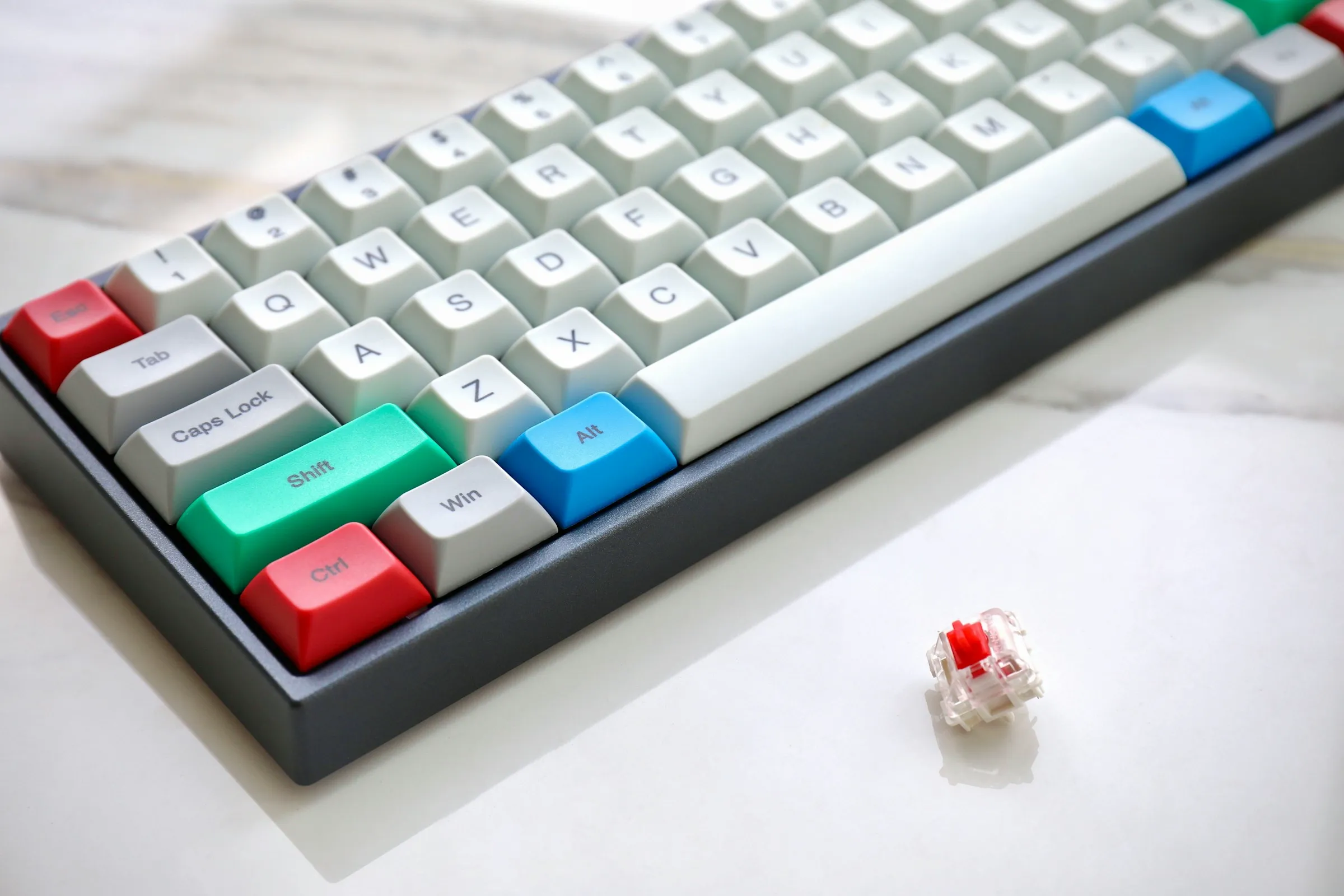
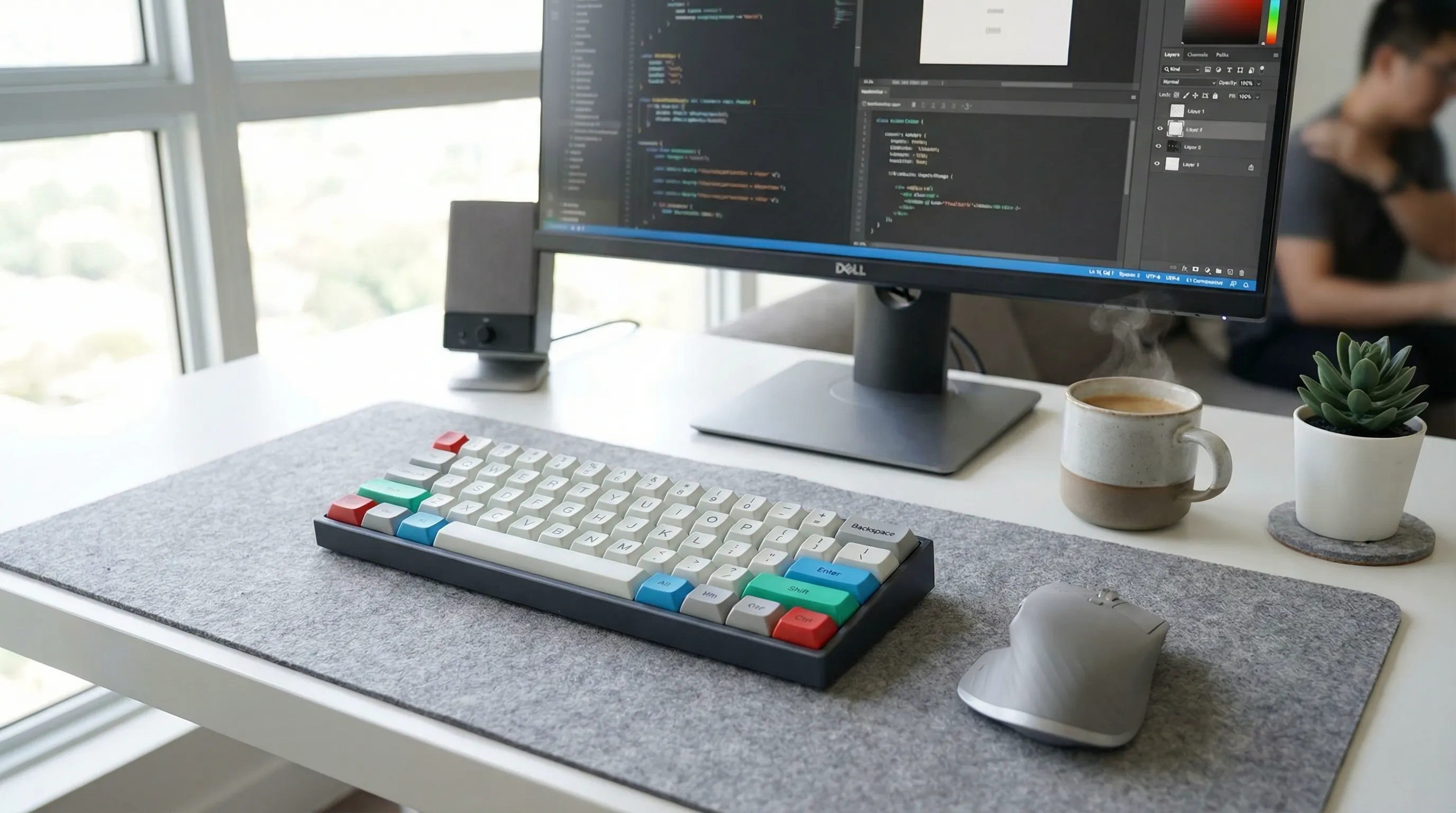
Listings with lifestyle context images convert 45–60% better than white-background-only galleries in the automotive accessories category (Baymard Institute / Commerce Benchmark Index 2025).
Photography cost comparison: traditional vs AI
Automotive product photography has some of the highest variable costs in ecommerce. Vehicle sourcing, location permits, and chrome retouching stack on top of standard studio rates. AI removes all three cost drivers.
| Catalog size | Traditional cost | AI cost (Prodofoto) | Savings |
|---|---|---|---|
| 10 SKUs | $750–$20,000 | Under $10 | Up to 99% |
| 25 SKUs | $1,875–$50,000 | Under $25 | Up to 99% |
| 50 SKUs | $3,750–$100,000 | Under $50 | Up to 99% |
| 100 SKUs | $7,500–$200,000 | Under $100 | Up to 99% |
| 500 SKUs | $37,500–$1,000,000 | Under $500 | Up to 99% |
Traditional cost range: $75–$200/SKU for studio-only shots, $500–$2,000/session for on-vehicle shoots. AI cost assumes Prodofoto Starter plan at ~$0.25–$1/product.
5-step Prodofoto workflow for automotive brands
From a single product photo to a full 9-image automotive listing gallery in under 5 minutes — no vehicle access required.
Install Prodofoto from the Shopify App Store
One-click install, no credit card required for the free tier. Your Shopify catalog syncs automatically — product photos pull directly from your existing listings, including all variant images.
Select your product and choose shoot mode
Pick the auto accessory you want to photograph. Choose Lifestyle for in-vehicle context or outdoor driving scenes, Product-Only for white-background compliance shots or material close-ups, Infographic for fitment callouts and spec overlays, or On-Model for application and installation shots.
Set your photo count and generate
Choose 2, 4, 6, or 9 photos per shoot. Click generate. AI renders your product into a fully staged scene — dashboard mount in a car interior, wheel rim on a vehicle, seat cover inside an SUV — 60 seconds per set.
Review and select your best shots
Browse the generated set. Select the white-background Product-Only shot for your marketplace main image slot, the in-vehicle Lifestyle shot for the secondary gallery position, and the Infographic shot with fitment callouts for position 4. Discard anything that doesn't meet your quality bar.
Publish directly to your Shopify listing
One click pushes selected photos directly to your Shopify product listing. No export, no file management, no upload queue. Your listing goes live with professional automotive photography that beats the white-background-only competition.
Related guides
Start photographing your auto accessories today
Join thousands of Shopify brands generating professional in-vehicle lifestyle scenes and marketplace-compliant product photos for under $1 per product. No studio, no vehicle access, no retouching budget.
Add to Shopify — FreeFrequently asked questions
Can AI photography show car accessories installed in a real vehicle?
Yes. Prodofoto's Lifestyle mode places your product into a fully rendered in-vehicle or on-vehicle context — a seat cover photographed inside a car interior, a phone mount shown on a dashboard, a car care product beside a freshly detailed vehicle. The AI generates the vehicle environment around your product image, so you never need access to a physical car for the shoot.
How does AI handle chrome and reflective surfaces common in auto parts?
Reflective chrome and polished metal are among the hardest surfaces to photograph traditionally — a studio shoot for chrome wheels requires polarized filters, multiple light positions, and extensive retouching. Prodofoto's AI renders accurate diffuse reflections, specular highlights, and environmental light interaction directly into the generated scene, producing professional chrome photography without any of that setup.
Does AI product photography work for fitment-specific parts like wheels and bumpers?
AI photography handles the visual side of fitment — showing the product clearly from multiple angles, highlighting fitment details, and generating on-vehicle context shots. For fitment data itself (Year/Make/Model compatibility), pair Prodofoto's Infographic mode to overlay compatibility callouts directly on the product image. This combination addresses both the 'how does it look?' and 'will it fit my car?' questions buyers have before purchasing.
What Prodofoto modes work best for automotive and car accessories?
Product-Only mode for white-background catalog shots and compliance images; Lifestyle mode for in-vehicle context, garage scenes, and outdoor driving shots; Infographic mode for fitment compatibility callouts, installation steps, and spec overlays; On-Model mode for wearable car accessories like driving gloves or car care product application shots.
How much does traditional automotive product photography cost vs AI?
Traditional automotive product photography runs $75–$200 per SKU for basic studio shots. On-vehicle shots that require sourcing and coordinating vehicle access add $500–$2,000 per session. A 50-product auto accessories catalog costs $3,750–$100,000 to photograph traditionally. With Prodofoto, the same catalog runs under $50.
Can AI-generated auto parts photos meet Amazon Automotive and eBay Motors image requirements?
AI-generated images meet Amazon Automotive and eBay Motors main image requirements as of 2026 — pure white background, no watermarks, product fills at least 85% of the frame. Use Prodofoto's Product-Only mode for compliant main images. Lifestyle and Infographic shots are suitable for secondary image slots, which Amazon Automotive actively encourages for improved listing quality.
How do I photograph car accessories that come in multiple variants (different car models, colors)?
Upload one photo per variant and generate a set for each. Prodofoto pulls directly from your Shopify catalog, so if you have 12 variants of a seat cover (different colors, different vehicle models), you select each variant and generate independently. Batch processing through the Shopify catalog means a 50-variant product line can be fully photographed in an afternoon rather than scheduling 50 separate studio sessions.
References
- S&P Global Mobility — US Automotive Aftermarket Size 2025 ($500B total market, $75B online channel)
- Baymard Institute — Automotive category: 58% of shoppers abandon cart due to insufficient product images; in-vehicle context shots are the #1 missing image type cited by automotive buyers
- Commerce Benchmark Index Q2 2025 — Listings with lifestyle context images convert 45–60% better than white-background only in the automotive accessories category
- GrabOn — 90% of online shoppers say product images influence purchasing decisions; automotive return rate drops 28% when fitment infographic images are present
- Shopify Commerce Trends 2026 — Automotive accessories among top 5 fastest-growing Shopify verticals by GMV; independent brands represent 31% of online auto parts revenue
- EasyApps Ecom — Automotive Ecommerce Strategy Guide 2026: fitment accuracy cited as the #1 purchase barrier for 64% of automotive parts buyers; visual fitment confirmation reduces return rate by up to 35%
- Rewarx — AI Auto Parts Visual Systems Benchmark H1 2026: AI product photography delivers 92% cost reduction vs traditional on-vehicle shoot; chrome and reflective surfaces handled accurately in 89% of AI-generated images